
No articles carry all of the selected tags.
No articles matched that search.
vSeeBox Setup Guide
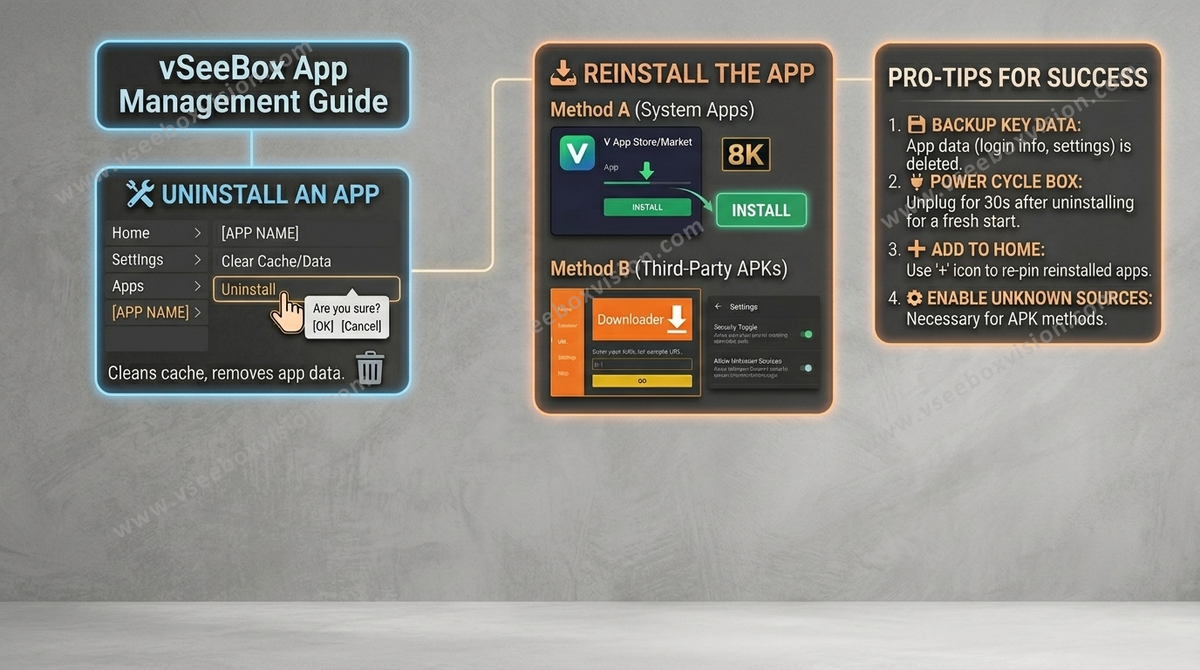
How to Uninstall and Reinstall an App on vSeeBox?
🛠️ Step 1: How to Uninstall an App To prevent old data or cache from causing errors, it is best to uninstall the app through the system settings. Go to the Home Screen: Press the Home button on your vSeeBox...
Read moreabout How to Uninstall and Reinstall an App on vSeeBox?
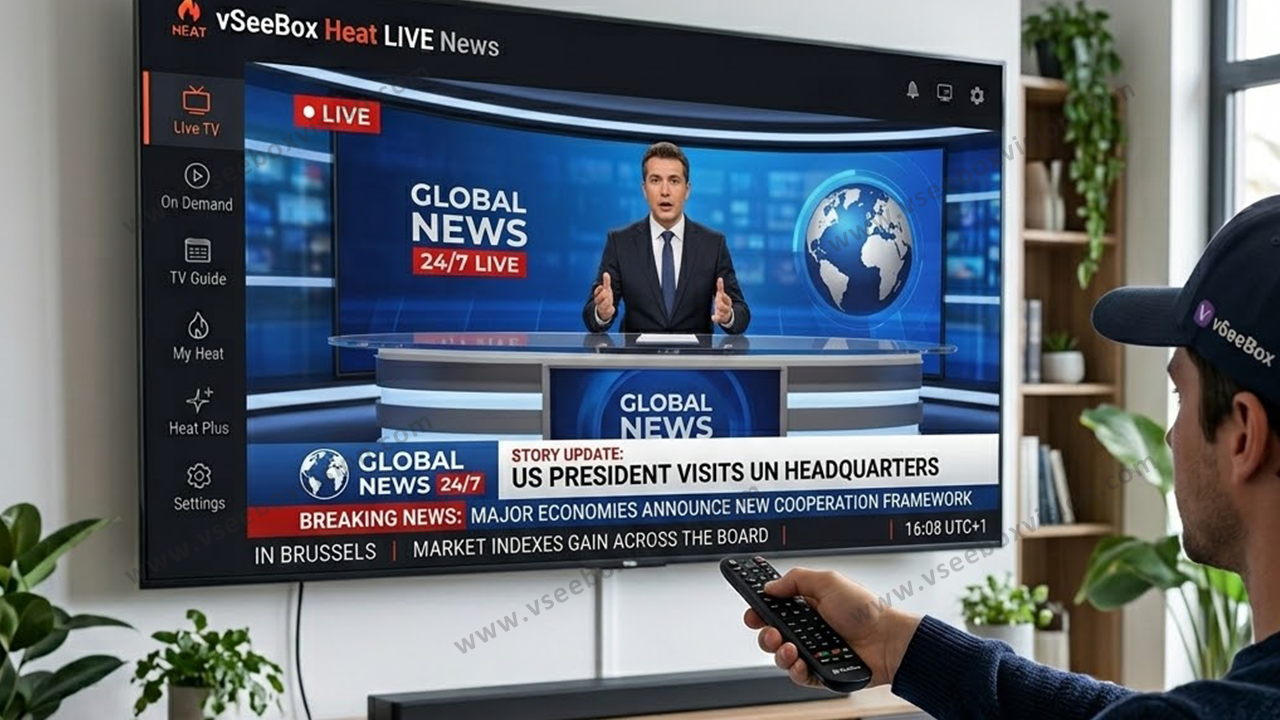
How To Full Utilize The Heat LIVE APP On vSeeBox
vSeeBox provides Heat Live app for more than 2700+ Live TV channels for users to enjoy happiness from watching tv without further subscriptions, which makes vSeeBox a game-changer for TV entertainment. We recently received many new users enquiring about how to use the...
Read moreabout How To Full Utilize The Heat LIVE APP On vSeeBox
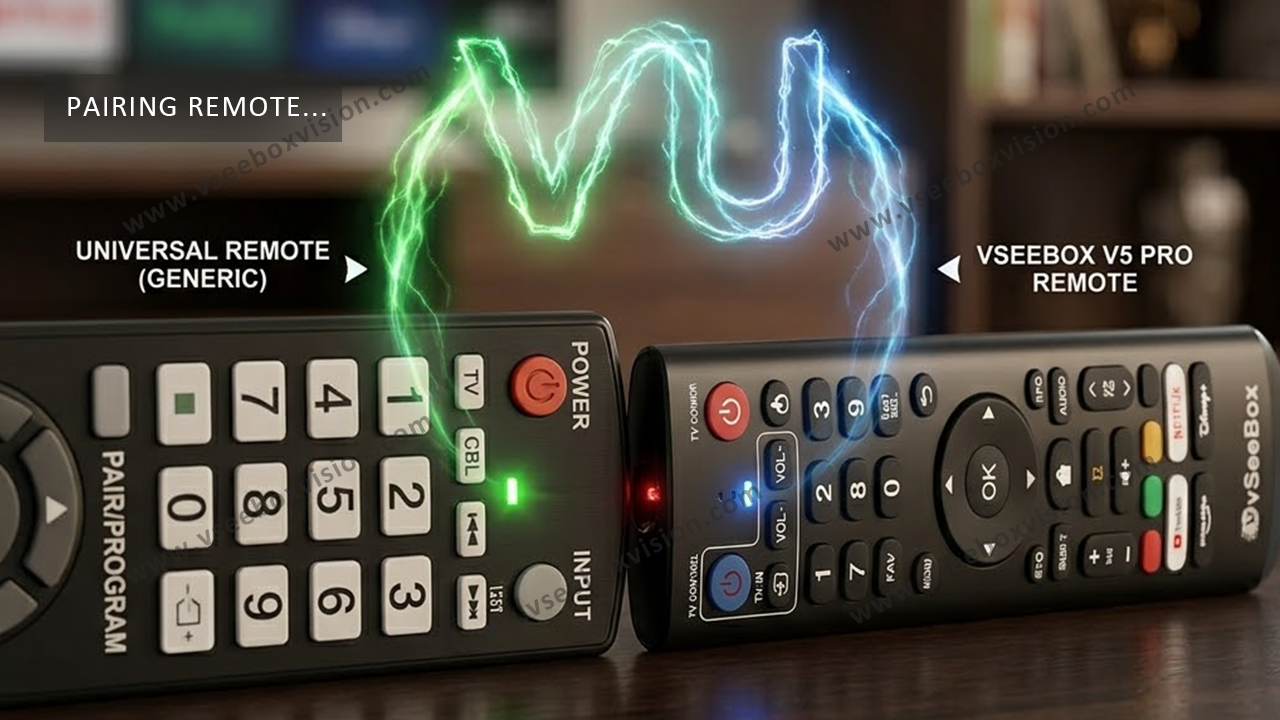
How to Connect a Universal Remote to vSeeBox: Step-by-Step Guide
Using a universal remote with your vSeeBox device can simplify your streaming setup, allowing you to control multiple devices with a single remote. This guide will walk you through the process of connecting a universal remote to vSeeBox, making your viewing experience...
Read moreabout How to Connect a Universal Remote to vSeeBox: Step-by-Step Guide
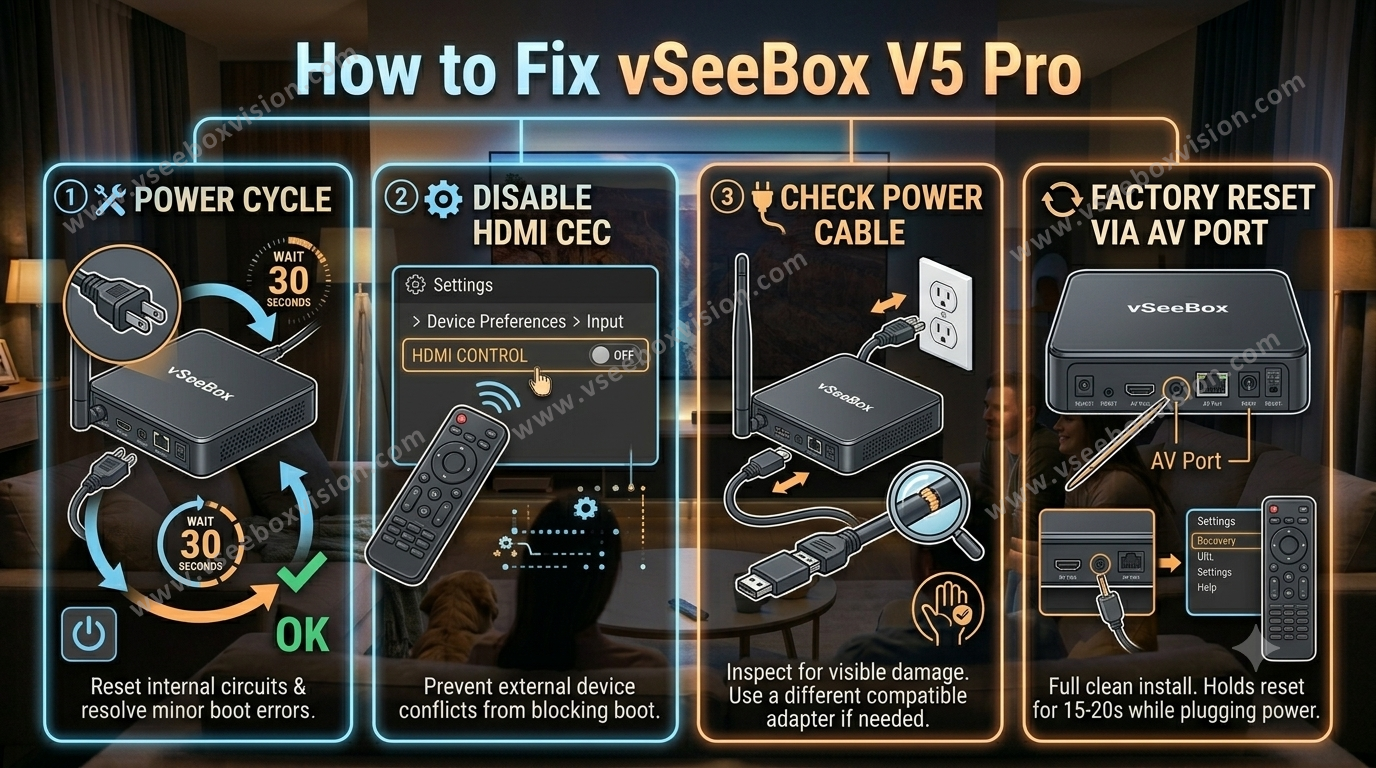
How to Fix vSeeBox Not Turning On Or Working – Power & Boot Fix
Fix 1: Power Cycle the Device Unplug the power adapter from both the vSeeBox and the wall outlet. Wait for about 30 seconds to ensure complete power discharge. Plug the power adapter back into the vSeeBox and then into the...
Read moreabout How to Fix vSeeBox Not Turning On Or Working – Power & Boot Fix