

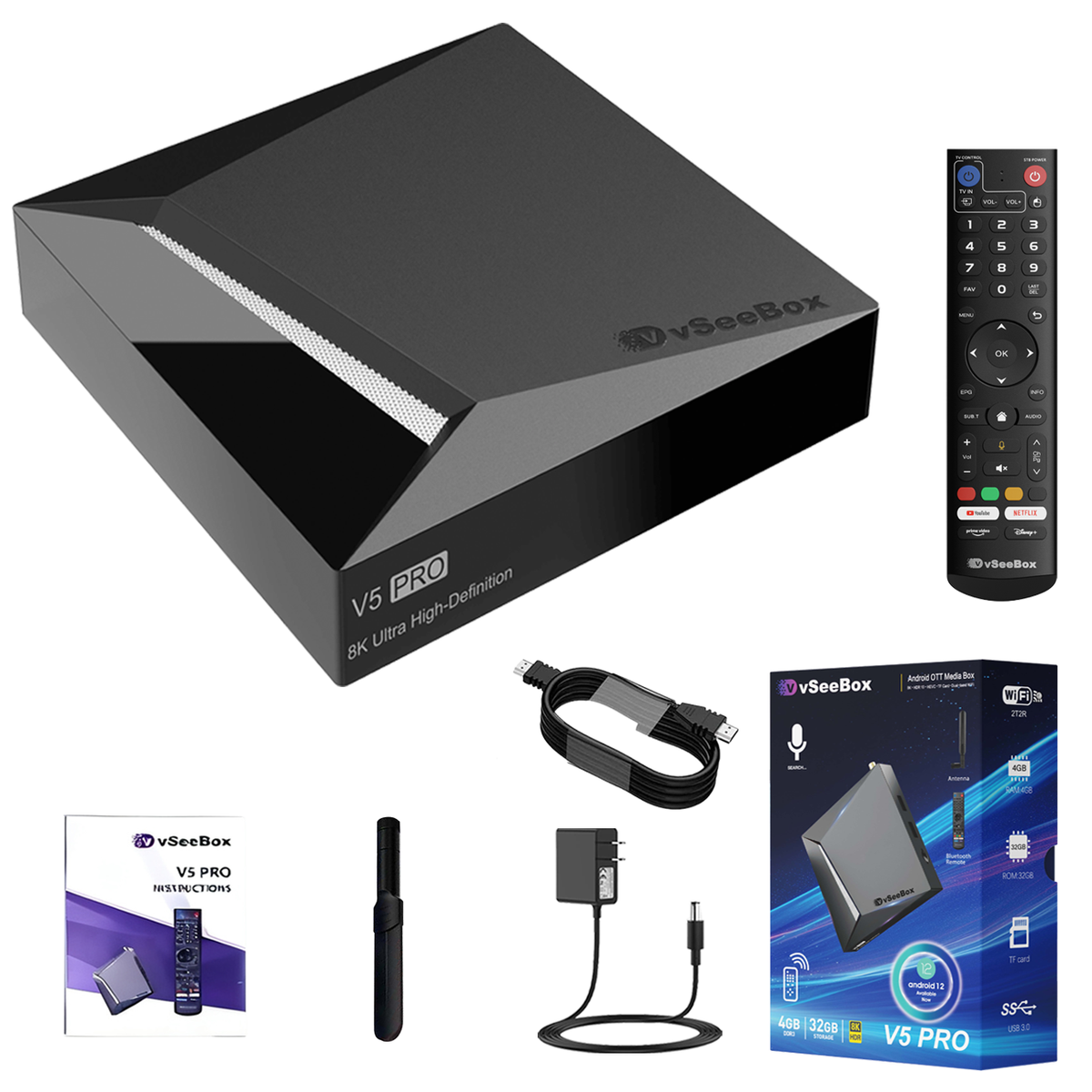
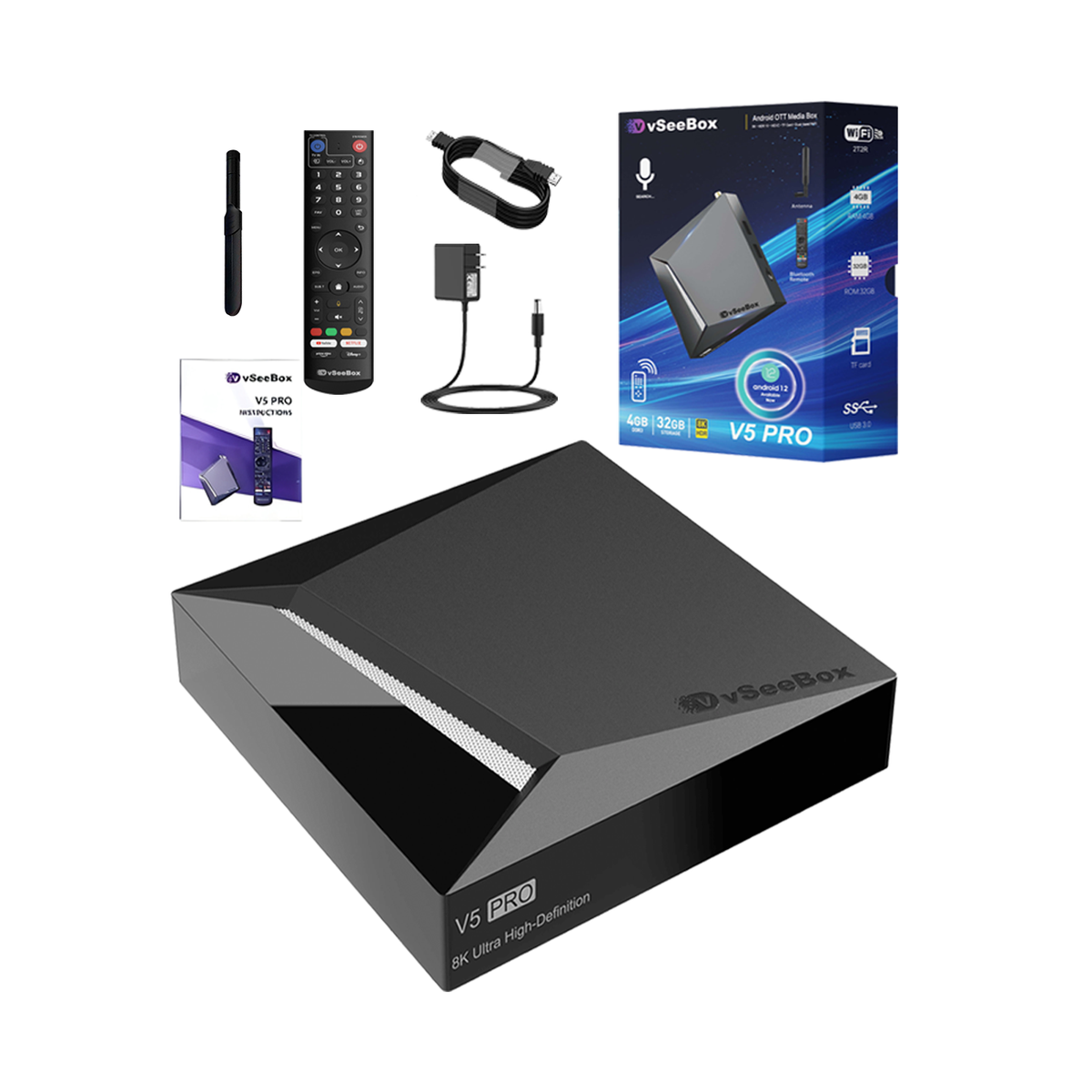
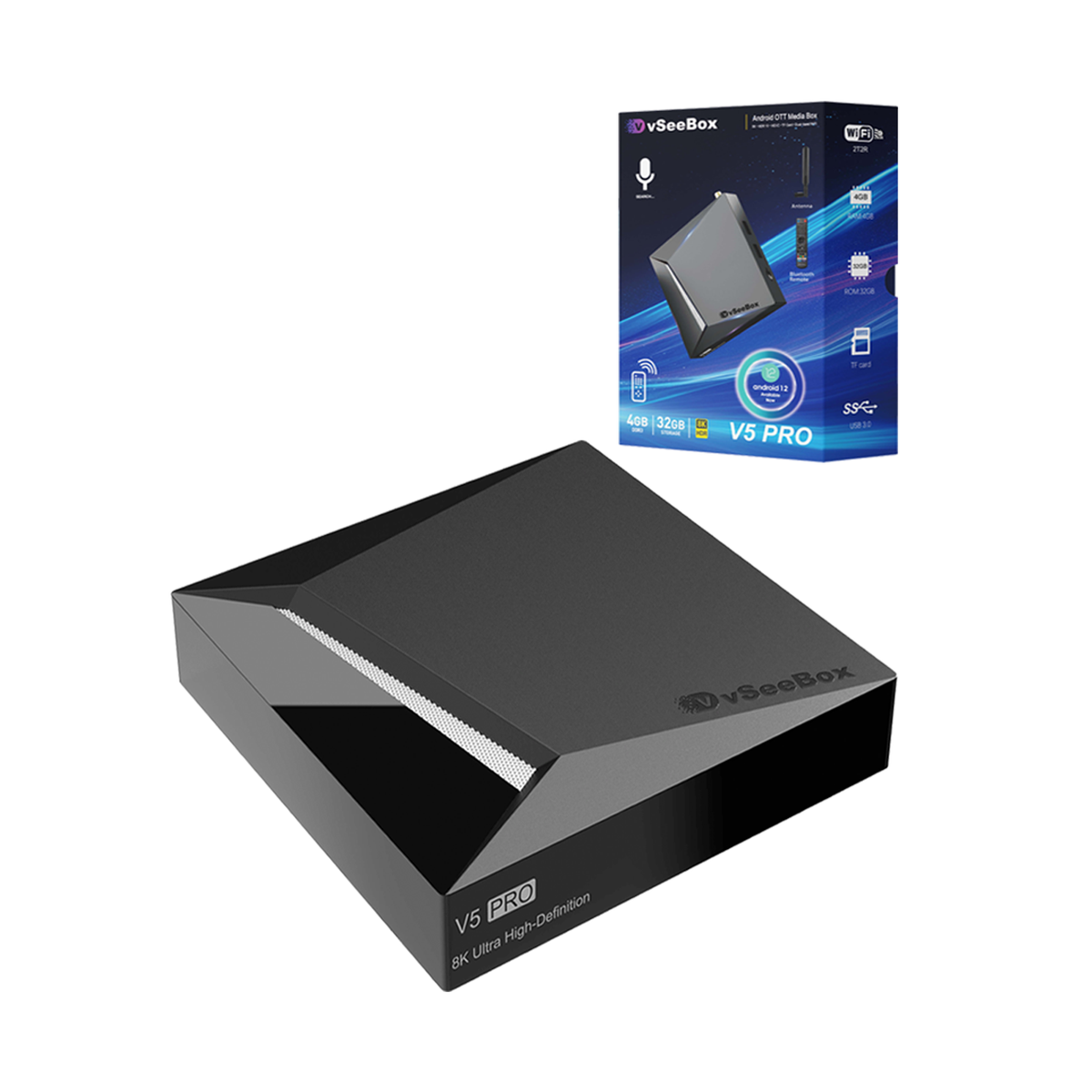
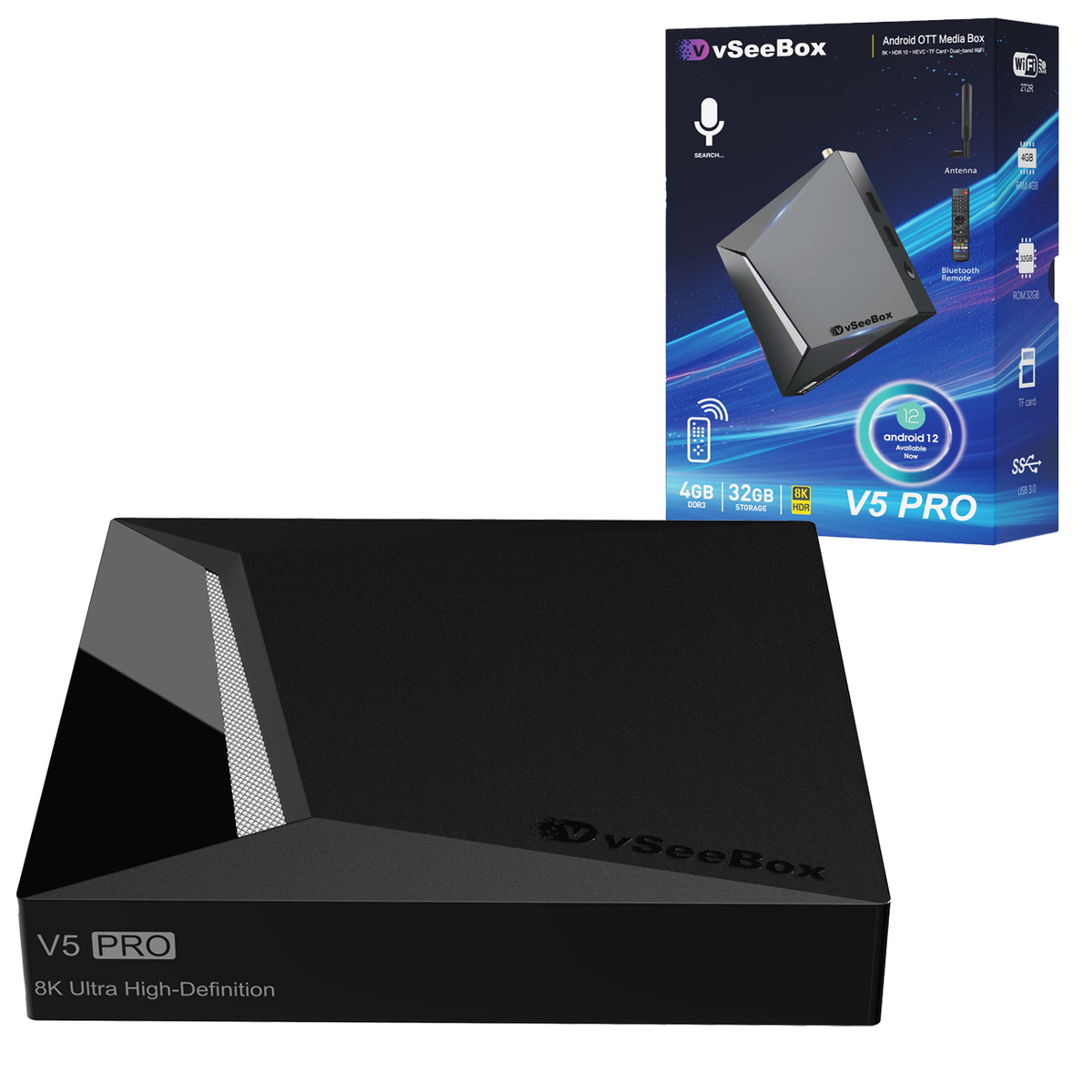


vSeeBox V5 Pro
- Style:
- V5 Pro
Currency Info: Charges are processed in [HKD]. Your bank may apply conversion fees or slight rate differences.
Pairs well with
In stock! Ships within 1-2 business days.
30-day risk-free trial
1-Year Warranty
Complimentary shipping & returns
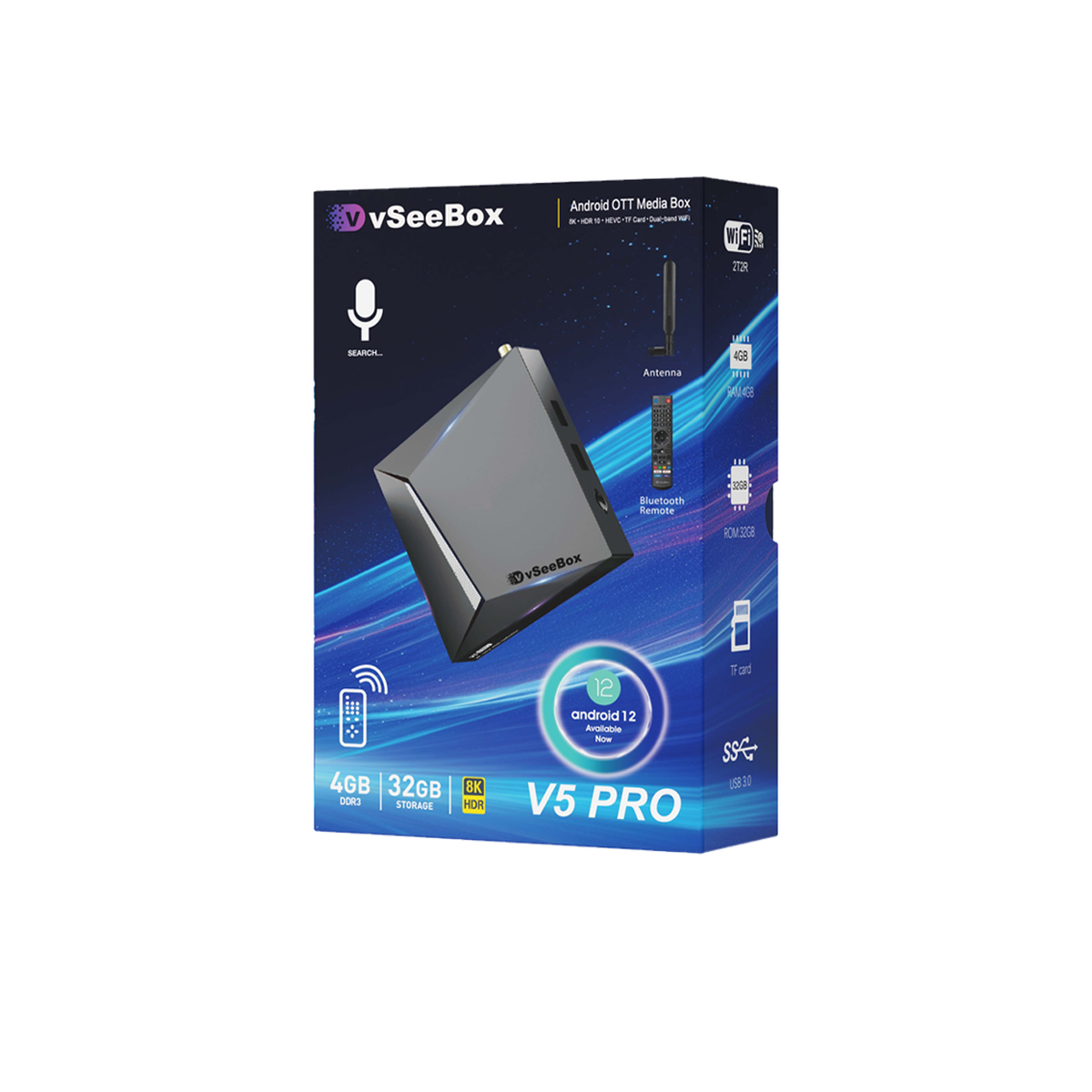
- Android 12.0 OS
- Firmware Upgrade
- vSeebox Smart Bluetooth Voice Remote
- Wi-Fi 6 Supported
- Google Assistant Compatible
- 7 Days Playback Feature
- Wi-Fi RTL8822CS 2T2R, 2T2R( 2 Transmitter, 2 receivers) antenna and 2.4G/5G Dual Band WiFi
- 4GB DDR3 RAM, 32GB eMMC Internal Storage
- Support 6K@60fps, 4K Ultra HDR output and 6K video decoding output
- Quad-core ARM Cortex-A53 Processor
- LAN Port:RJ45 Interface 10M/100M/1000M adaptive
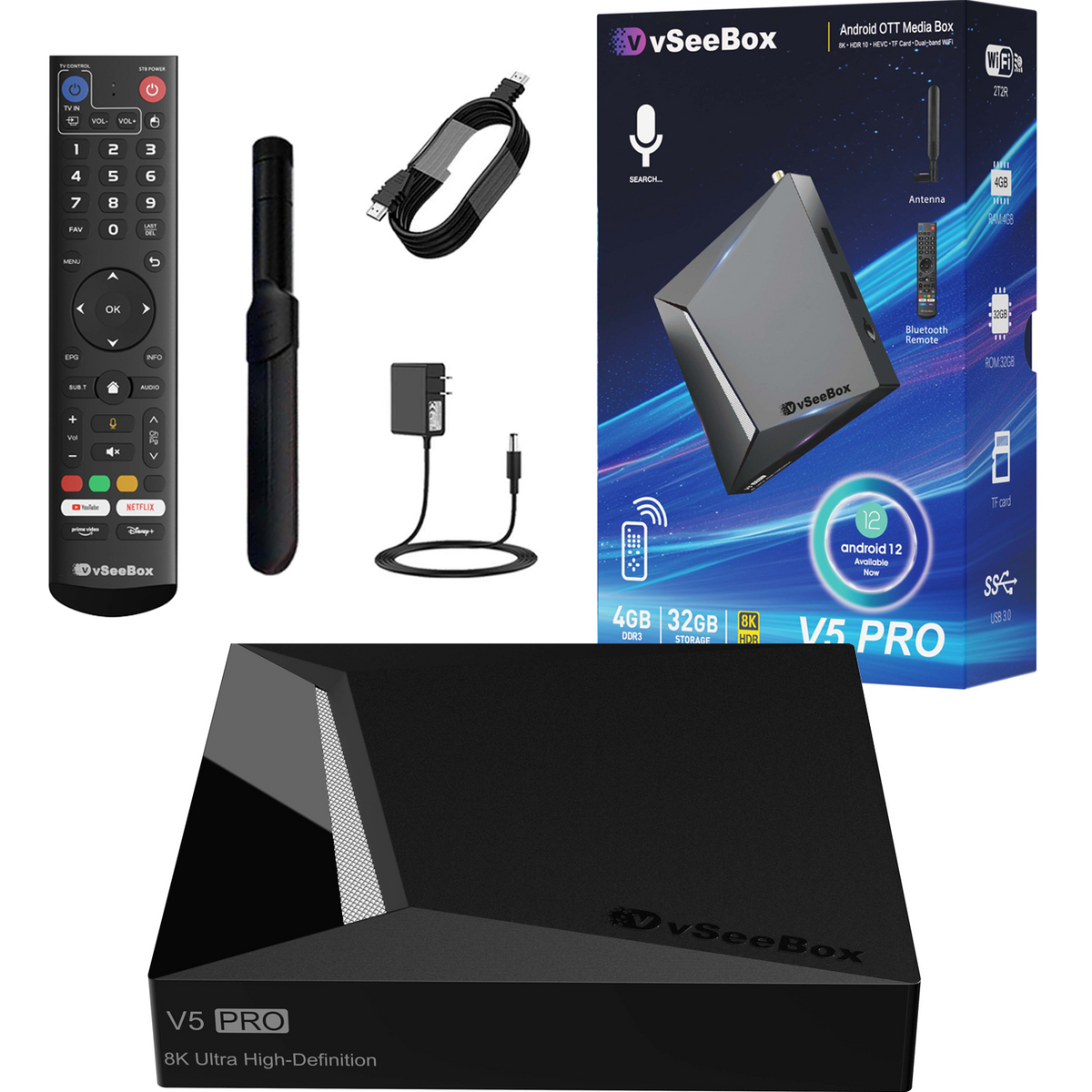
- Product List:
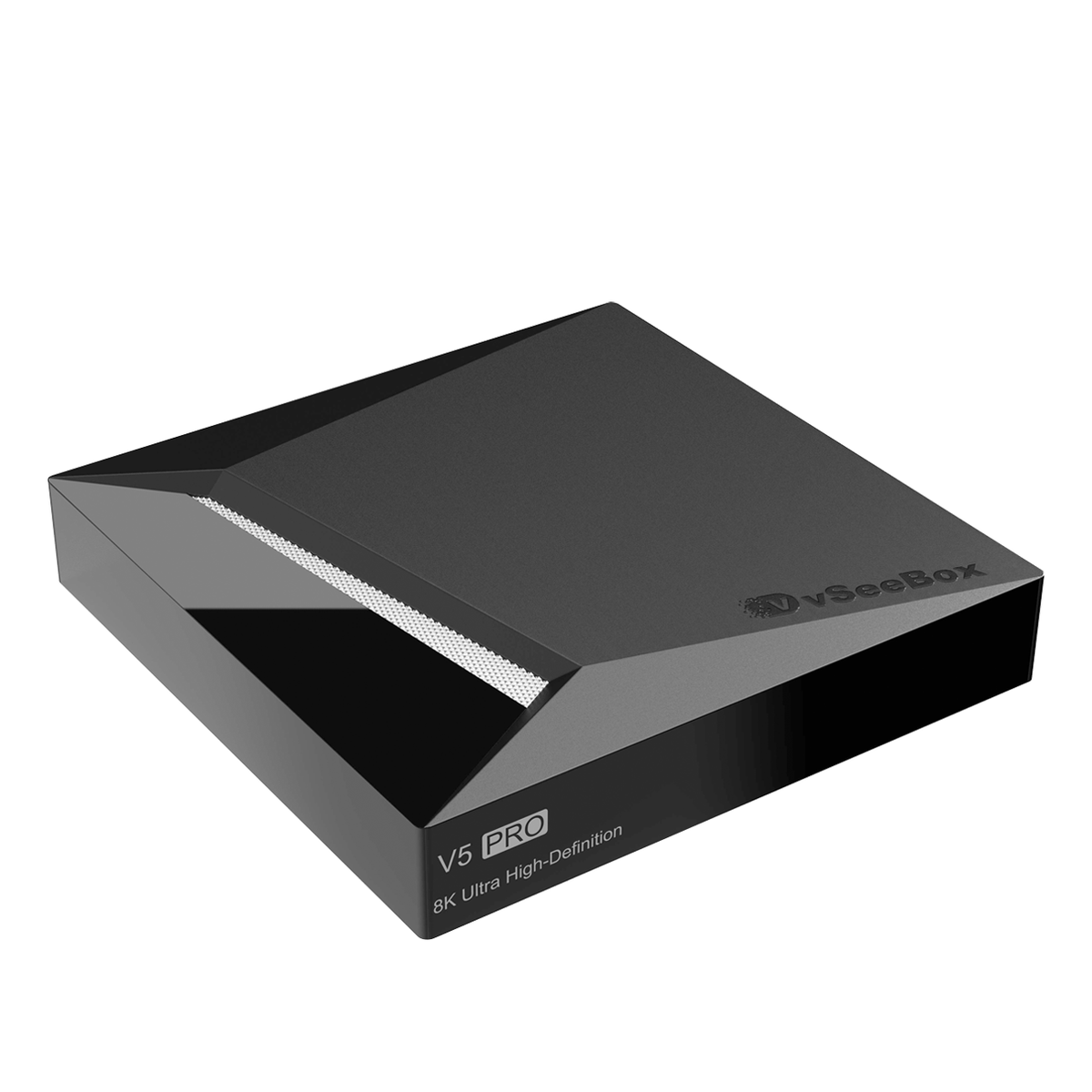
- 2026 Latest vSeeBox V5 Pro x 1
- vSeebox Voice Remote Control x 1
- User Manual x 1
- HDMI Cable x 1
- Power Supply x 1
- External Antenna x 1
If you have any questions, you are always welcome to contact us. We'll get back to you as soon as possible, within 24 hours on weekdays.
-
Shipping Information
Use this text to answer questions in as much detail as possible for your customers.
-
Customer Support
Use this text to answer questions in as much detail as possible for your customers.
-
FAQ’s
Use this text to answer questions in as much detail as possible for your customers.
-
Contact Us
Use this text to answer questions in as much detail as possible for your customers.
vSeeBox Shipping
Shipping Carriers
We ship via UPS/FedEx/USPS, depending on your location and package size.
Order Processing
- Mon-Thu orders: Tracking number will be generate within 24 hours.
- Fri-Sun orders: Tracking number will be generate on Monday.
- Orders placed after 6:00 PM, on weekends, or holidays will be shipped on the next business day.
Processing time: 1–2 business day
Attention: Orders are not processed on Weekend and Holiday.
Delivery Updates
Please allow 48 hours after receiving your tracking number for the carrier to display the estimated delivery date.For any questions, please email us. We will respond within 24 business hours.
Holiday Shipping Notice
Please note that during U.S. federal holidays, our warehouse may be closed or operate on reduced hours. Orders placed during these times may experience slight delays. We appreciate your patience and understanding.
Estimated Delivery Time
- United States: 2–7 business days
- USA Remote Regions: 5-15 business days
Total estimated delivery time:
- United States: 1–2 day processing + 1–5 days transit = 2–7 business days
Delivery times may vary slightly depending on your exact location and carrier operations.
vSeeBox FAQs
Is there any product warranty?
1 year warranty and lifetime customer support. 30-day return and exchange.
What it's shipping policy?
Please check Shipping Policy
What it's refund policy?
Please check Refund Policy.
Where can I track my order?
Please check Order Tracking
Where can I apply for a return or exchange?
Please check 30-day return and exchange.
Do you have a vSeeBox Certificate of Authorized Distributor Verification?
vSeeBox Vision is official retail store, which is factory-to-consumer.
vSeeBox won't turn on
1. Check the Front LED Power Light
- No light at all: Power is not reaching the unit (dead adapter, loose connection, or faulty outlet).
- Red light: The box is receiving power but stuck in standby or failing to boot.
- Blue/Green light: The box is actually ON. The issue is display-related rather than power-related.
2. Verify Power Connections
- Plug the power adapter directly into a known-working wall outlet rather than a power strip or surge protector.
- Ensure the DC power jack is fully and firmly pushed into the back of the box.
- If you have a spare compatible power adapter (5V / 2A or 5V / 3A with matching barrel plug size), test it. A failed power adapter is the most common cause of a box that won't turn on.
3. Test Remote & Manual Powering
- Replace the AAA batteries in the remote.
- If the remote unpaired from Bluetooth, point it directly at the front receiver (infrared mode) from 2–3 feet away.
- Unplug the power cable, wait 30 seconds, and plug it back in. Most vSeeBox models automatically initiate boot-up when power is restored without needing the remote.
4. Fix Display Output Issues (If LED Light is Blue)
- Verify your TV source input matches the physical port used (e.g., HDMI 1, HDMI 2).
- Disconnect and reconnect both ends of the HDMI cable, or test a different HDMI cable.
- Plug the box into a different TV or monitor to rule out HDMI handshake/resolution incompatibilities.
4. Damage Box
- Apply for exchange
Network troubleshooting for vSeeBox
You can find a solution based on this article:Network Troubleshooting for vSeeBox
How to fix vSeeBox live TV not working – no signal, frozen or crash fix
Please check this instruction
What’s the difference between model V6 plus and V6 max?
Both the VSeeBox V6 Plus and V6 Max run on Android 14 and support 8K UHD streaming, Wi-Fi 6, Bluetooth, and smooth playback for live TV and on-demand content. At first glance, their core specs look similar, but the real difference is in performance optimization and software features.
The V6 Plus is equipped with a newer chipset that delivers faster response times, smoother app switching, and better multitasking. It also supports split-screen mode, making it more suitable for power users or families who frequently switch between apps. In addition, the V6 Plus offers broader media and audio format compatibility and access to newer features.
The V6 Max, on the other hand, focuses on stability and everyday streaming needs. It delivers reliable 8K playback without extra multitasking features and is often priced more affordably.
How to use split-screen mode on the vSeeBox V6 Plus
Please following this video on YouTube
How to setup my vSeeBox V6 Plus/V6 Max/V6 Pro/V5 Pro?
Please following this video on YouTube
How to program the VSeeBox V6 Max,V6 Pro and V6 Plus remotes to control your TV
Please following this video on YouTube
The 4K resolution looks acceptable to me. Honestly, it looks pretty much the same as my old streaming stick when watching regular channels.
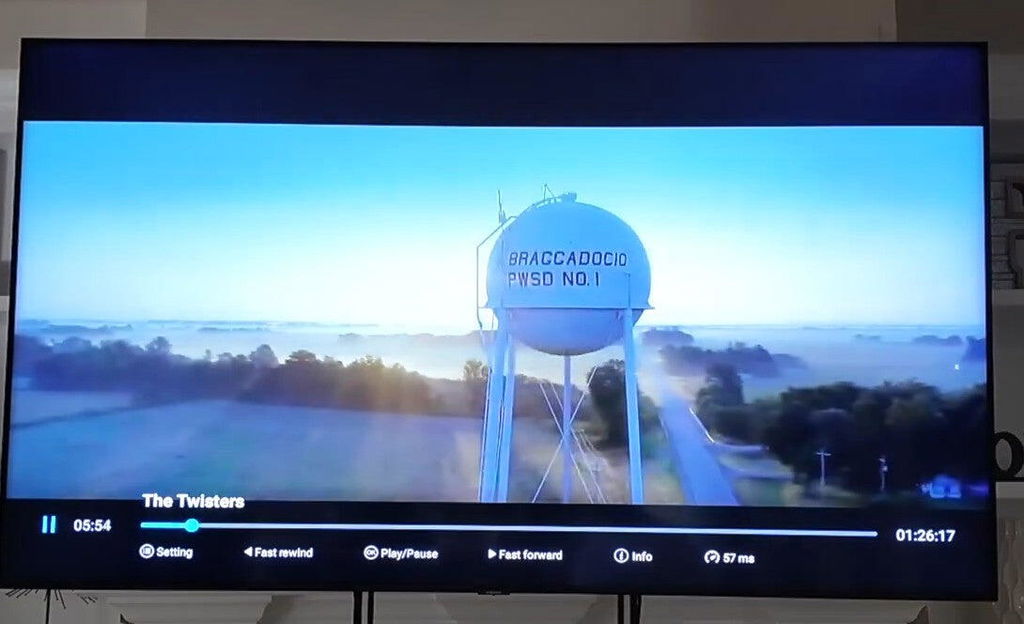
Very good TV box. We used v5 pro before but could not find it anymore.🔍 Purchased 2 of them. So far, Happy with it!👍
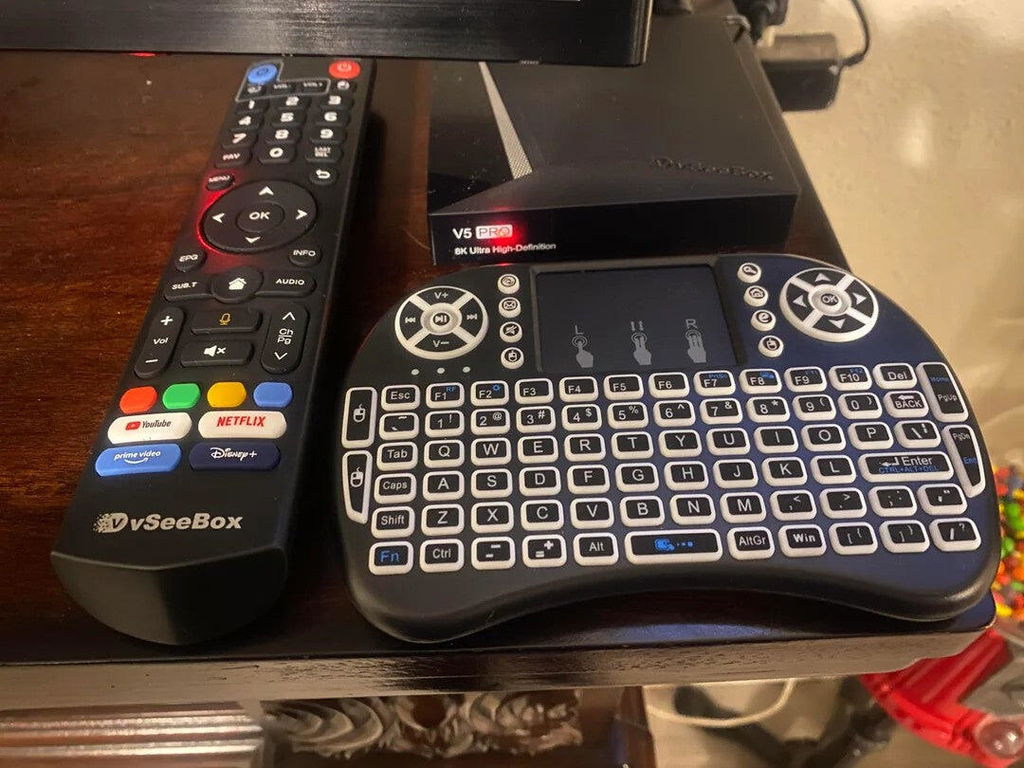
received quickly in good condition
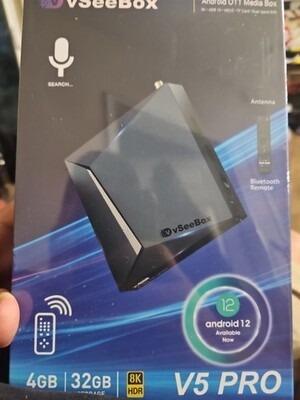
The network signal is stable on my 5G Wi-Fi. I haven't noticed any drops in connection since I placed it in the living room.
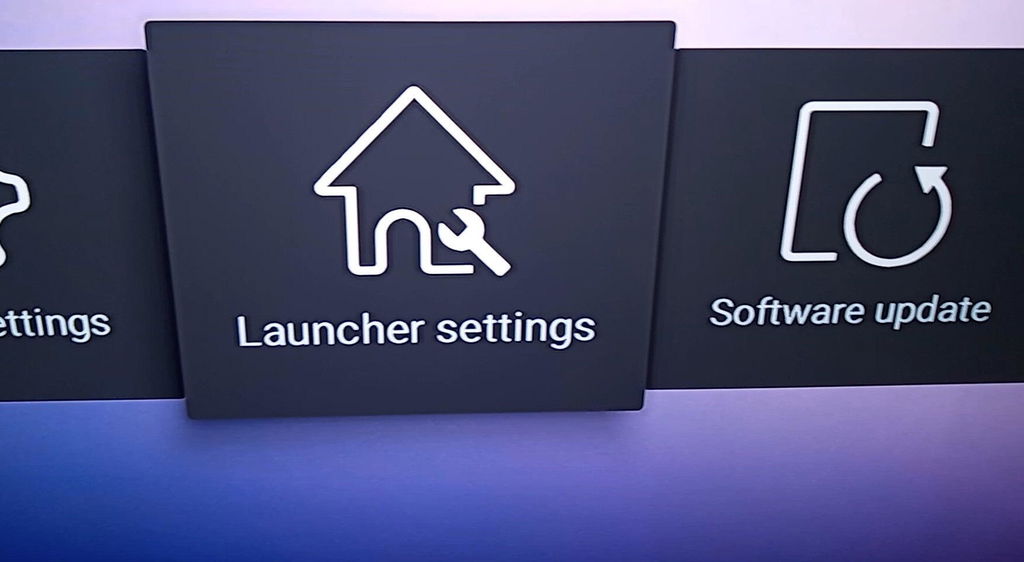
Everything loads right away. There is zero lagging or freezing when you jump from app to app, it feels super snappy.
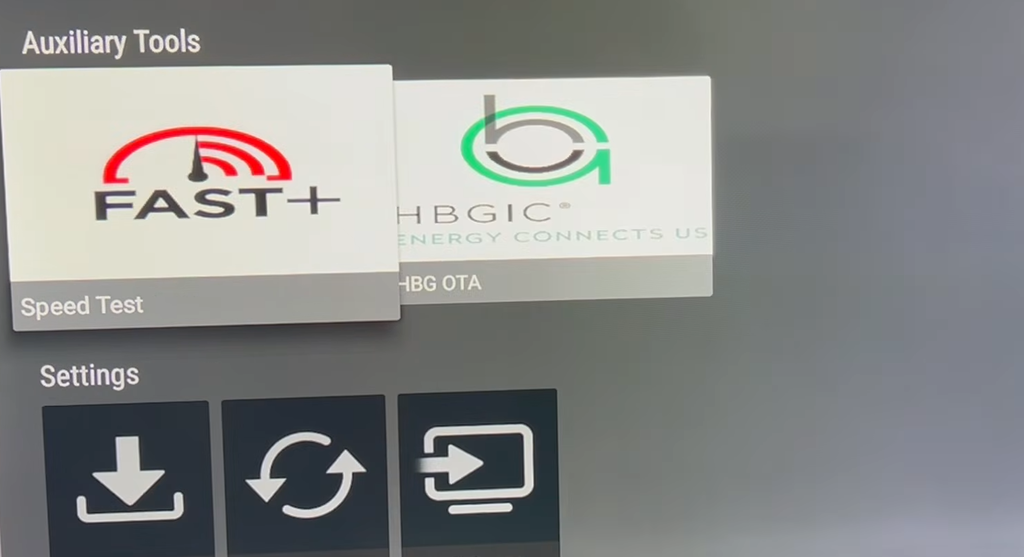
Honestly, the sheer amount of channels and content on this thing is crazy. I’m usually pretty picky, but I found a bunch of rare sports networks and international shows that I couldn't get anywhere else. Literally always find something good to put on.
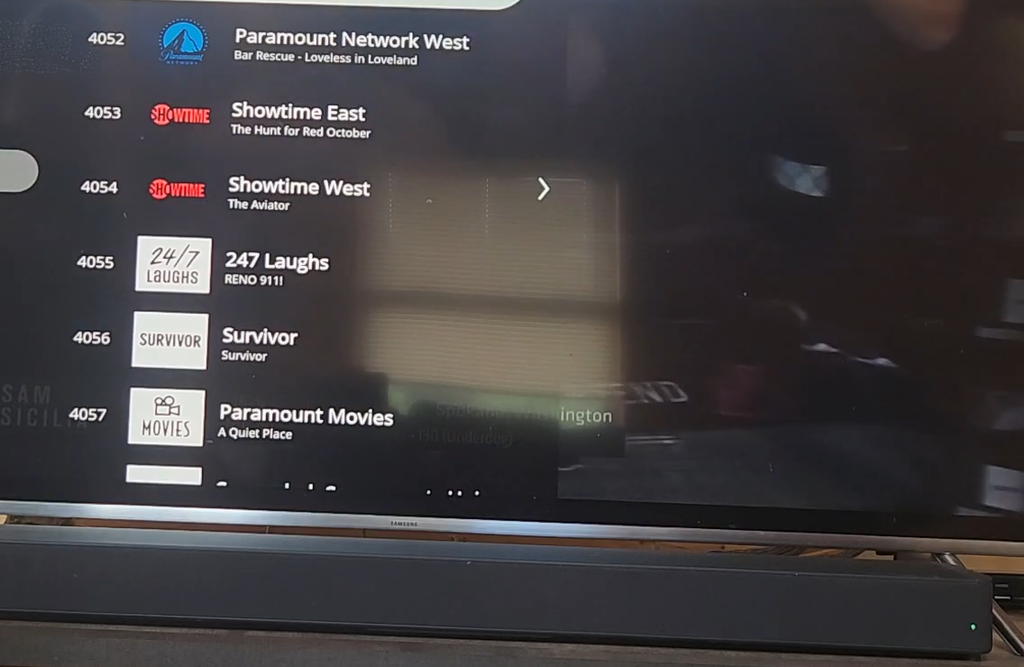
The resolution is top-tier. No blurry feeds at all.
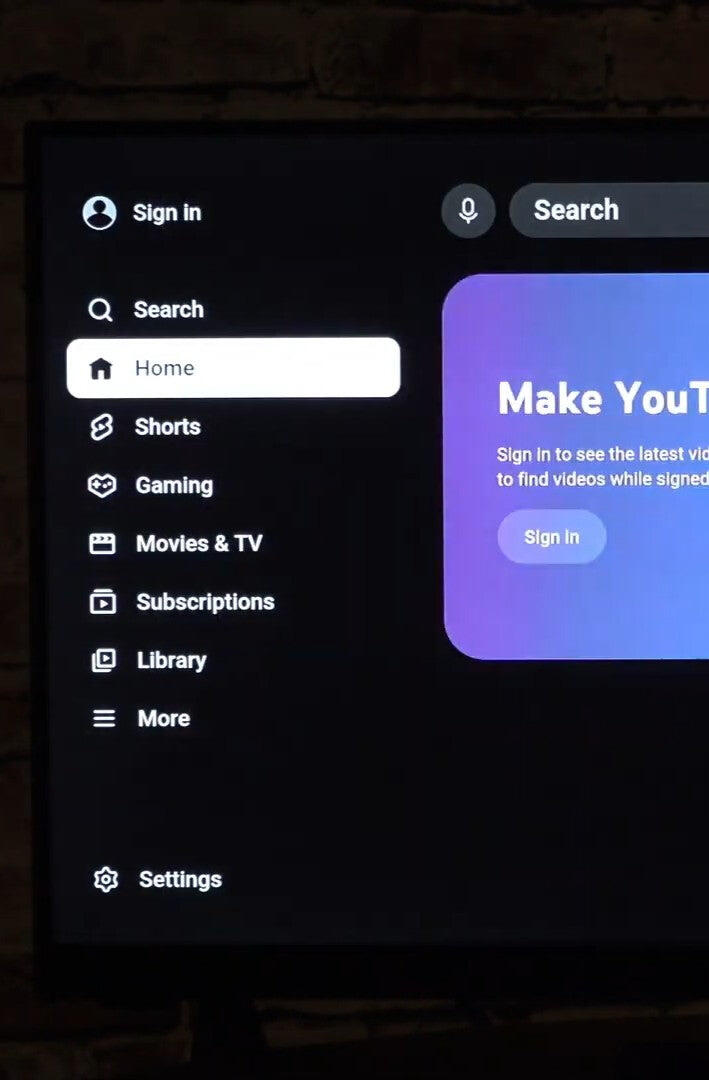
I really like the voice remote. It saves so much time when searching for movie titles, and it accurately picks up my voice most of the time.
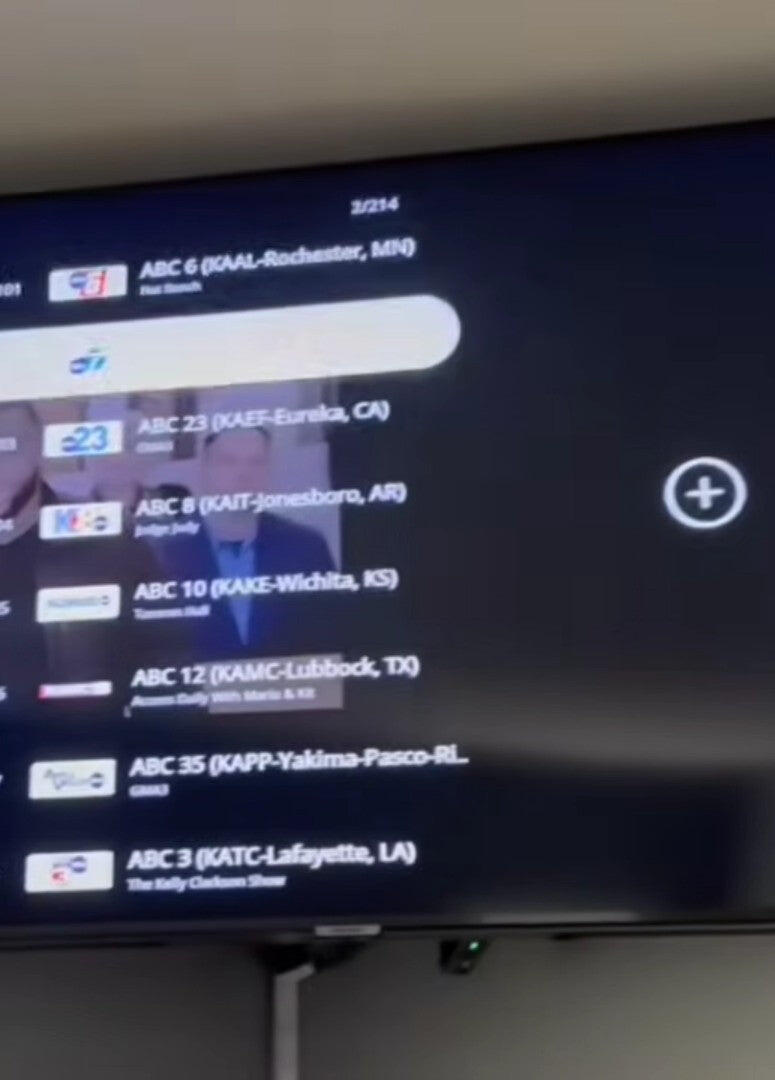
Man, shipping was incredibly fast! They wrapped it in layers of heavy bubble wrap, so the actual product box didn't have a single dent or scratch on it when it arrived at my door.
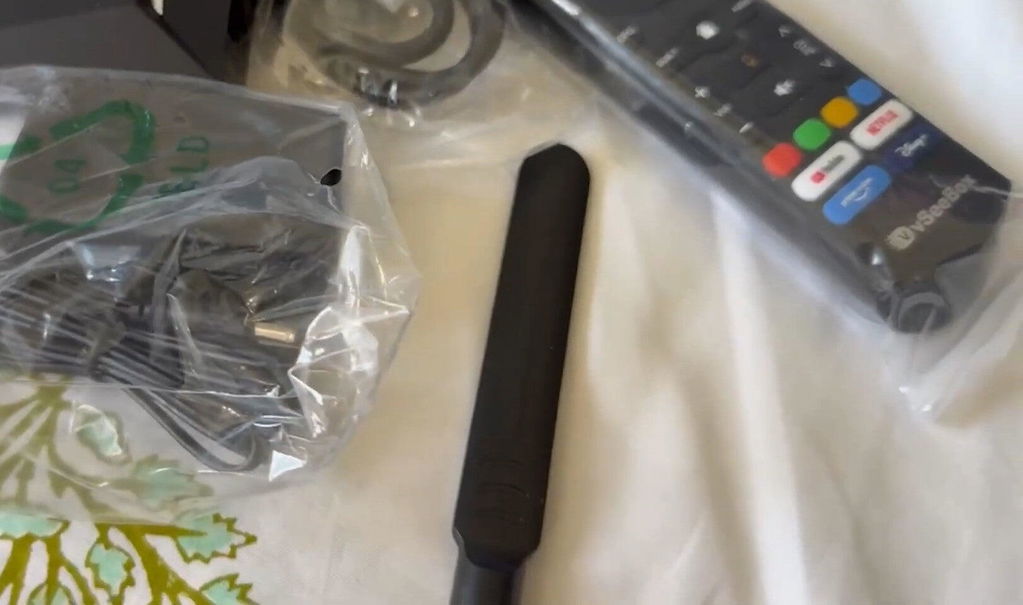
Great experience would definitely recommend this seller
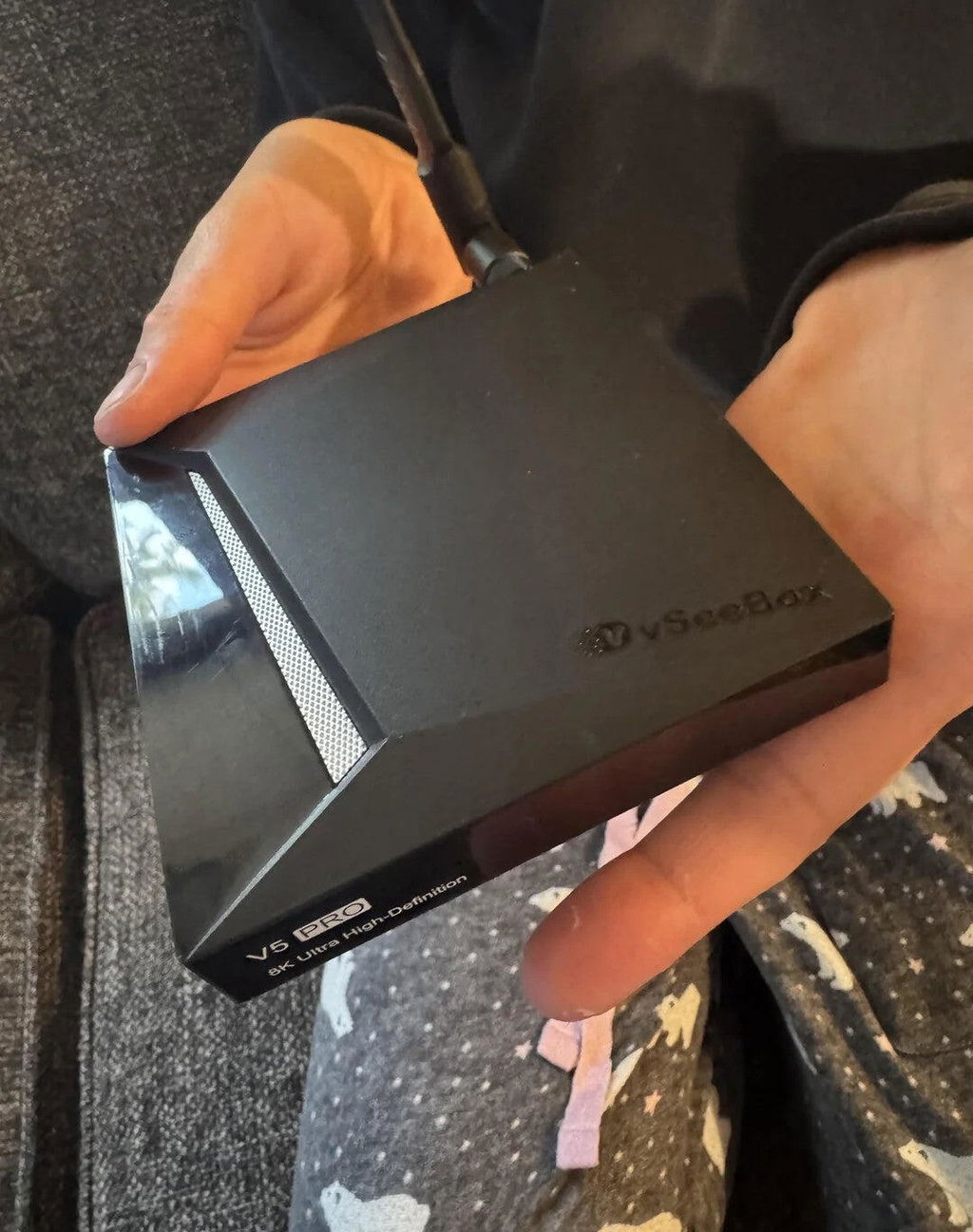
My kids are completely obsessed with the cartoon section on here. There are so many animated series and movies to choose from, and they actually update the content regularly with new episodes. It keeps the little ones entertained on rainy weekends without me having to hunt for streams.

The library is decent. Has a fair mix of older movies and some random newer releases, though it doesn't have every single thing out there.
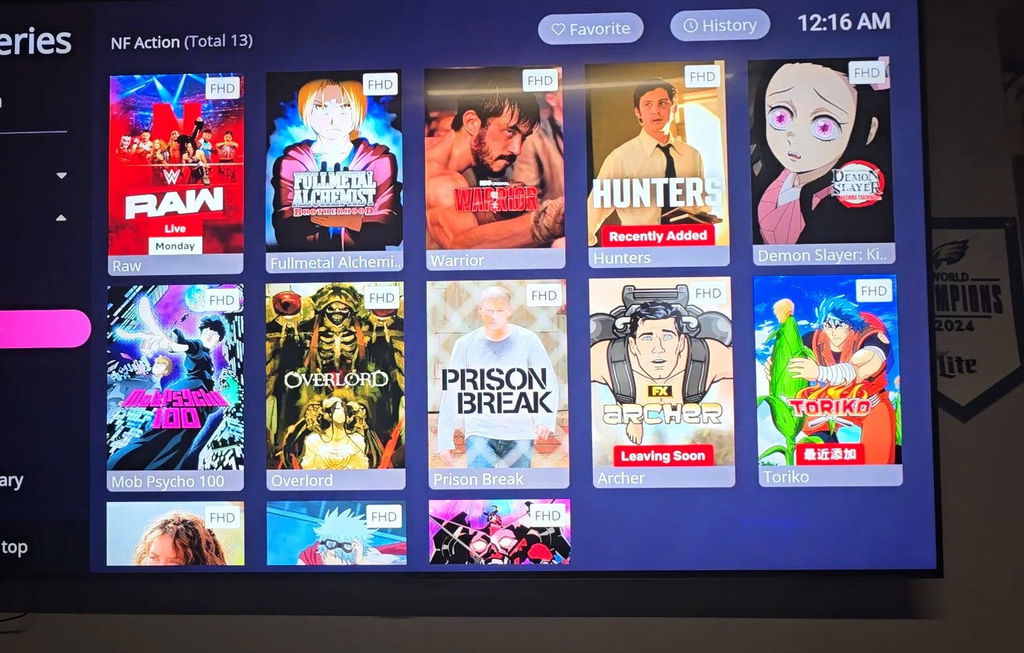
Flipping through the channels is pretty quick. The feeds take maybe a second or two to buffer up and then play fine.
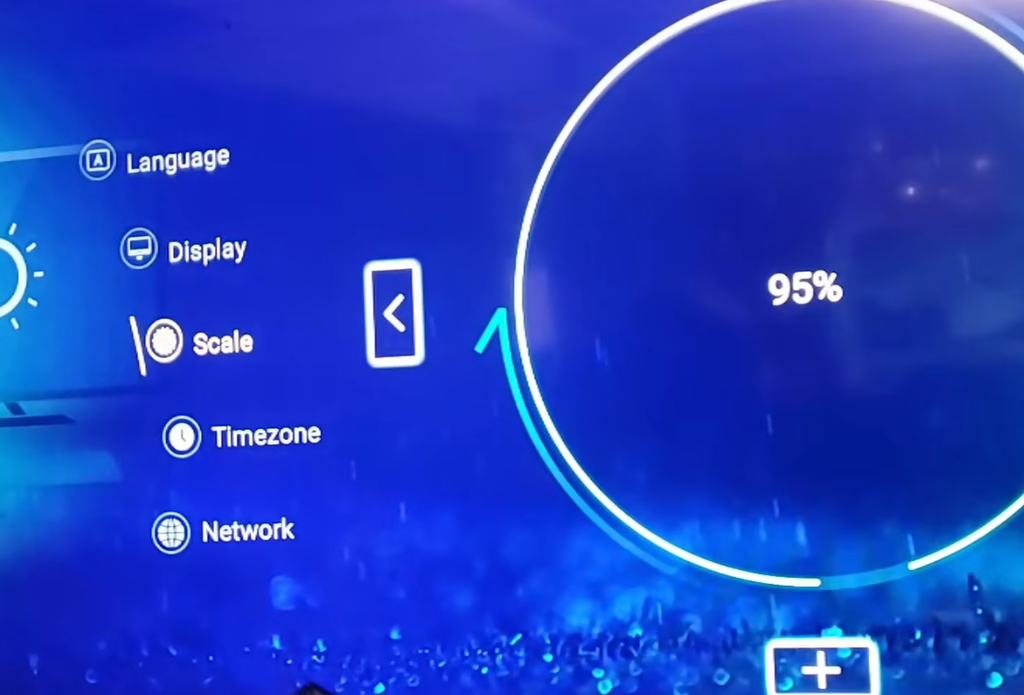
The menu layout is super straightforward. My kids and parents figured it out in five minutes without asking me for help.
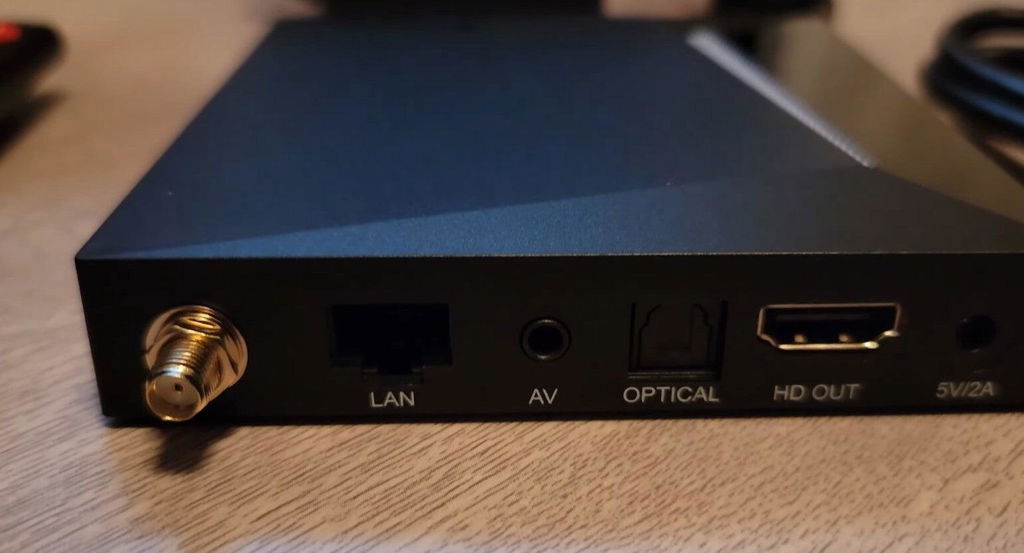
The stream source list is actually pretty massive. It has a nice mix of local regional networks and random live feeds from all over, so I always find something when I'm bored.
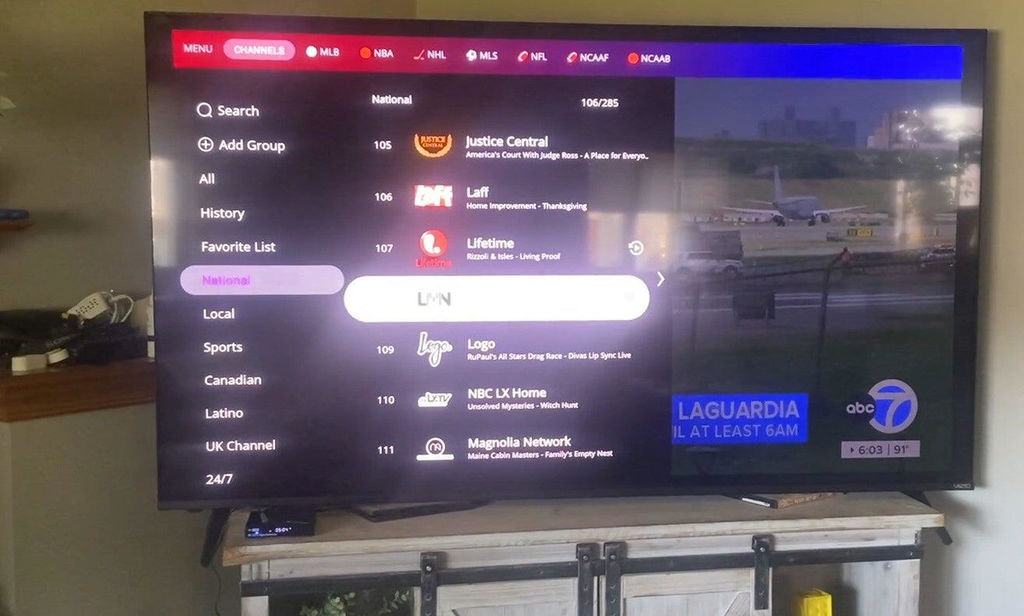
Literally plugged it in and it just worked. Zero learning curve.

We live in an area that not very many options and the ones that are, are very expensive. I like the one time fee and access to many viewing options. As we get older it seems we watch more television especially in the winter.
Great product easy to use lots of content
Love it Great product
Love the box and channels but the remote will not program with my Roku tv they need to fix that part it seems to be a problem they don’t want to fix
Great so far
Content is fine if you could hear it I was watching Super girl and the volume went out and also it went out on Fire and Ash
These boxes are awesome.. I love all the channels and the whole format of everything.. best streaming box out there.. I really want the 6 pro now.. split screen for football and baseball .. better broadband protection.. I dont know how it gets better than the 5 but I want to find out. I got 3 pro 5s already. A 6plus is in the future
The 4K resolution looks acceptable to me. Honestly, it looks pretty much the same as my old streaming stick when watching regular channels.
Very good TV box. We used v5 pro before but could not find it anymore.🔍 Purchased 2 of them. So far, Happy with it!👍
received quickly in good condition
The network signal is stable on my 5G Wi-Fi. I haven't noticed any drops in connection since I placed it in the living room.
Everything loads right away. There is zero lagging or freezing when you jump from app to app, it feels super snappy.
Honestly, the sheer amount of channels and content on this thing is crazy. I’m usually pretty picky, but I found a bunch of rare sports networks and international shows that I couldn't get anywhere else. Literally always find something good to put on.
The resolution is top-tier. No blurry feeds at all.
I really like the voice remote. It saves so much time when searching for movie titles, and it accurately picks up my voice most of the time.
Man, shipping was incredibly fast! They wrapped it in layers of heavy bubble wrap, so the actual product box didn't have a single dent or scratch on it when it arrived at my door.
Great experience would definitely recommend this seller
My kids are completely obsessed with the cartoon section on here. There are so many animated series and movies to choose from, and they actually update the content regularly with new episodes. It keeps the little ones entertained on rainy weekends without me having to hunt for streams.
The library is decent. Has a fair mix of older movies and some random newer releases, though it doesn't have every single thing out there.
Flipping through the channels is pretty quick. The feeds take maybe a second or two to buffer up and then play fine.
The menu layout is super straightforward. My kids and parents figured it out in five minutes without asking me for help.
The stream source list is actually pretty massive. It has a nice mix of local regional networks and random live feeds from all over, so I always find something when I'm bored.
Literally plugged it in and it just worked. Zero learning curve.
We live in an area that not very many options and the ones that are, are very expensive. I like the one time fee and access to many viewing options. As we get older it seems we watch more television especially in the winter.
Great product easy to use lots of content
Love it Great product
Love the box and channels but the remote will not program with my Roku tv they need to fix that part it seems to be a problem they don’t want to fix
Great so far
Content is fine if you could hear it I was watching Super girl and the volume went out and also it went out on Fire and Ash
These boxes are awesome.. I love all the channels and the whole format of everything.. best streaming box out there.. I really want the 6 pro now.. split screen for football and baseball .. better broadband protection.. I dont know how it gets better than the 5 but I want to find out. I got 3 pro 5s already. A 6plus is in the future