

vSeeBox V6 Plus
Currency Info: Charges are processed in [HKD]. Your bank may apply conversion fees or slight rate differences.
Pairs well with
In stock! Ships within 1-2 business days.
30-day risk-free trial
1-Year Warranty
Complimentary shipping & returns
- Android 14.0 OS
- Automatic OTA Firmware Updates
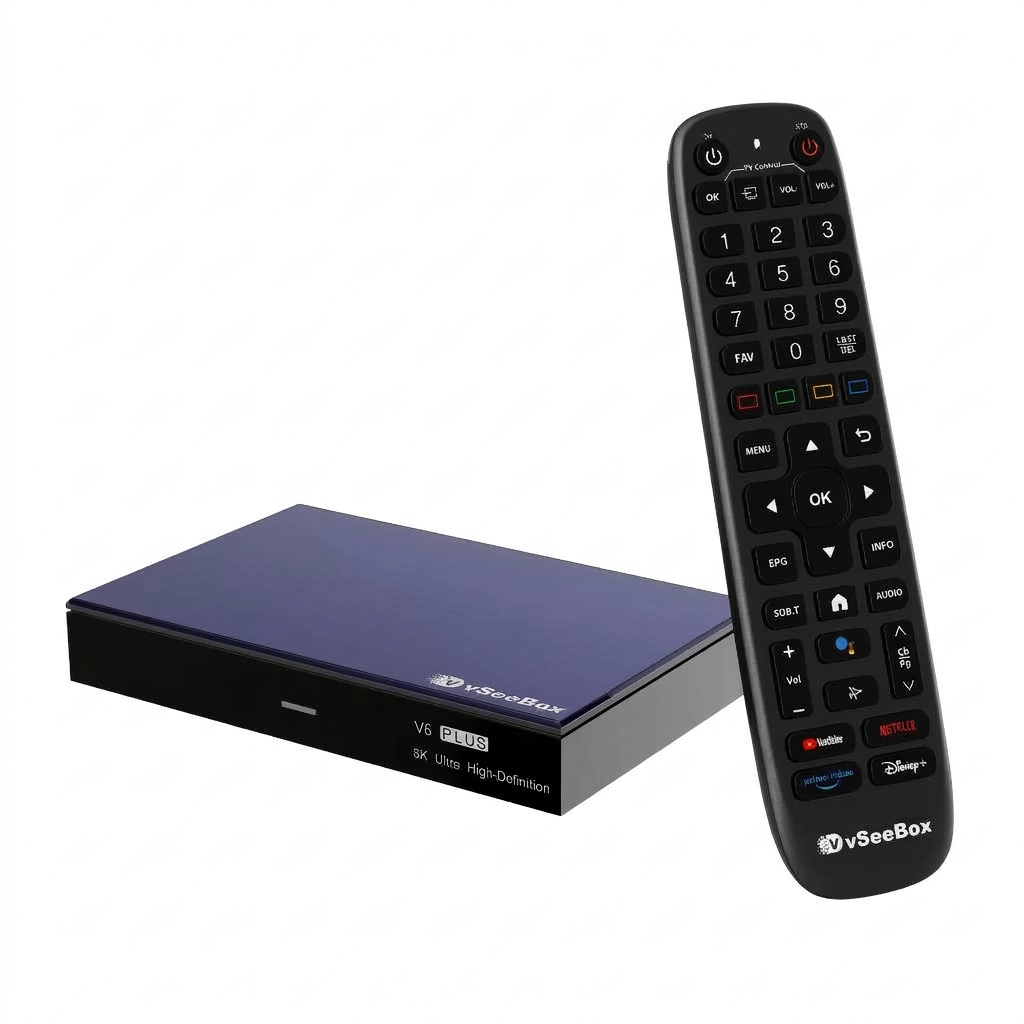
- vSeebox Smart Bluetooth Voice Remote with Backlit
- WiFi 6 Supported
- Google Assistant Compatible
- 7 Days Playback & All-New Split-Screen Feature
- Internal WiFi 6 Module (Up to 867Mbps) and 2.4G/5G Dual Band WiFi
- 4GB DDR3 RAM, 64GB eMMC Internal Storage
- Support 8K HDR Output and H.264/H.265/AV1 10bit Video Decoding Output
- Amlogic 905Y5 High-End Chipset (64-bit Quad-core ARM Cortex-A55 Processor)
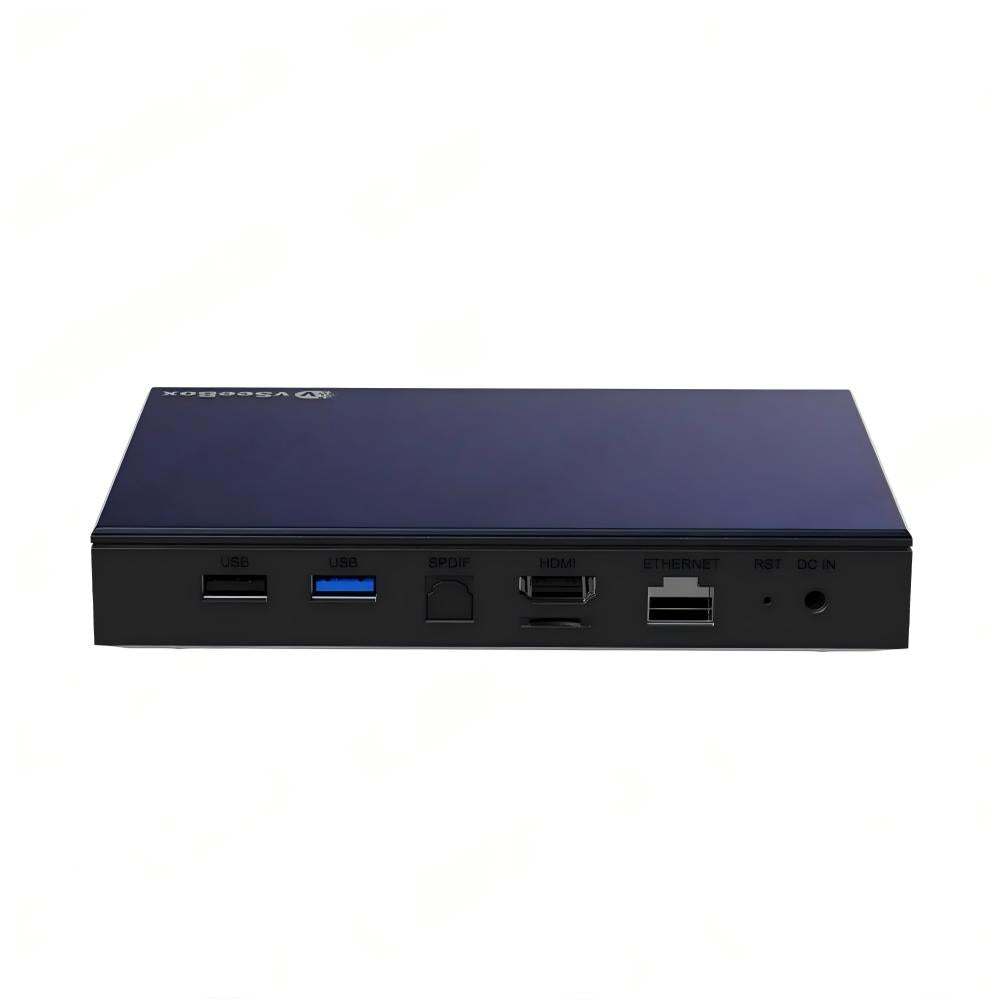
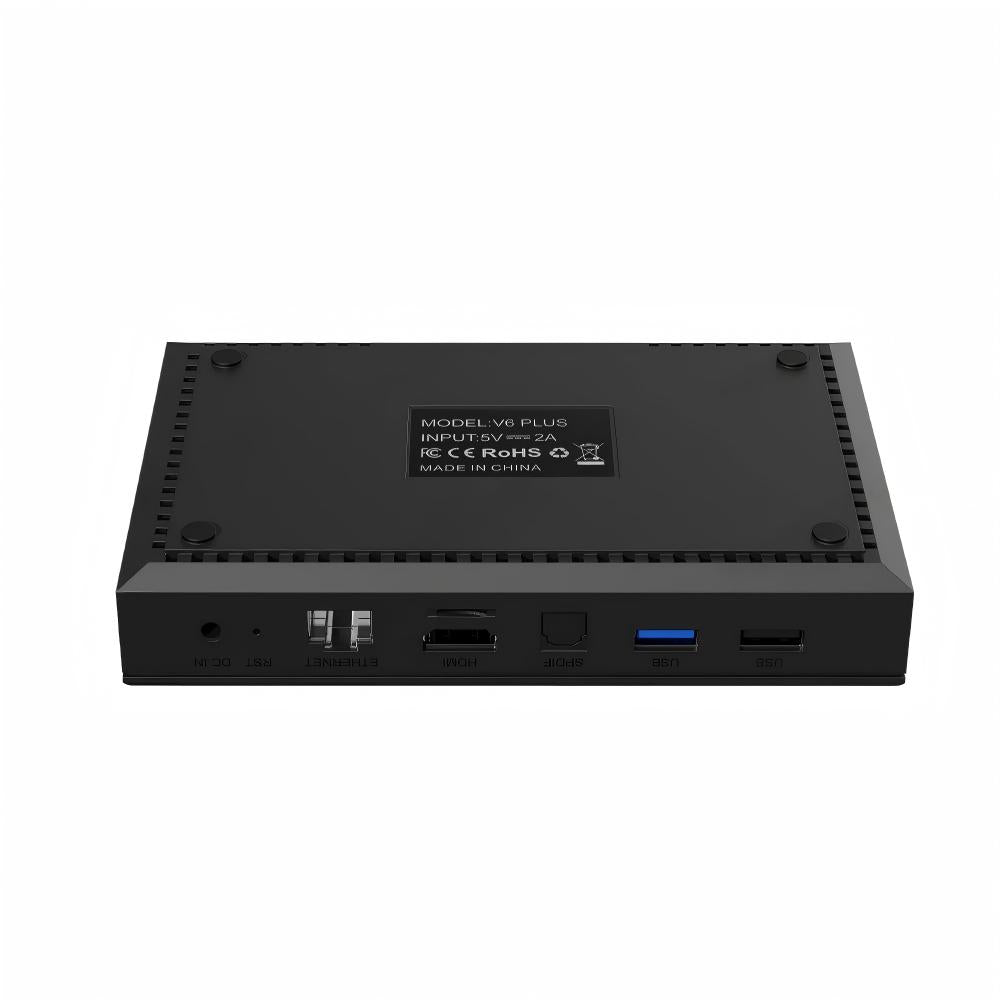
- LAN Port:RJ45 Interface 10M/100M
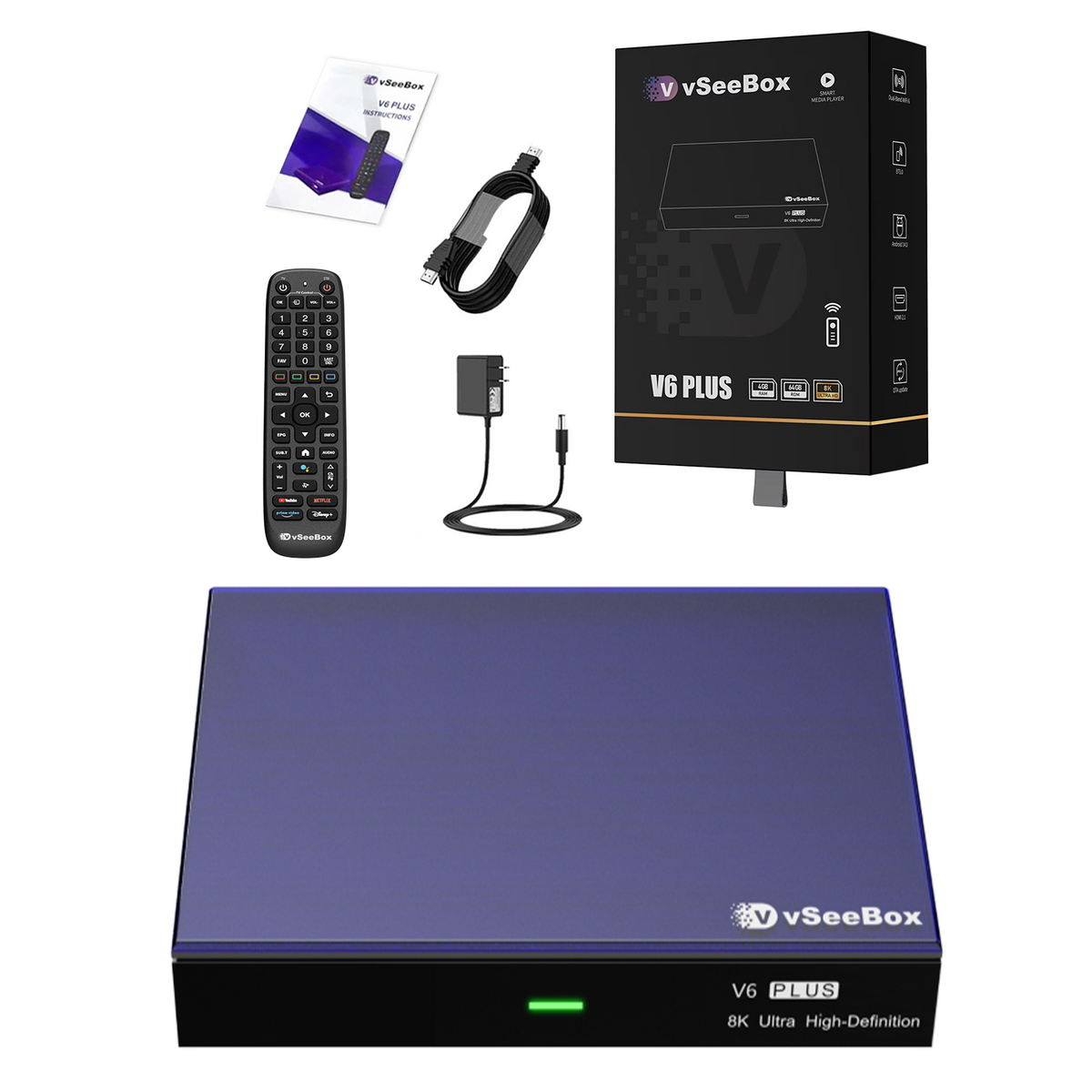
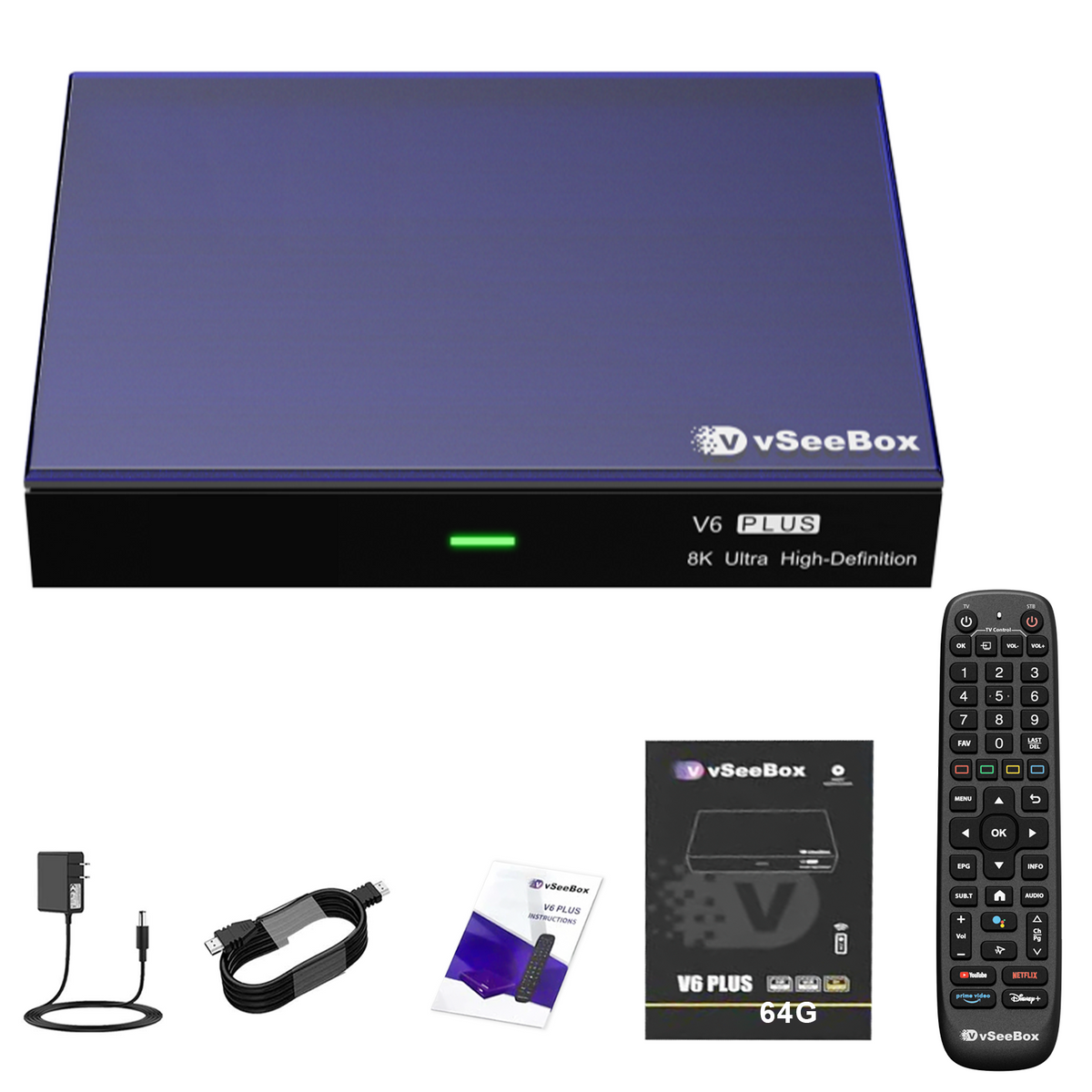
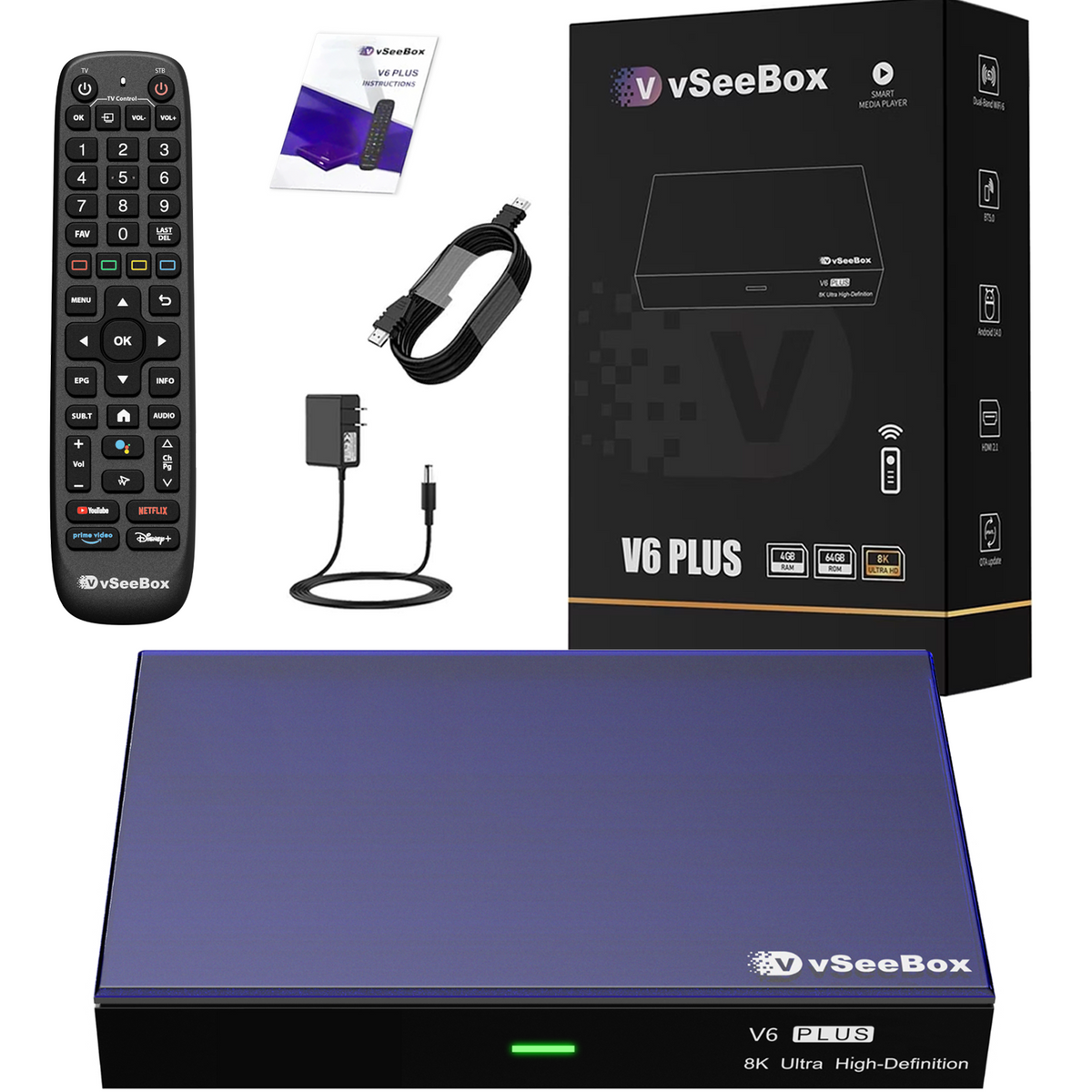
- Product List
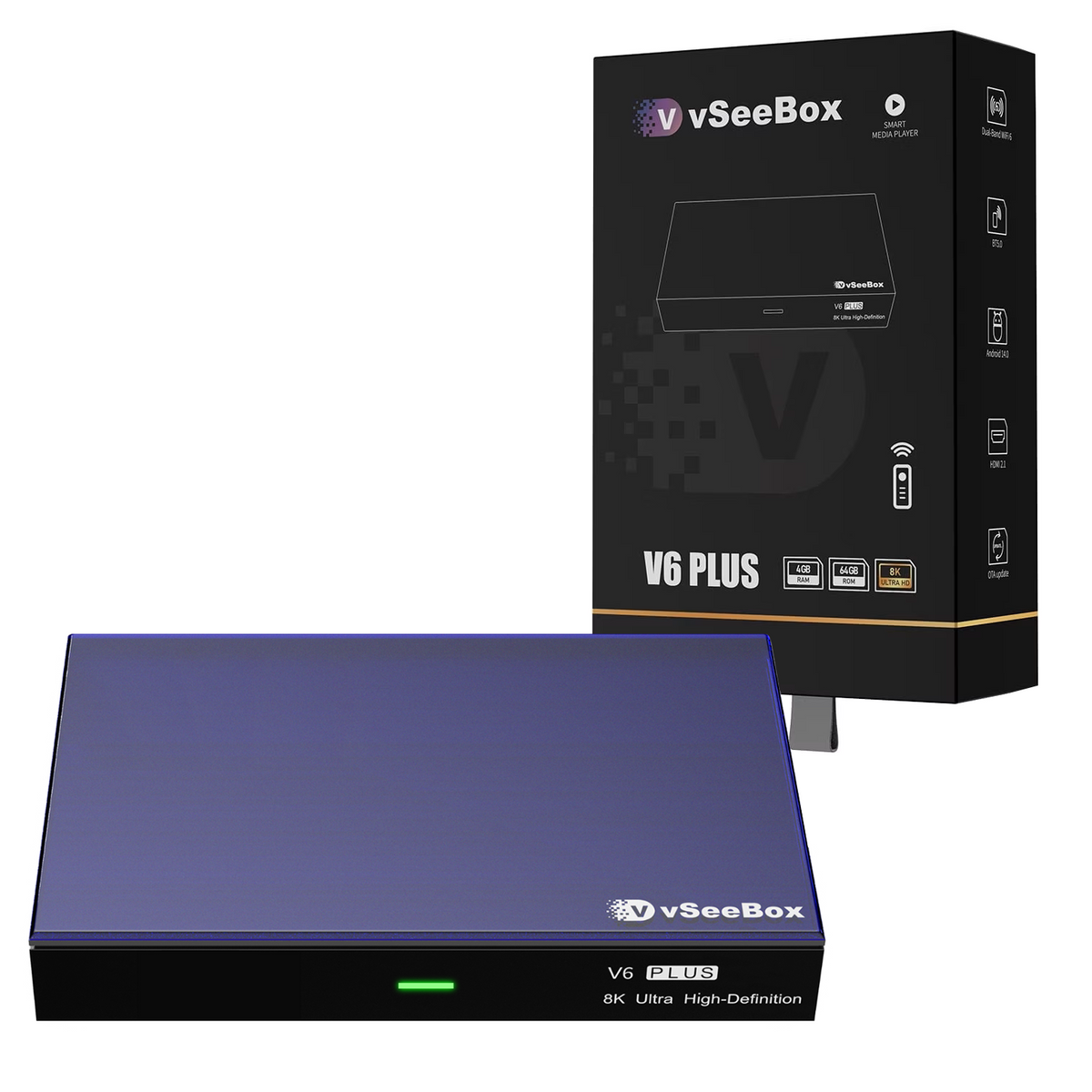
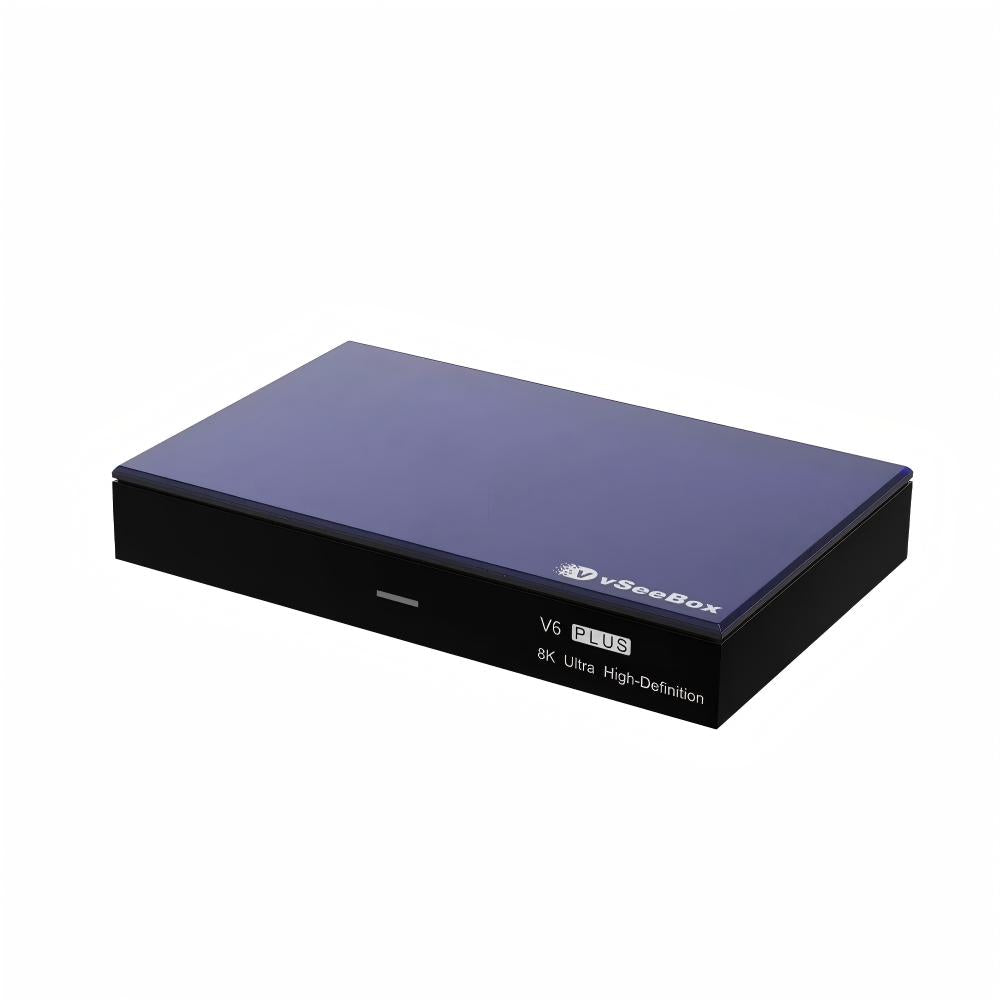
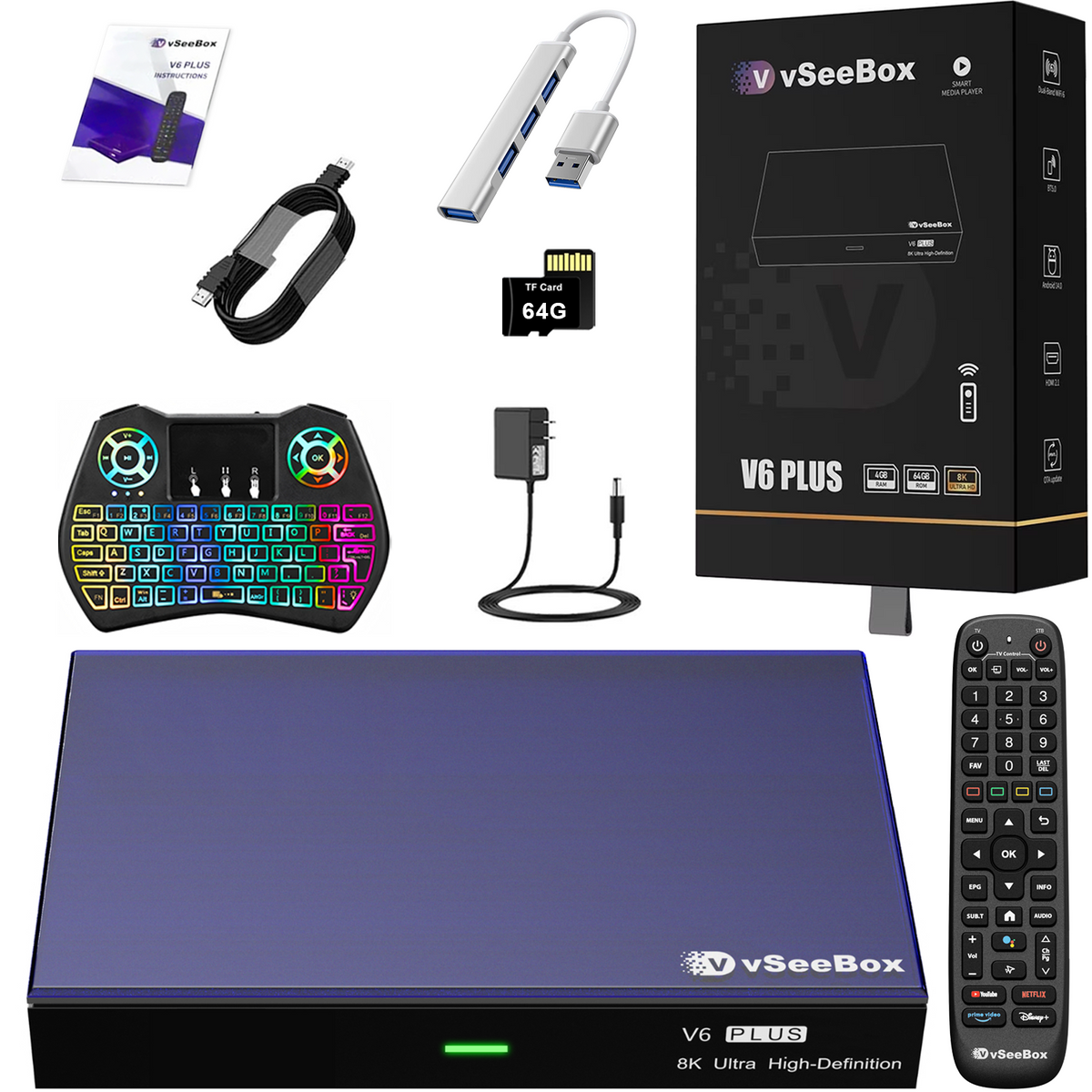
- 2026 Latest vSeeBox V6 Plus × 1
- vSeebox Premium Backlit Voice Remote × 1
- User Manual × 1
- HDMI Cable × 1
- Power Supply × 1
vSeeBox V6 Plus
If you have any questions, you are always welcome to contact us. We'll get back to you as soon as possible, within 24 hours on weekdays.
-
Shipping Information
Use this text to answer questions in as much detail as possible for your customers.
-
Customer Support
Use this text to answer questions in as much detail as possible for your customers.
-
FAQ’s
Use this text to answer questions in as much detail as possible for your customers.
-
Contact Us
Use this text to answer questions in as much detail as possible for your customers.
vSeeBox Shipping
Shipping Carriers
We ship via UPS/FedEx/USPS, depending on your location and package size.
Order Processing
- Mon-Thu orders: Tracking number will be generate within 24 hours.
- Fri-Sun orders: Tracking number will be generate on Monday.
- Orders placed after 6:00 PM, on weekends, or holidays will be shipped on the next business day.
Processing time: 1–2 business day
Attention: Orders are not processed on Weekend and Holiday.
Delivery Updates
Please allow 48 hours after receiving your tracking number for the carrier to display the estimated delivery date.For any questions, please email us. We will respond within 24 business hours.
Holiday Shipping Notice
Please note that during U.S. federal holidays, our warehouse may be closed or operate on reduced hours. Orders placed during these times may experience slight delays. We appreciate your patience and understanding.
Estimated Delivery Time
- United States: 2–7 business days
- USA Remote Regions: 5-15 business days
Total estimated delivery time:
- United States: 1–2 day processing + 1–5 days transit = 2–7 business days
Delivery times may vary slightly depending on your exact location and carrier operations.
vSeeBox FAQs
Is there any product warranty?
1 year warranty and lifetime customer support. 30-day return and exchange.
What it's shipping policy?
Please check Shipping Policy
What it's refund policy?
Please check Refund Policy.
Where can I track my order?
Please check Order Tracking
Where can I apply for a return or exchange?
Please check 30-day return and exchange.
Do you have a vSeeBox Certificate of Authorized Distributor Verification?
vSeeBox Vision is official retail store, which is factory-to-consumer.
vSeeBox won't turn on
1. Check the Front LED Power Light
- No light at all: Power is not reaching the unit (dead adapter, loose connection, or faulty outlet).
- Red light: The box is receiving power but stuck in standby or failing to boot.
- Blue/Green light: The box is actually ON. The issue is display-related rather than power-related.
2. Verify Power Connections
- Plug the power adapter directly into a known-working wall outlet rather than a power strip or surge protector.
- Ensure the DC power jack is fully and firmly pushed into the back of the box.
- If you have a spare compatible power adapter (5V / 2A or 5V / 3A with matching barrel plug size), test it. A failed power adapter is the most common cause of a box that won't turn on.
3. Test Remote & Manual Powering
- Replace the AAA batteries in the remote.
- If the remote unpaired from Bluetooth, point it directly at the front receiver (infrared mode) from 2–3 feet away.
- Unplug the power cable, wait 30 seconds, and plug it back in. Most vSeeBox models automatically initiate boot-up when power is restored without needing the remote.
4. Fix Display Output Issues (If LED Light is Blue)
- Verify your TV source input matches the physical port used (e.g., HDMI 1, HDMI 2).
- Disconnect and reconnect both ends of the HDMI cable, or test a different HDMI cable.
- Plug the box into a different TV or monitor to rule out HDMI handshake/resolution incompatibilities.
4. Damage Box
- Apply for exchange
Network troubleshooting for vSeeBox
You can find a solution based on this article:Network Troubleshooting for vSeeBox
How to fix vSeeBox live TV not working – no signal, frozen or crash fix
Please check this instruction
What’s the difference between model V6 plus and V6 max?
Both the VSeeBox V6 Plus and V6 Max run on Android 14 and support 8K UHD streaming, Wi-Fi 6, Bluetooth, and smooth playback for live TV and on-demand content. At first glance, their core specs look similar, but the real difference is in performance optimization and software features.
The V6 Plus is equipped with a newer chipset that delivers faster response times, smoother app switching, and better multitasking. It also supports split-screen mode, making it more suitable for power users or families who frequently switch between apps. In addition, the V6 Plus offers broader media and audio format compatibility and access to newer features.
The V6 Max, on the other hand, focuses on stability and everyday streaming needs. It delivers reliable 8K playback without extra multitasking features and is often priced more affordably.
How to use split-screen mode on the vSeeBox V6 Plus
Please following this video on YouTube
How to setup my vSeeBox V6 Plus/V6 Max/V6 Pro/V5 Pro?
Please following this video on YouTube
How to program the VSeeBox V6 Max,V6 Pro and V6 Plus remotes to control your TV
Please following this video on YouTube
Love this! Issue is there is simply too much! It’s amazing and worth every penny. Wish i just knew how to navigate it better due to the volume of channels and search engines.
Thank you
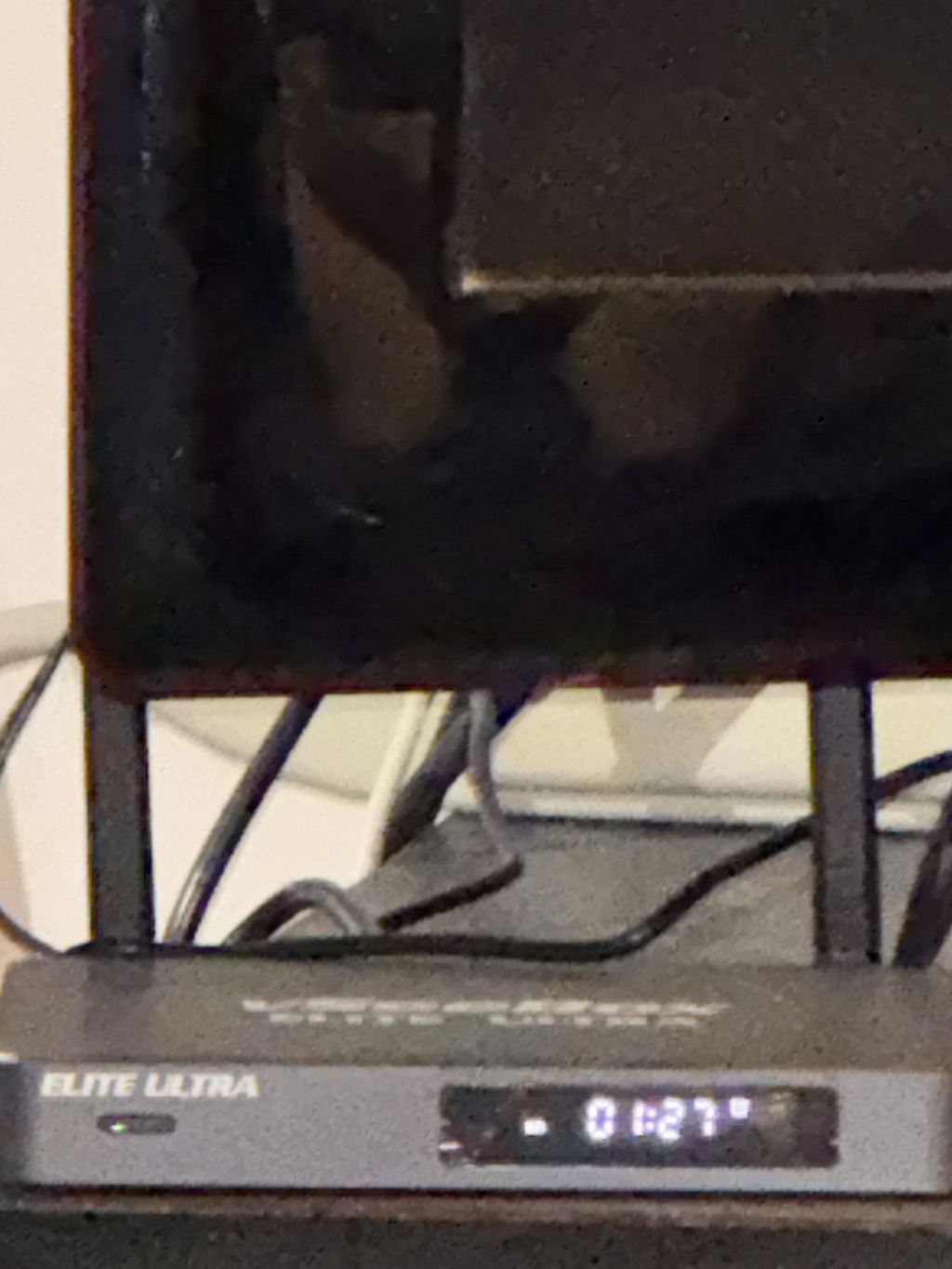
Excellent device. Well worth it. Everything you need is on this box. Movies, tv shows, regular tv. This has it all

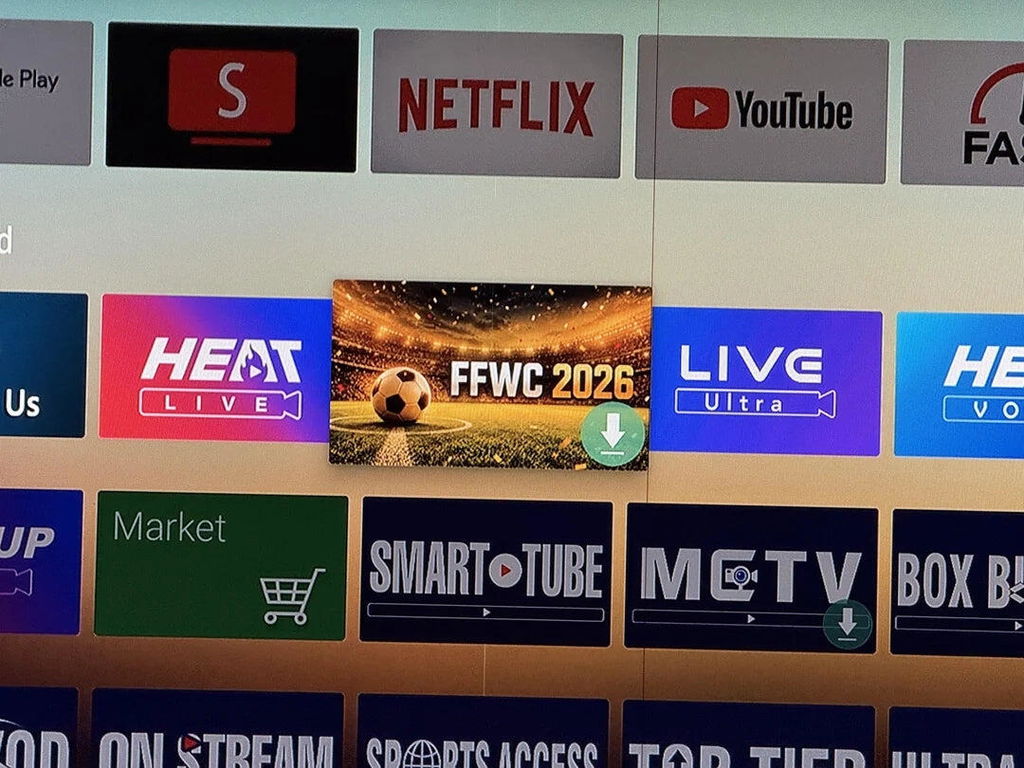
I specifically bought this box to prepare for the upcoming FFWC 2026 matches. Tested a couple of live sports streams yesterday and the feed stability is fantastic. I am completely set up now and can't wait for the tournament kickoff, no more worrying about laggy online links.
The accessories are super complete. Everything you need is right in the box, excited to try it out.
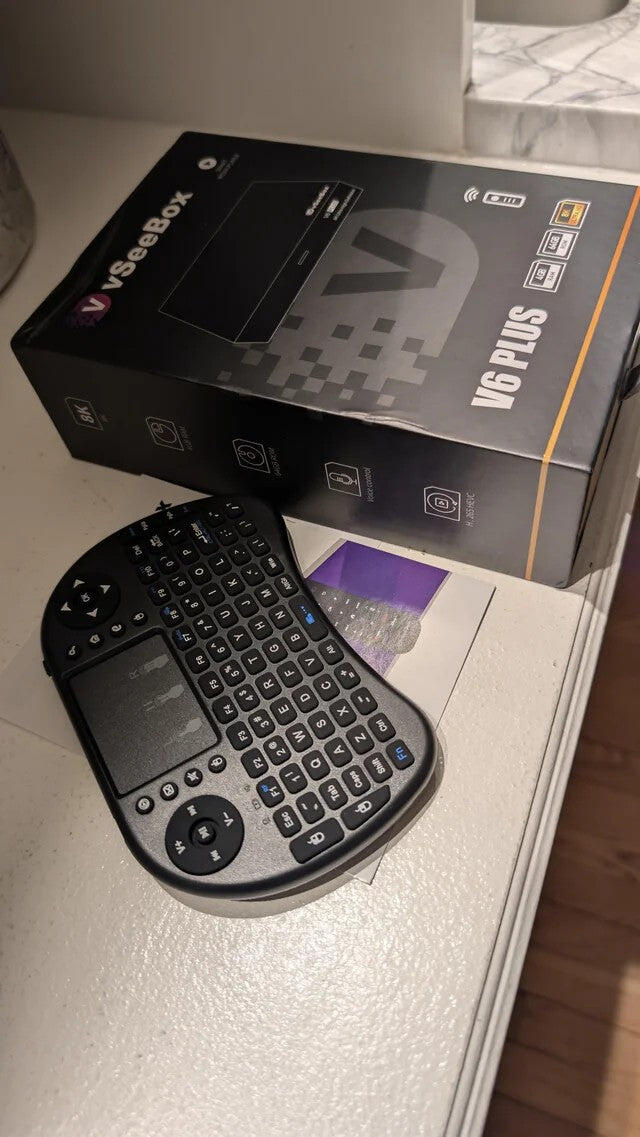
Arrived on time, was packaged well. Easy installation. BUT had it not been for someone who had one of these I think I would have run over it. Can be frustrating the first time using especially if someone isn't there to walk you through it. Very impressed with what you get on this! I will be buying more for the rest of our TVs.
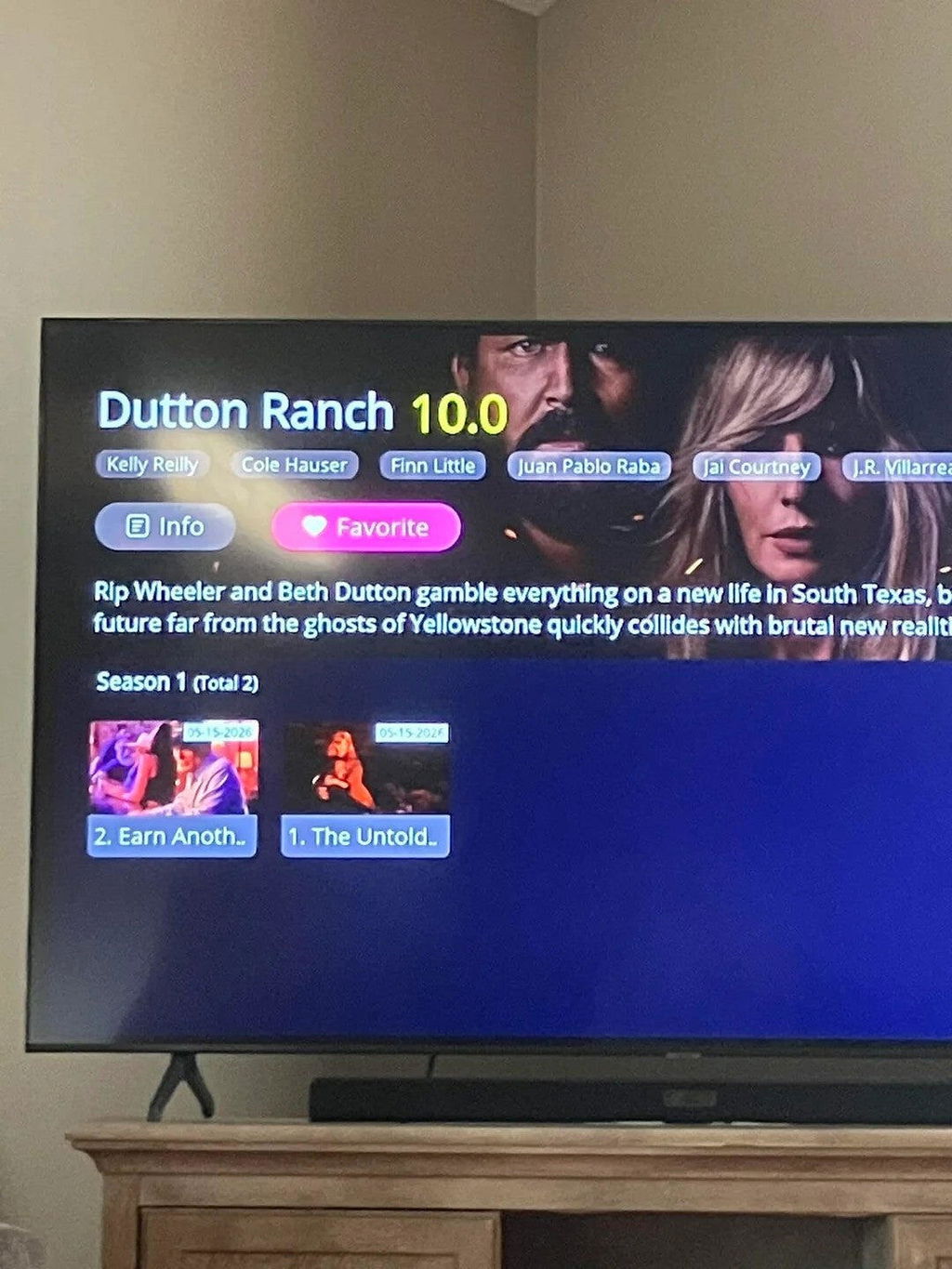
Whoever decided to include the keyboard option deserves a raise. Trying to type out long channel names, specific movie titles, or random system passwords with a regular remote control is always a massive pain, but this little keyboard makes searching through programs incredibly fast and easy.
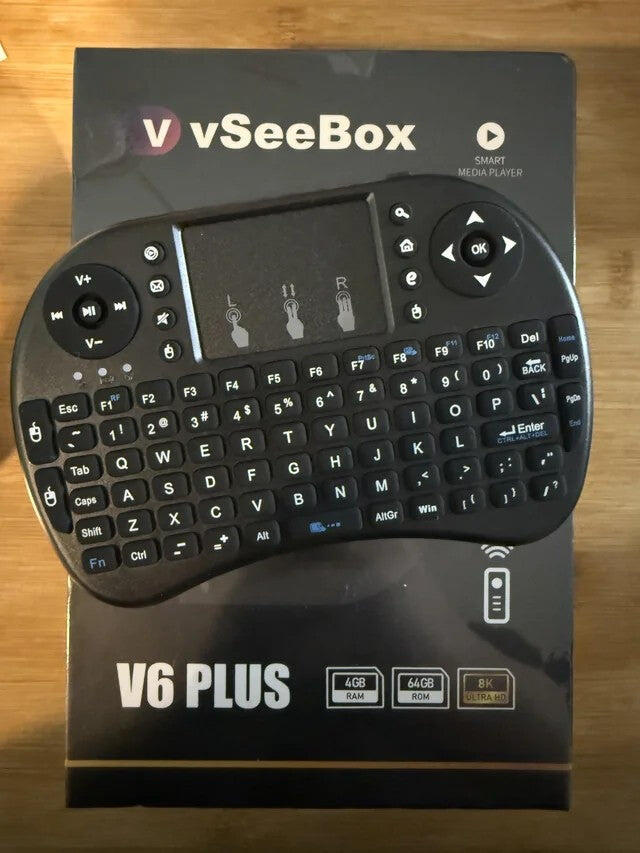
It streams fine and has a good selection of channels. The loading time is acceptable for the price.
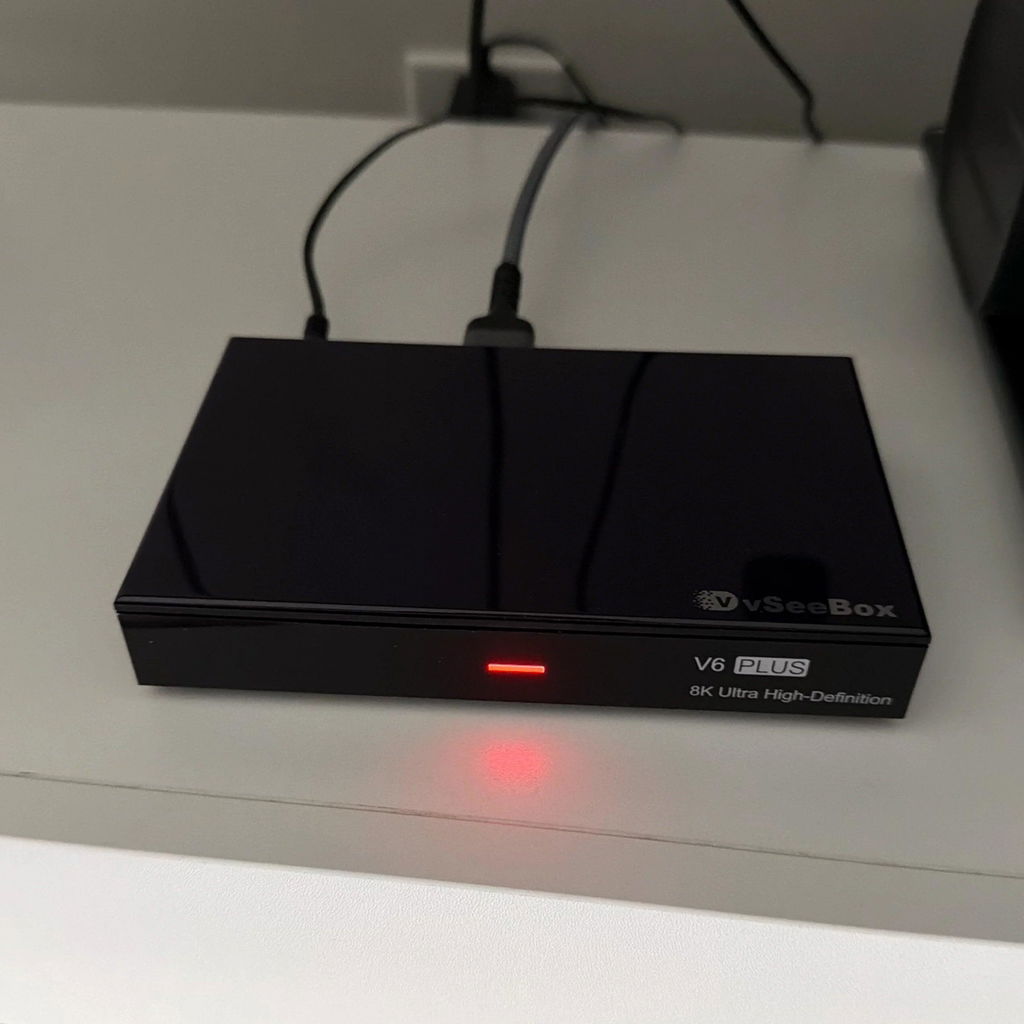
The vSeeBox is an excellent streaming device with smooth performance and a very user-friendly interface. Setup was quick and easy, and the picture quality is sharp, vibrant, and clear when watching movies and shows in 4K. Apps load fast, and navigation feels responsive without lag.
I also love how organized the TV interface is, making it simple to find content from different streaming services in one place. The voice remote works well for searching shows and controlling playback, and the overall design looks sleek and modern. Overall, this streamer delivers a great entertainment experience and is definitely worth it for anyone upgrading their home setup.
I didn't think I would use the split-screen option that much, but it is honestly amazing. I can literally have two different live programs running side-by-side at the exact same time on my screen.
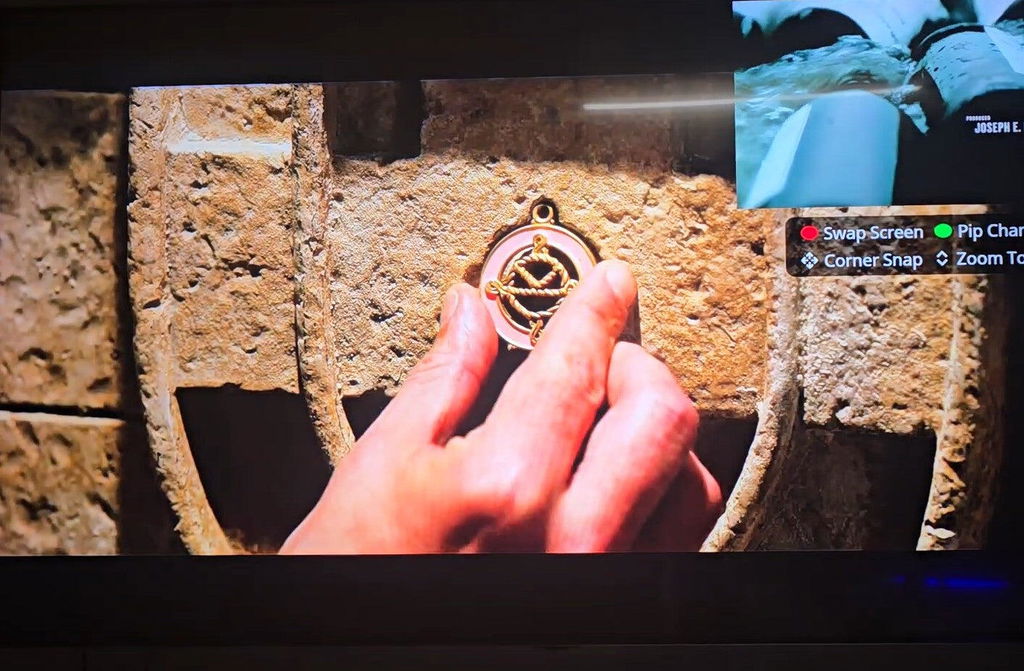
very happy with product works great and saves money on TV streaming
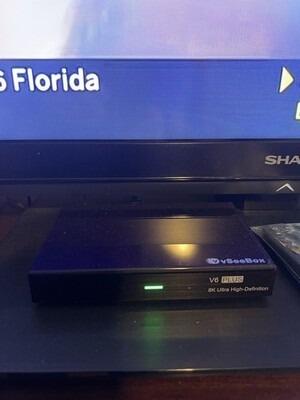
The streaming box works well overall, though I initially had an issue with it randomly turning off. I contacted customer support, and they responded very quickly. They provided step-by-step guidance and helped me resolve the problem efficiently. Good service experience overall.
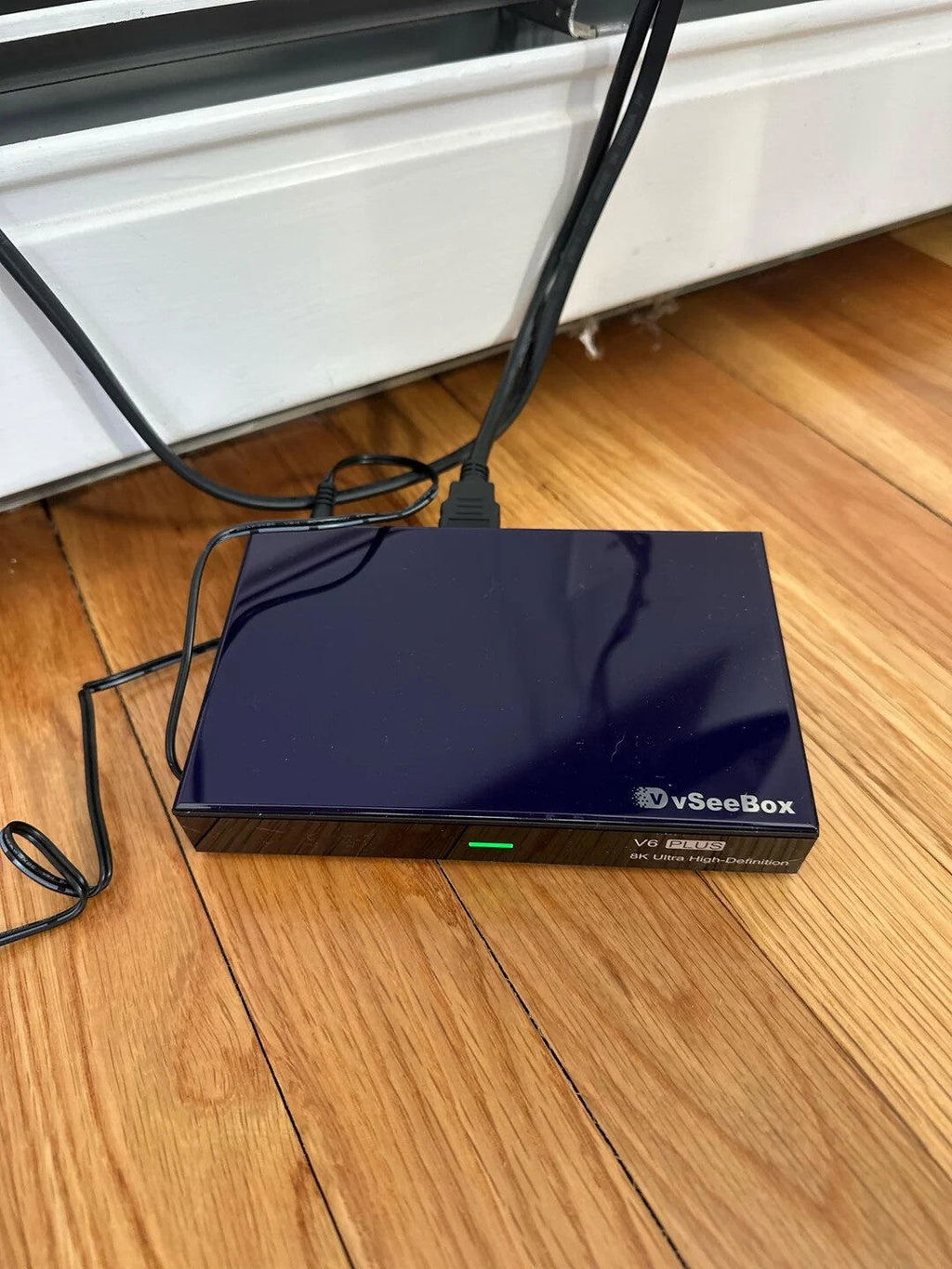
The HD film library on this device is quite massive. Found a lot of newer releases and older favorites available to stream.
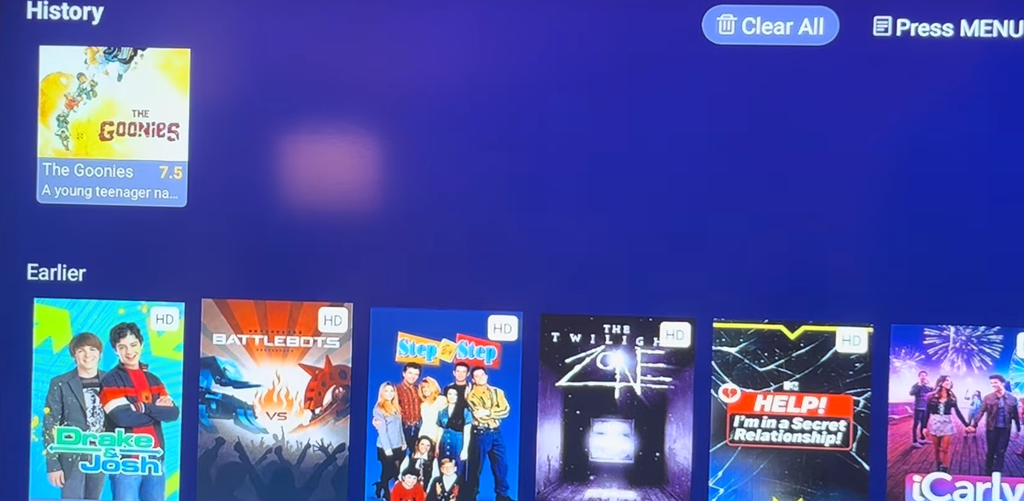
The initial setup is incredibly straightforward and easy to understand right out of the box.
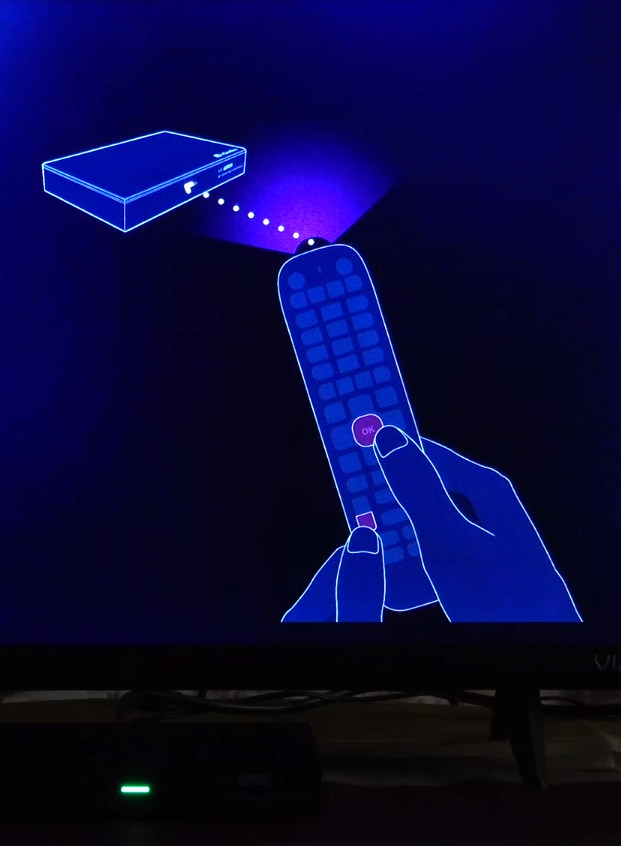
The movie streaming experience on this unit is incredible. Paired with the crisp resolution and smooth playback, it honestly feels like I have my own personal cinema right at home now. It makes staying in on Friday nights to watch films so much more enjoyable.
Received as promised, set up was very easy. Thinking about more purchase from them.
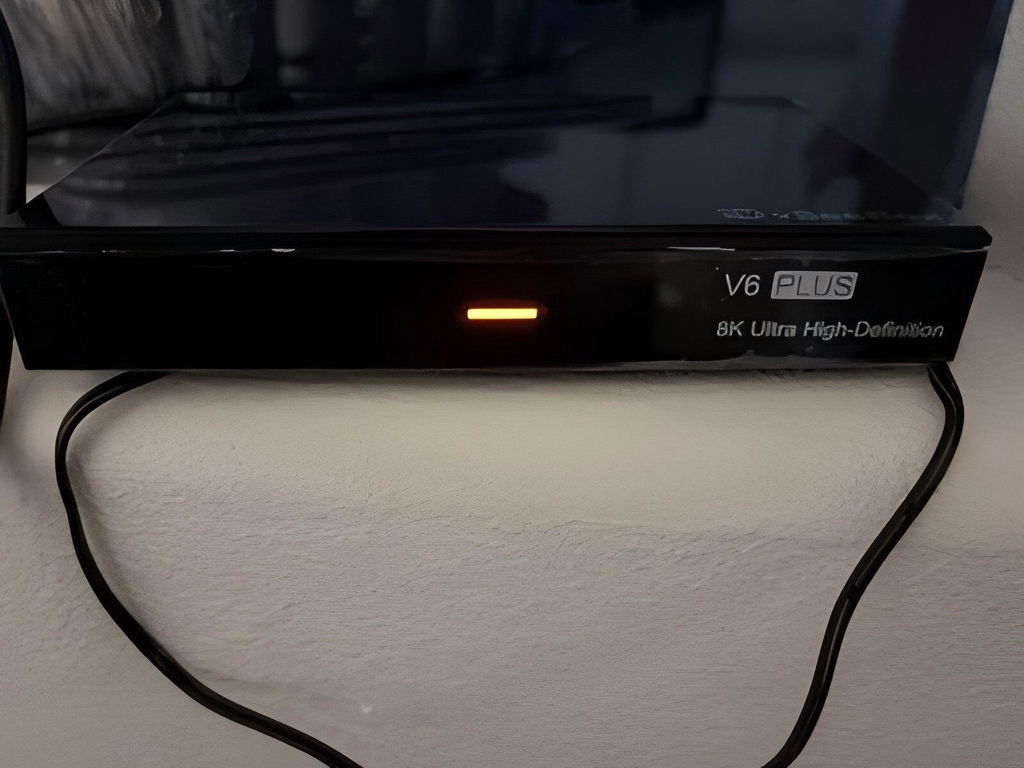
The vSeebox V6 Plus is my second streaming device and they are both among the best purchases I've ever made. You simply cannot get more bang for the buck than what you get with these network streamers.
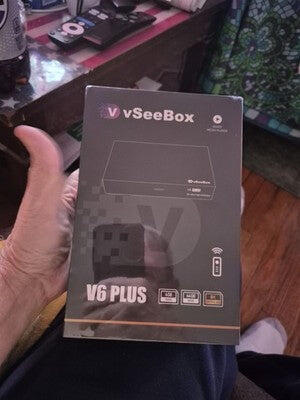
The RAM management is quite good. I can jump from a movie back to the home screen and right back into the movie app without the application restarting from scratch.
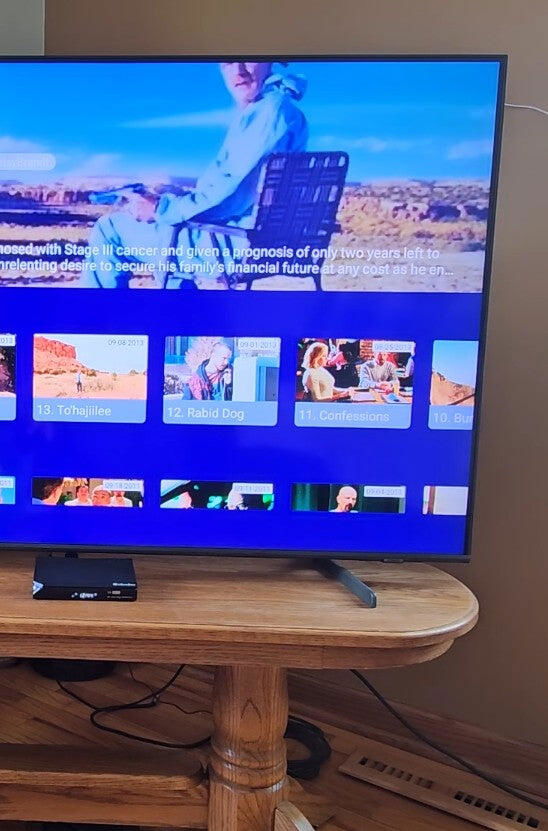
The device is very user-friendly, but my favorite part is how simple it is to load external media. I just plugged in my flash drive containing personal video files and the player recognized the format immediately with zero playback issues or setup hassle.

Given how well the system performs compared to cheaper streaming sticks, it definitely feels like a solid, worthwhile investment.
Great product.
The box freezes a lot. There’s a lot of things I can’t get on the remote other than that it’s good.
I love a quick channel changing and short picture. I get no buffering. Very pleased.
Absolutely lice my vSee V6 Plus
Love it
The setup was easy and once I figured things out about how to navigate through it, I’m loving it and think it well worth the price.
I’m still figuring it out but so far so good!!!
Easy to use crystal clear we love it
Love this! Issue is there is simply too much! It’s amazing and worth every penny. Wish i just knew how to navigate it better due to the volume of channels and search engines.
Thank you
Excellent device. Well worth it. Everything you need is on this box. Movies, tv shows, regular tv. This has it all
I specifically bought this box to prepare for the upcoming FFWC 2026 matches. Tested a couple of live sports streams yesterday and the feed stability is fantastic. I am completely set up now and can't wait for the tournament kickoff, no more worrying about laggy online links.
The accessories are super complete. Everything you need is right in the box, excited to try it out.
Arrived on time, was packaged well. Easy installation. BUT had it not been for someone who had one of these I think I would have run over it. Can be frustrating the first time using especially if someone isn't there to walk you through it. Very impressed with what you get on this! I will be buying more for the rest of our TVs.
Whoever decided to include the keyboard option deserves a raise. Trying to type out long channel names, specific movie titles, or random system passwords with a regular remote control is always a massive pain, but this little keyboard makes searching through programs incredibly fast and easy.
It streams fine and has a good selection of channels. The loading time is acceptable for the price.
The vSeeBox is an excellent streaming device with smooth performance and a very user-friendly interface. Setup was quick and easy, and the picture quality is sharp, vibrant, and clear when watching movies and shows in 4K. Apps load fast, and navigation feels responsive without lag.
I also love how organized the TV interface is, making it simple to find content from different streaming services in one place. The voice remote works well for searching shows and controlling playback, and the overall design looks sleek and modern. Overall, this streamer delivers a great entertainment experience and is definitely worth it for anyone upgrading their home setup.
I didn't think I would use the split-screen option that much, but it is honestly amazing. I can literally have two different live programs running side-by-side at the exact same time on my screen.
very happy with product works great and saves money on TV streaming
The streaming box works well overall, though I initially had an issue with it randomly turning off. I contacted customer support, and they responded very quickly. They provided step-by-step guidance and helped me resolve the problem efficiently. Good service experience overall.
The HD film library on this device is quite massive. Found a lot of newer releases and older favorites available to stream.
The initial setup is incredibly straightforward and easy to understand right out of the box.
The movie streaming experience on this unit is incredible. Paired with the crisp resolution and smooth playback, it honestly feels like I have my own personal cinema right at home now. It makes staying in on Friday nights to watch films so much more enjoyable.
Received as promised, set up was very easy. Thinking about more purchase from them.
The vSeebox V6 Plus is my second streaming device and they are both among the best purchases I've ever made. You simply cannot get more bang for the buck than what you get with these network streamers.
The RAM management is quite good. I can jump from a movie back to the home screen and right back into the movie app without the application restarting from scratch.
The device is very user-friendly, but my favorite part is how simple it is to load external media. I just plugged in my flash drive containing personal video files and the player recognized the format immediately with zero playback issues or setup hassle.
Given how well the system performs compared to cheaper streaming sticks, it definitely feels like a solid, worthwhile investment.
Great product.
The box freezes a lot. There’s a lot of things I can’t get on the remote other than that it’s good.
I love a quick channel changing and short picture. I get no buffering. Very pleased.
Absolutely lice my vSee V6 Plus
Love it
The setup was easy and once I figured things out about how to navigate through it, I’m loving it and think it well worth the price.
I’m still figuring it out but so far so good!!!
Easy to use crystal clear we love it