

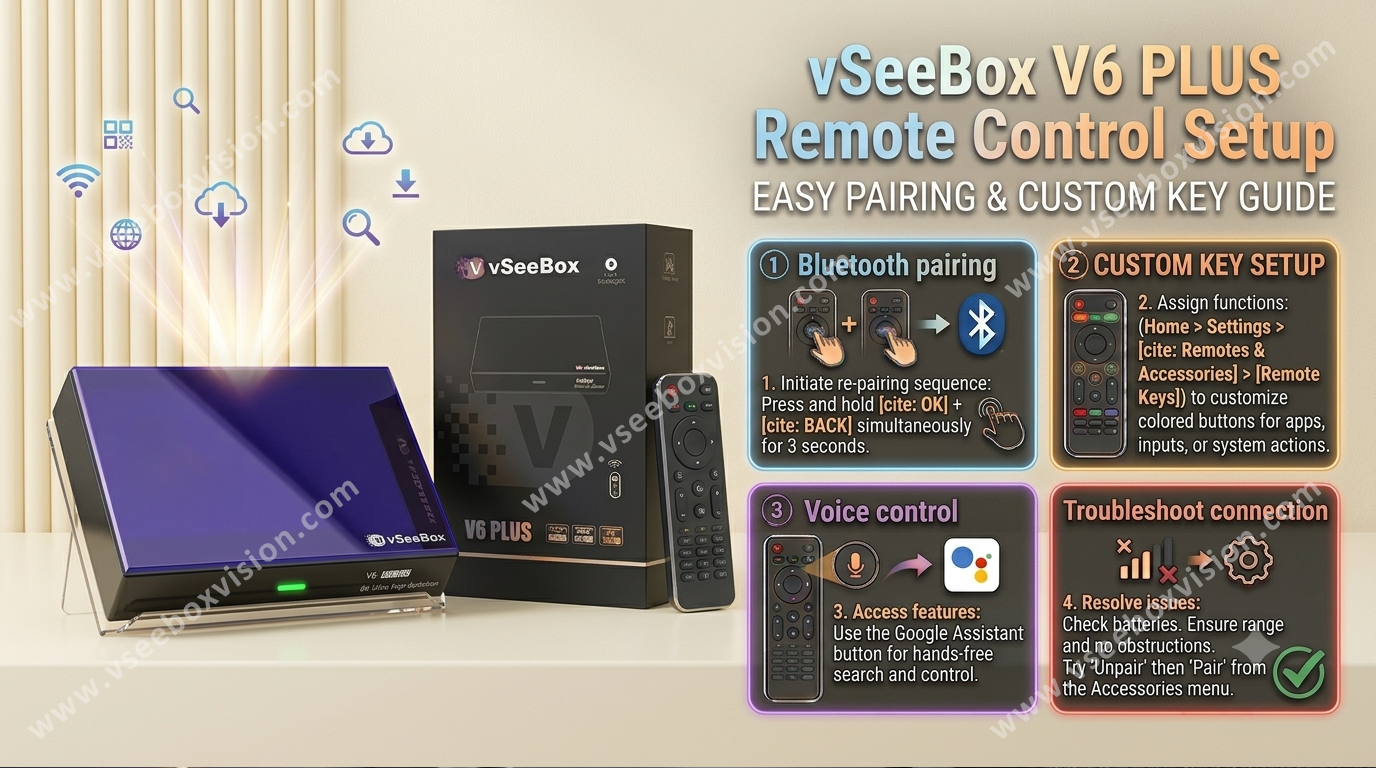
- Navigate to Settings: Ensure your vSeeBox is powered on and at the home screen. Navigate to System Settings (usually in the third row of icons).
- Manage Remotes: Select Remotes & Accessories. If a remote is already paired, select it and choose the option to Unpair the current remote.
- Pairing Process:
- Once prompted on the screen, press and hold the OK button and the Volume Down button simultaneously on your new vSeeBox remote.
- Hold these buttons until the pairing process is complete and the remote is successfully connected.
- Troubleshooting: If you accidentally exit the pairing mode, restart your vSeeBox device to bring up the prompt again and try the process from the beginning.
Share:
Network Troubleshooting for vSeeBox
How to Connect Your TV Remote to vSeeBox (2026 Setup Guide)