

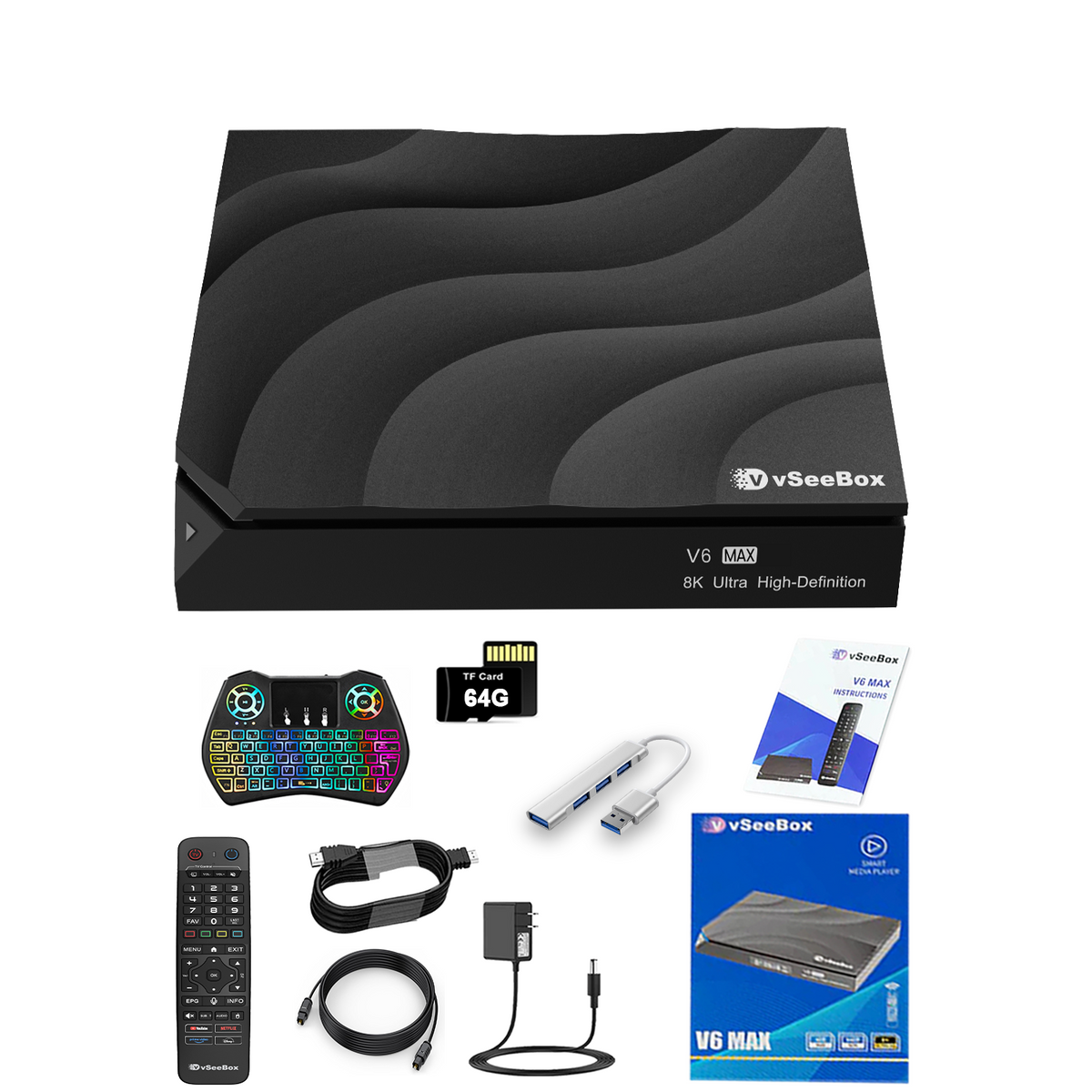
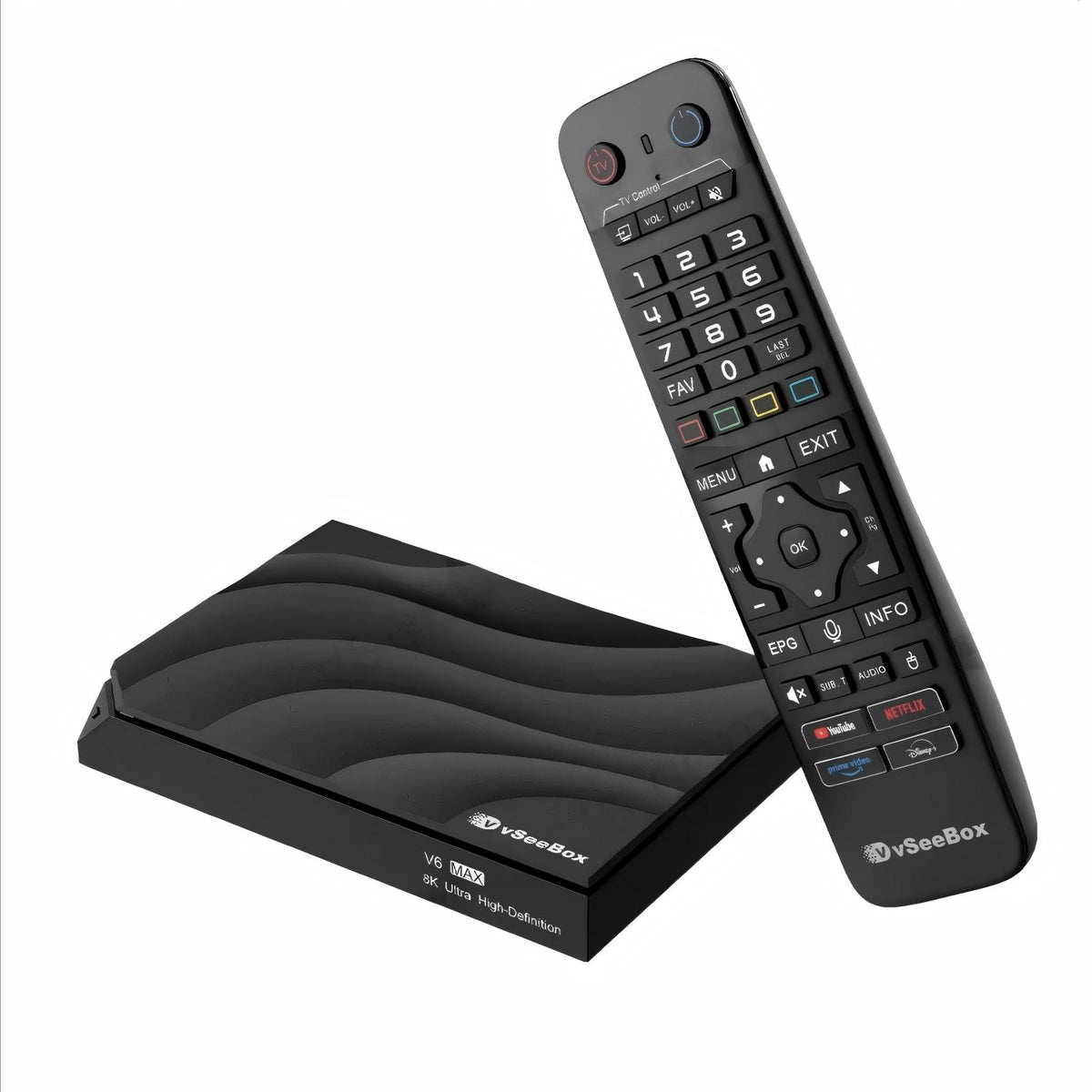
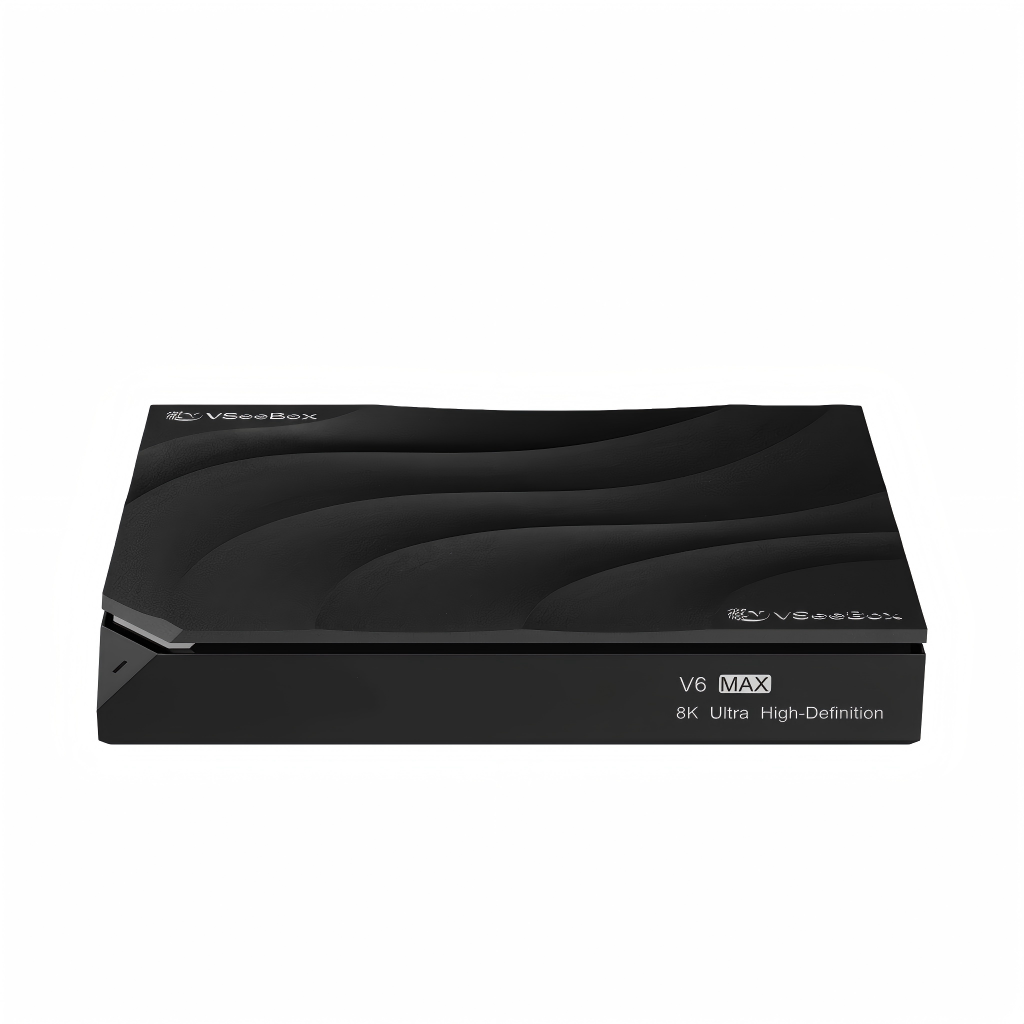
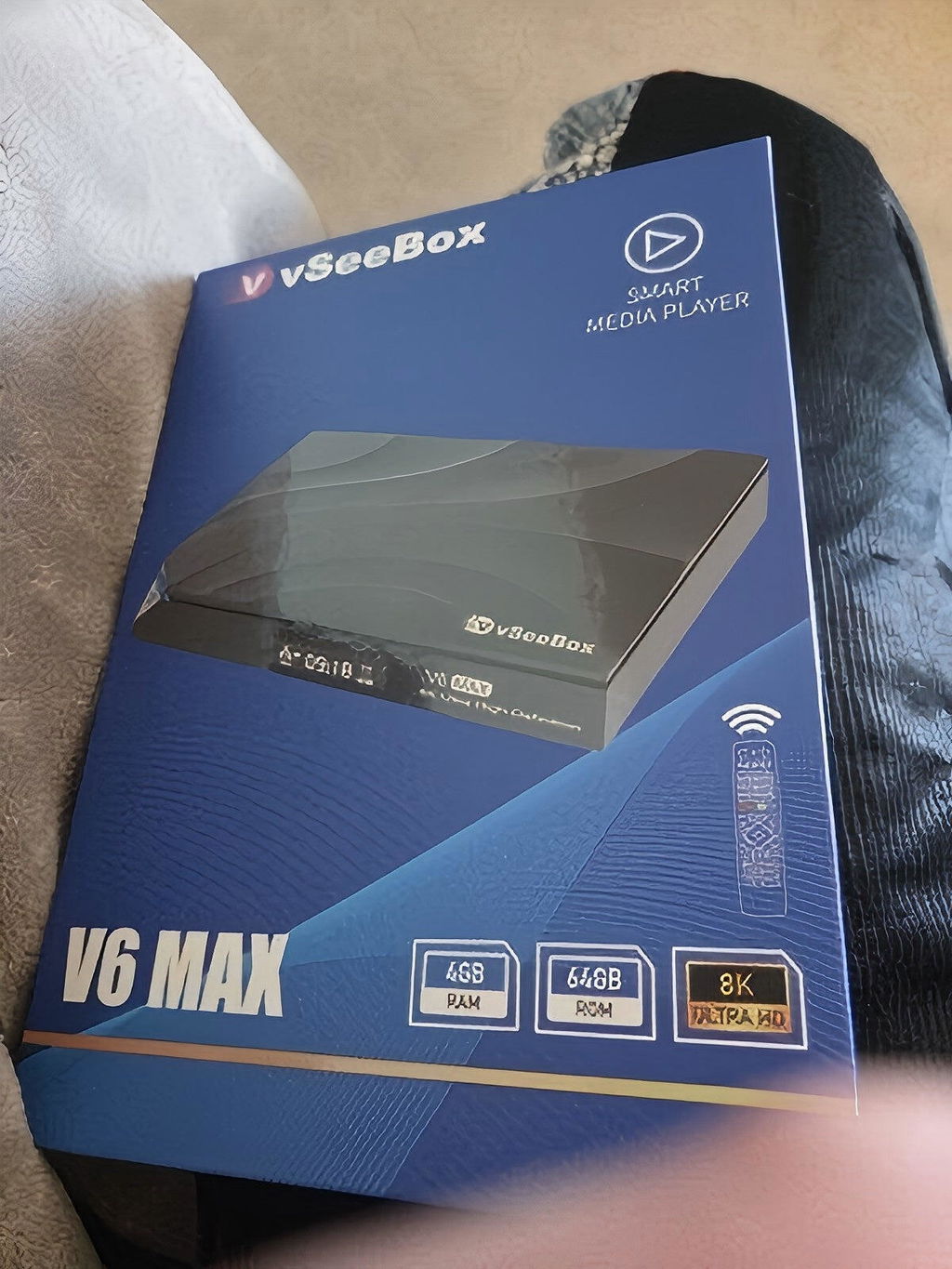
vSeeBox V6 Max with Extra Accessories(Backlit Keyboard, USB Hub, 64G TF Cards..)
Currency Info: Charges are processed in [HKD]. Your bank may apply conversion fees or slight rate differences.
Pairs well with
In stock! Ships within 1-2 business days.
30-day risk-free trial
1-Year Warranty
Complimentary shipping & returns
- Android 14.0 OS
- Automatic OTA Firmware Updates
- vSeebox Smart Bluetooth Voice Remote with Backlit
- WiFi 6 Supported
- Google Assistant Compatible
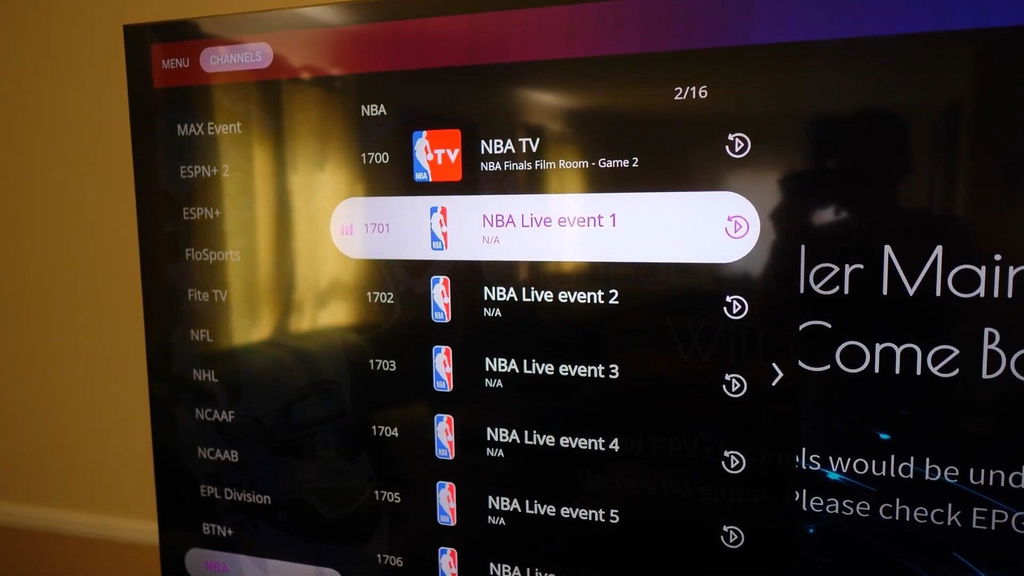
- 7 Days Playback Feature
- Build in MIMO WiFi 2T2R 2.4GHz/5GHz 802.11a/b/g/n/ac/ax + BT 5.0
- 4GB DDR3 RAM, 64GB eMMC Internal Storage
- Support AV1/VP9/H.264/H.265 10bit HDR decoding up to 8K@60fps
- Amlogic 905Y4 SoC (Quad-core ARM Cortex™-A35 Processor)
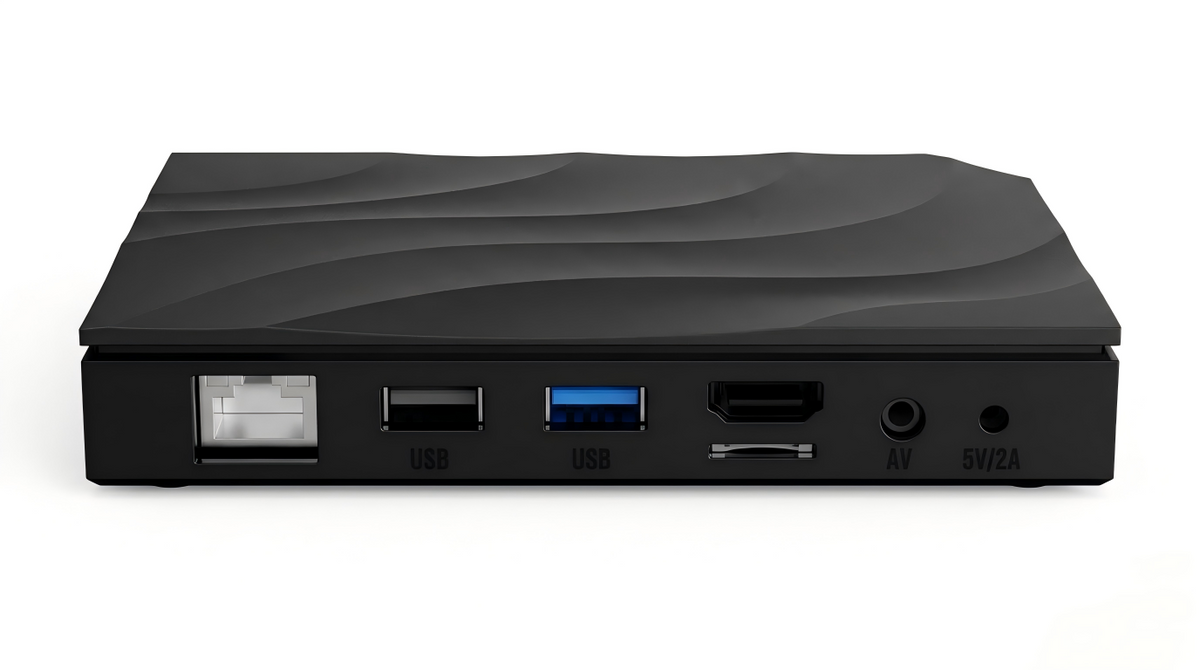
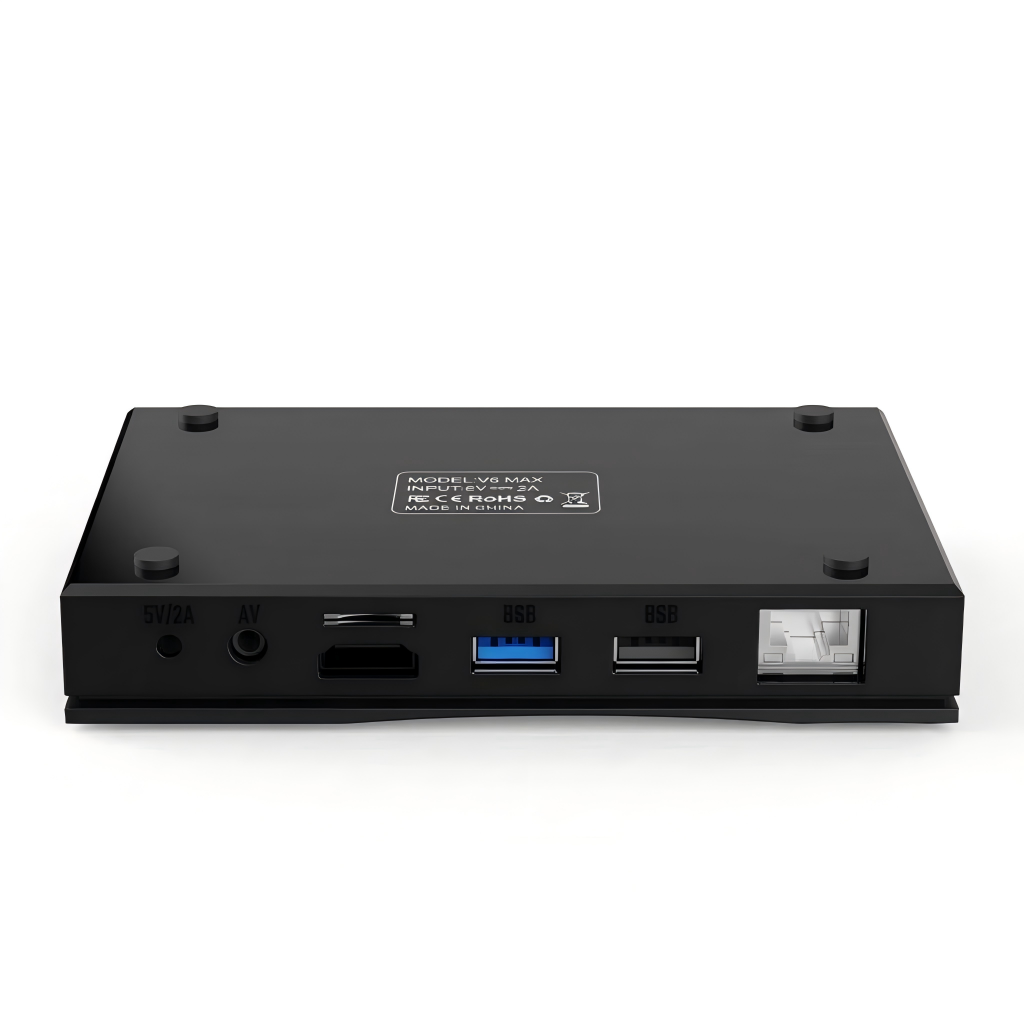
- LAN Port:RJ45 Interface 10M/100M
- Product List
- 2026 Latest vSeeBox V6 Max × 1
- vSeebox Standard Backlit Voice Remote Control × 1
- User Manual × 1
- HDMI Cable × 1
- Power Supply × 1
- Accessory List:
- Keyboard x 1
- 3.0 USB Hub x 1
- 64G TF Card x 1
- Audio Cable x 1
vSeeBox V6 Max with Extra Accessories(Backlit Keyboard, USB Hub, 64G TF Cards..)
If you have any questions, you are always welcome to contact us. We'll get back to you as soon as possible, within 24 hours on weekdays.
-
Shipping Information
Use this text to answer questions in as much detail as possible for your customers.
-
Customer Support
Use this text to answer questions in as much detail as possible for your customers.
-
FAQ’s
Use this text to answer questions in as much detail as possible for your customers.
-
Contact Us
Use this text to answer questions in as much detail as possible for your customers.
vSeeBox Shipping
Shipping Carriers
We ship via UPS/FedEx/USPS, depending on your location and package size.
Order Processing
- Mon-Thu orders: Tracking number will be generate within 24 hours.
- Fri-Sun orders: Tracking number will be generate on Monday.
- Orders placed after 6:00 PM, on weekends, or holidays will be shipped on the next business day.
Processing time: 1–2 business day
Attention: Orders are not processed on Weekend and Holiday.
Delivery Updates
Please allow 48 hours after receiving your tracking number for the carrier to display the estimated delivery date.For any questions, please email us. We will respond within 24 business hours.
Holiday Shipping Notice
Please note that during U.S. federal holidays, our warehouse may be closed or operate on reduced hours. Orders placed during these times may experience slight delays. We appreciate your patience and understanding.
Estimated Delivery Time
- United States: 2–7 business days
- USA Remote Regions: 5-15 business days
Total estimated delivery time:
- United States: 1–2 day processing + 1–5 days transit = 2–7 business days
Delivery times may vary slightly depending on your exact location and carrier operations.
vSeeBox FAQs
Is there any product warranty?
1 year warranty and lifetime customer support. 30-day return and exchange.
What it's shipping policy?
Please check Shipping Policy
What it's refund policy?
Please check Refund Policy.
Where can I track my order?
Please check Order Tracking
Where can I apply for a return or exchange?
Please check 30-day return and exchange.
Do you have a vSeeBox Certificate of Authorized Distributor Verification?
vSeeBox Vision is official retail store, which is factory-to-consumer.
vSeeBox won't turn on
1. Check the Front LED Power Light
- No light at all: Power is not reaching the unit (dead adapter, loose connection, or faulty outlet).
- Red light: The box is receiving power but stuck in standby or failing to boot.
- Blue/Green light: The box is actually ON. The issue is display-related rather than power-related.
2. Verify Power Connections
- Plug the power adapter directly into a known-working wall outlet rather than a power strip or surge protector.
- Ensure the DC power jack is fully and firmly pushed into the back of the box.
- If you have a spare compatible power adapter (5V / 2A or 5V / 3A with matching barrel plug size), test it. A failed power adapter is the most common cause of a box that won't turn on.
3. Test Remote & Manual Powering
- Replace the AAA batteries in the remote.
- If the remote unpaired from Bluetooth, point it directly at the front receiver (infrared mode) from 2–3 feet away.
- Unplug the power cable, wait 30 seconds, and plug it back in. Most vSeeBox models automatically initiate boot-up when power is restored without needing the remote.
4. Fix Display Output Issues (If LED Light is Blue)
- Verify your TV source input matches the physical port used (e.g., HDMI 1, HDMI 2).
- Disconnect and reconnect both ends of the HDMI cable, or test a different HDMI cable.
- Plug the box into a different TV or monitor to rule out HDMI handshake/resolution incompatibilities.
4. Damage Box
- Apply for exchange
Network troubleshooting for vSeeBox
You can find a solution based on this article:Network Troubleshooting for vSeeBox
How to fix vSeeBox live TV not working – no signal, frozen or crash fix
Please check this instruction
What’s the difference between model V6 plus and V6 max?
Both the VSeeBox V6 Plus and V6 Max run on Android 14 and support 8K UHD streaming, Wi-Fi 6, Bluetooth, and smooth playback for live TV and on-demand content. At first glance, their core specs look similar, but the real difference is in performance optimization and software features.
The V6 Plus is equipped with a newer chipset that delivers faster response times, smoother app switching, and better multitasking. It also supports split-screen mode, making it more suitable for power users or families who frequently switch between apps. In addition, the V6 Plus offers broader media and audio format compatibility and access to newer features.
The V6 Max, on the other hand, focuses on stability and everyday streaming needs. It delivers reliable 8K playback without extra multitasking features and is often priced more affordably.
How to use split-screen mode on the vSeeBox V6 Plus
Please following this video on YouTube
How to setup my vSeeBox V6 Plus/V6 Max/V6 Pro/V5 Pro?
Please following this video on YouTube
How to program the VSeeBox V6 Max,V6 Pro and V6 Plus remotes to control your TV
Please following this video on YouTube
Love the playback feature on this. It lets me easily replay and catch up on all the NBA games I ended up missing during the week.
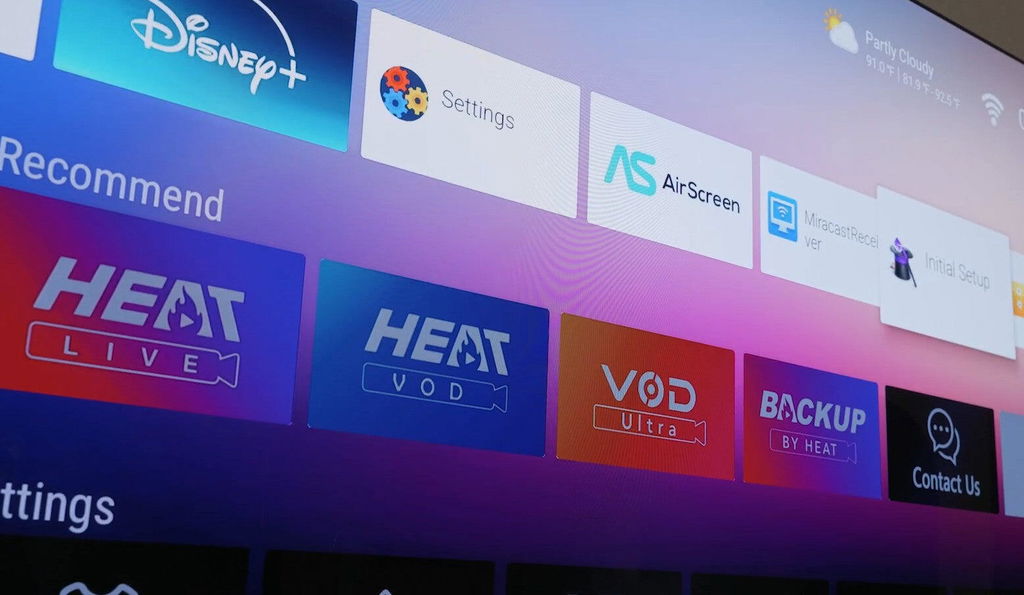
Definitely feel like I got my money's worth with this device. The built-in parental control tools are super useful because I can easily manage screen time limits and I don't have to constantly worry about my kids watching too much television.
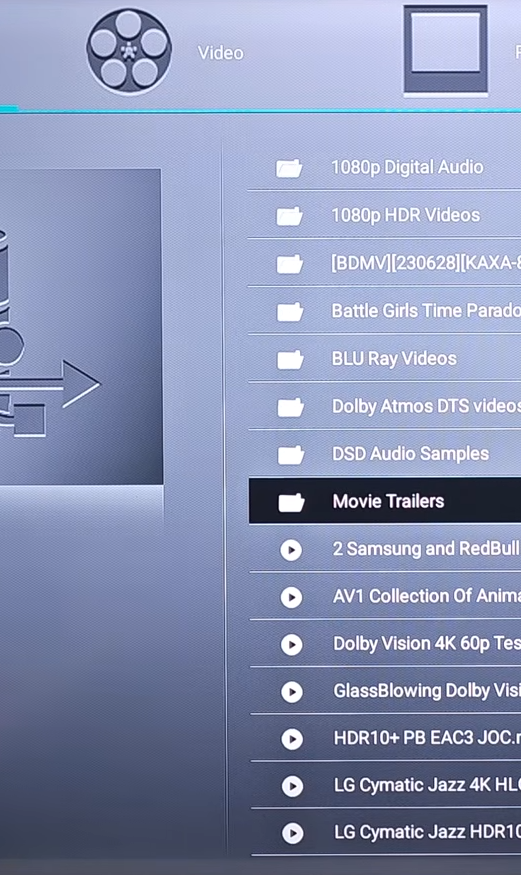
It is great that you aren't just limited to the app store. I can easily load my personal movie files onto a drive, plug it into the port, and watch them with zero hassle.
I got rid of my old Stick (No offense it, but that stick was doing too much, lagging, etc... and had to go!) and switched to this vSeeBox TV Streamer instead!!!
(...As I'm sure a lot of people are doing now!)
This literally arrived overnight! I ordered it at like 6 pm, and then literally had this in my hands the next day at 11 am! Love the super fast shipping!
I love my new vSeeBox! It was super easy to set up, and customize! I love how I was able to customize it exactly to my liking! Quick and easy! It connects to the internet easy with no problems!
If anything changes after a while of using this, I will do my best to update about it here!
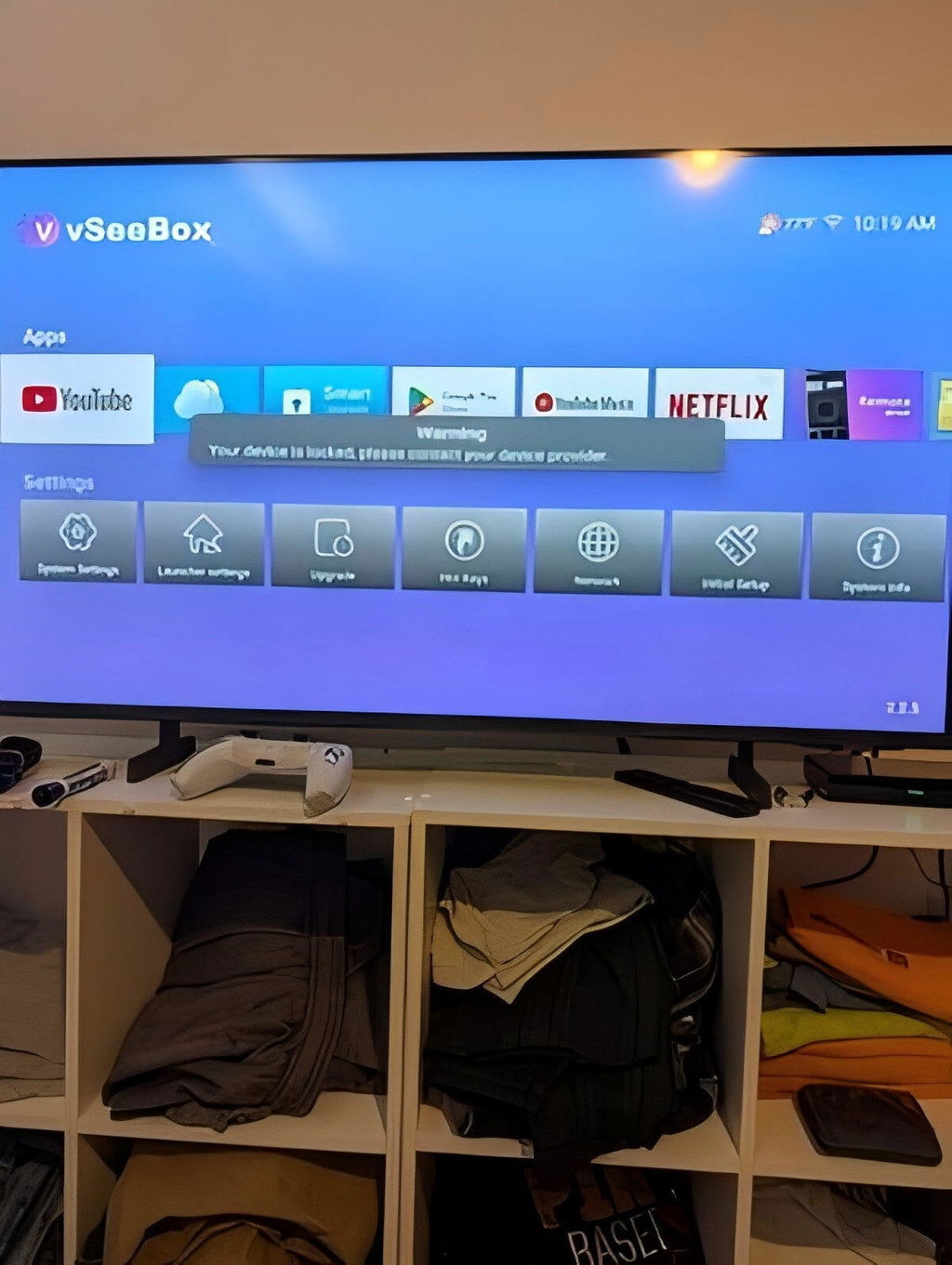
It's a little pricey so I took a chance like most people & I was very pleasantly surprised how much I liked it that I'm thinking of getting a 2nd one. Definitely take advantage of he mic "Google voice assistant" on the remote. Believe it or not, it's one of the best feature on a android tv box. You can be watching something else & ask about the weather or ask it to switch to another channel.
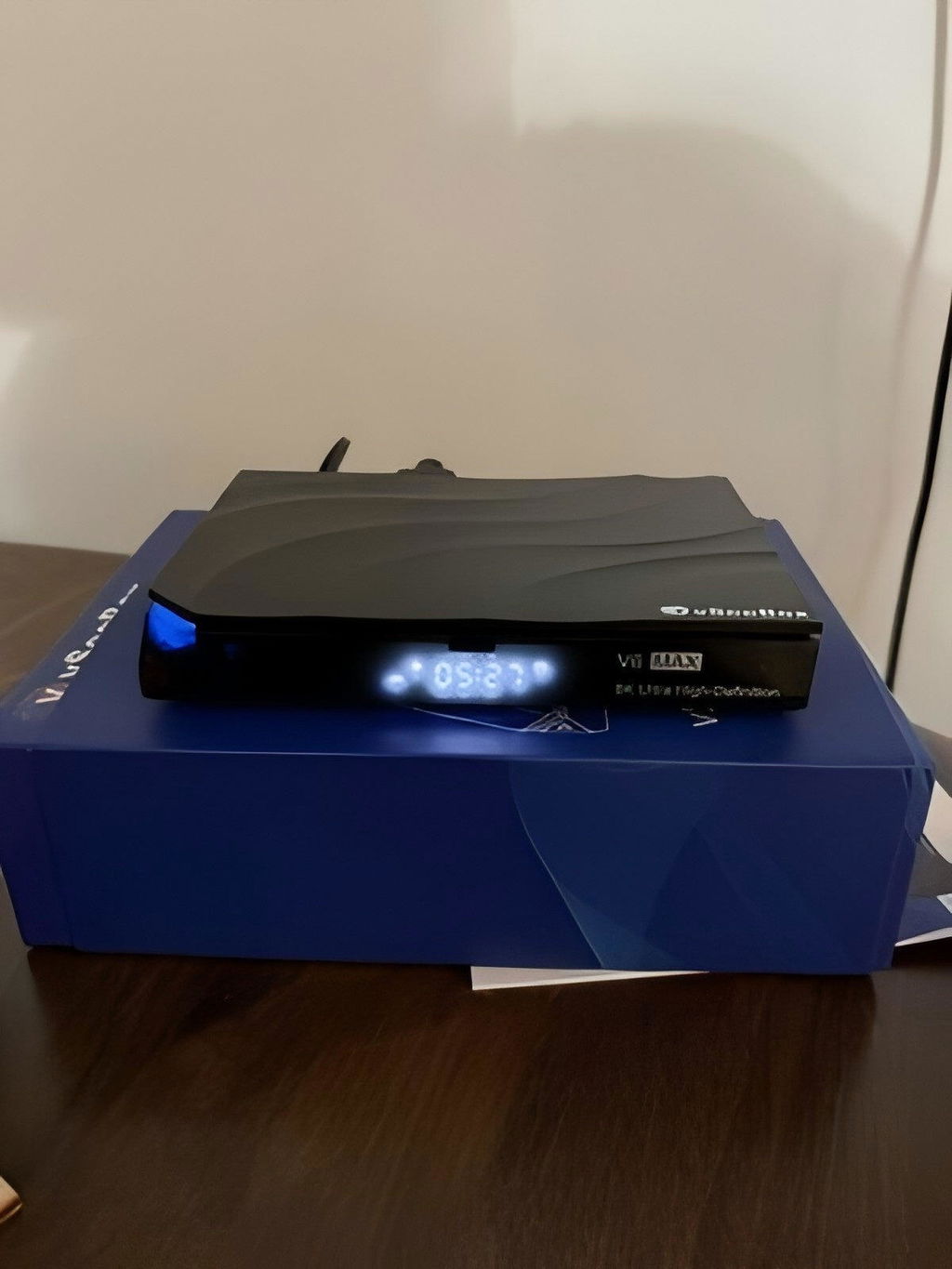
The catch-up function was a main reason I chose this box. It works just as I hoped, making it easy to go back and watch any programs or local broadcasts I missed during my shifts.
The built-in settings let me easily restrict certain adult content and channels. It gives me peace of mind whenever my younger kids are playing around with the remote alone.
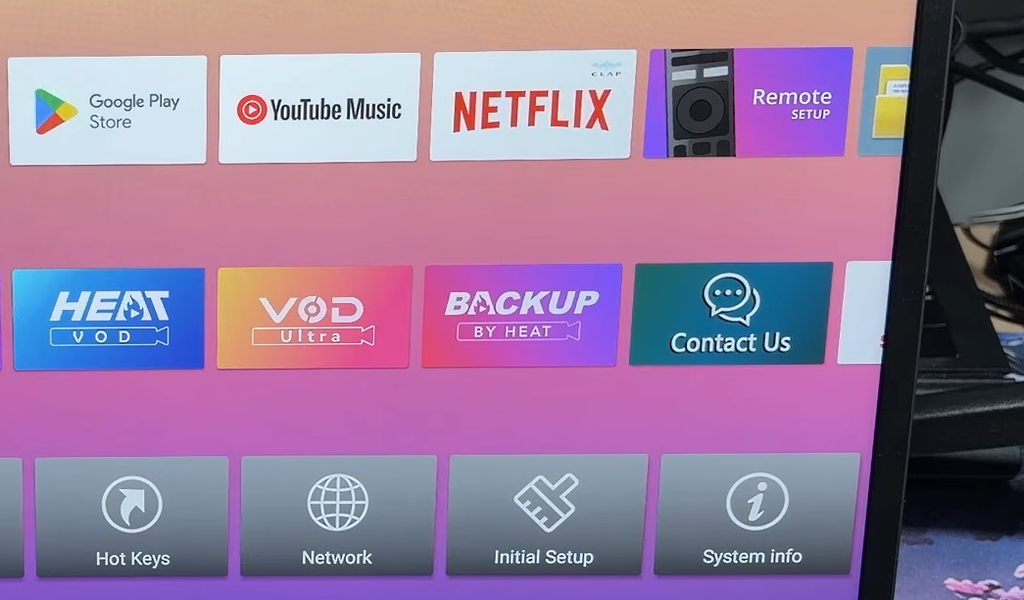
The configuration steps were super straightforward. Took me maybe three or four minutes to get everything hooked up and running.
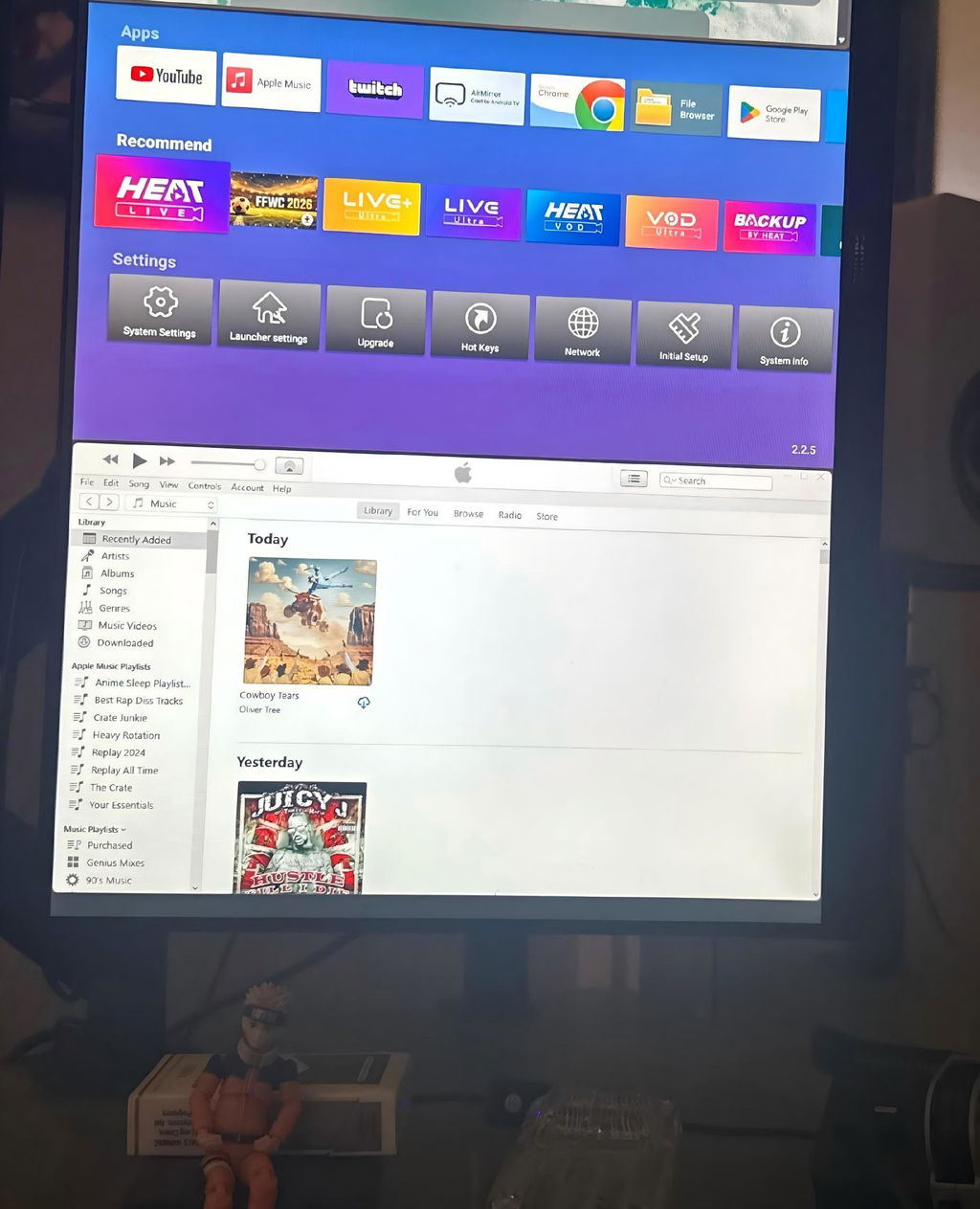
As someone who works with multiple monitors all day, this box is a lifesaver. I can easily keep a show running on one screen while answering emails and getting work done on the other. It makes multitasking during long workdays so much better.
Works pretty darn well. I like that it integrates a lot into one box. It's quicker to navigate around than other slow systems.
The device works as described, but setup wasn’t seamless. Took me about 20 minutes to figure out the menu. Once configured, channel switching is normal.
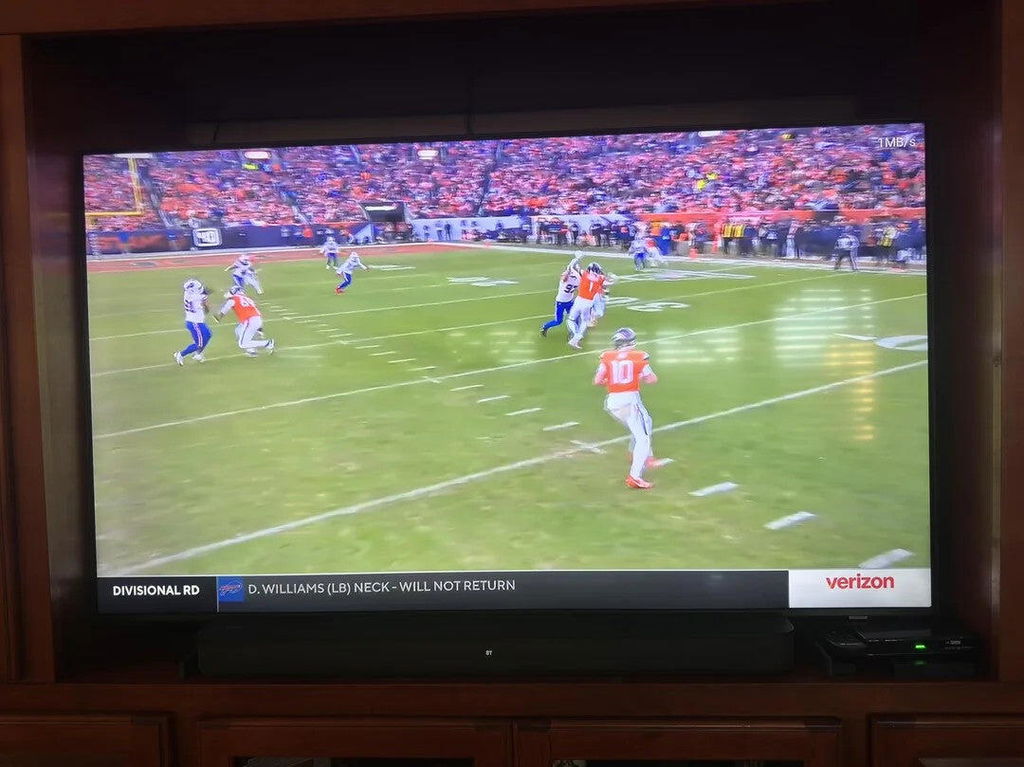
The motion handling is smooth during fast-paced football games. I don’t see any of that annoying ghosting or blurry trailing effects around the ball anymore.
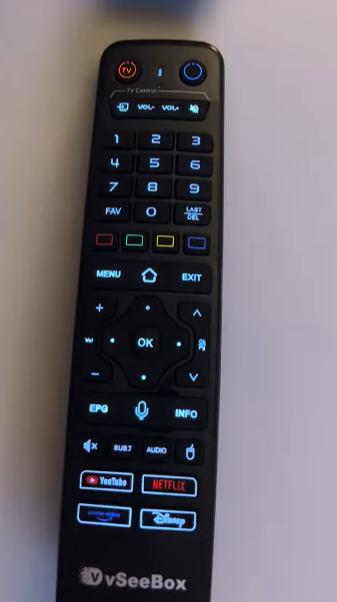
I love watching movies with the lights turned off, so the backlit remote is an absolute lifesaver for me. The buttons light up perfectly without being too bright, making it incredibly easy to navigate and change channels in total darkness without pressing the wrong thing.
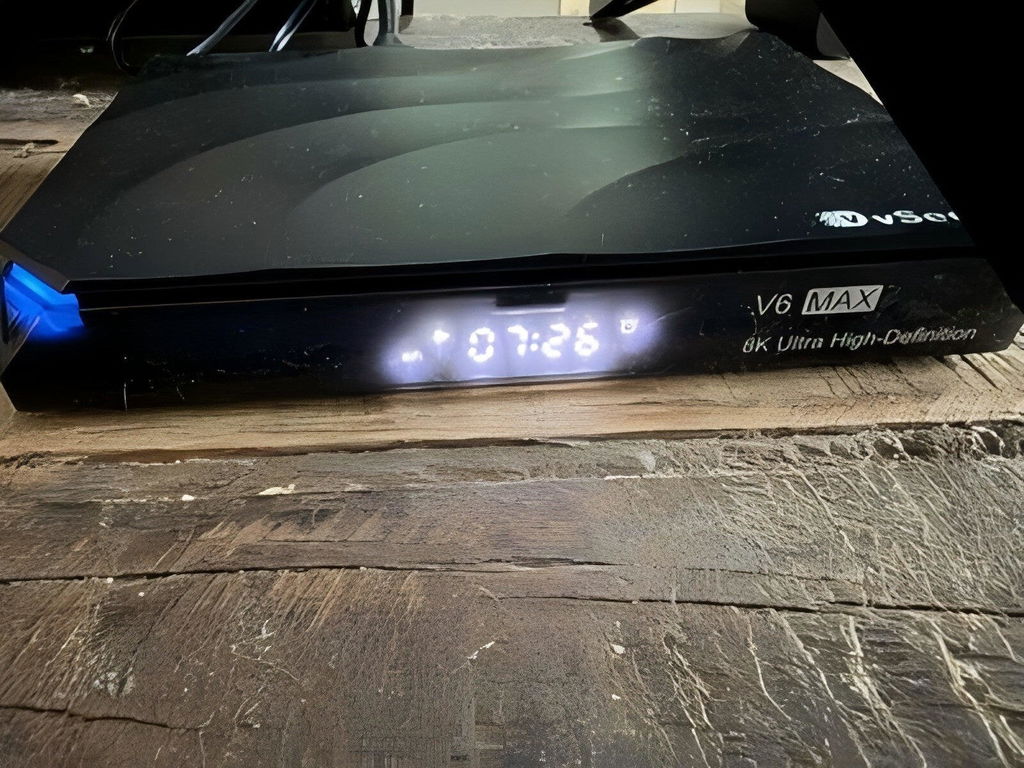
I am extremely satisfied with the v6 max streaming device (packaged with the included remote control). The unit operates great and is highly responsive, providing a seamless entertainment experience. I appreciate that it features *4 GB of RAM*, which enables smooth multitasking and fast app launches.
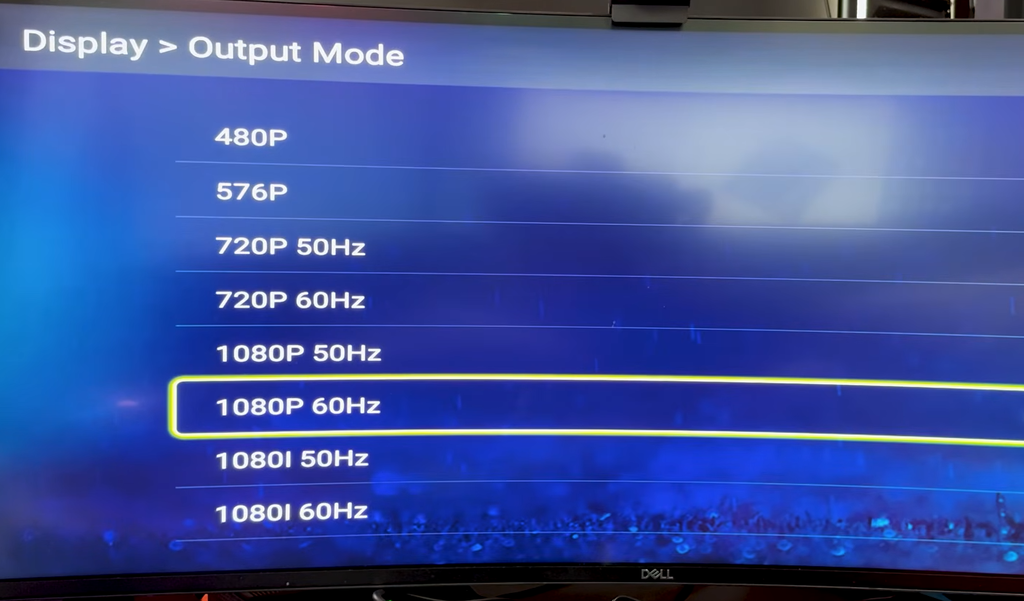
One of my favorite things about this player is how fast it switches between different video qualities. When I toggle a stream from standard to high definition, it registers immediately and changes the feed without making me sit through a long loading circle.
Compact and easy to set up. The Android 14 interface is smooth for basic streaming, and WiFi 6 provides stable connectivity on both 2.4GHz and 5.8GHz.
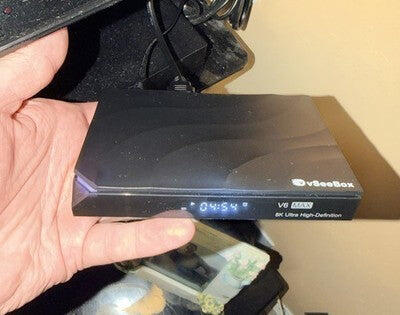
The compact size makes it incredibly easy to tuck away out of sight.
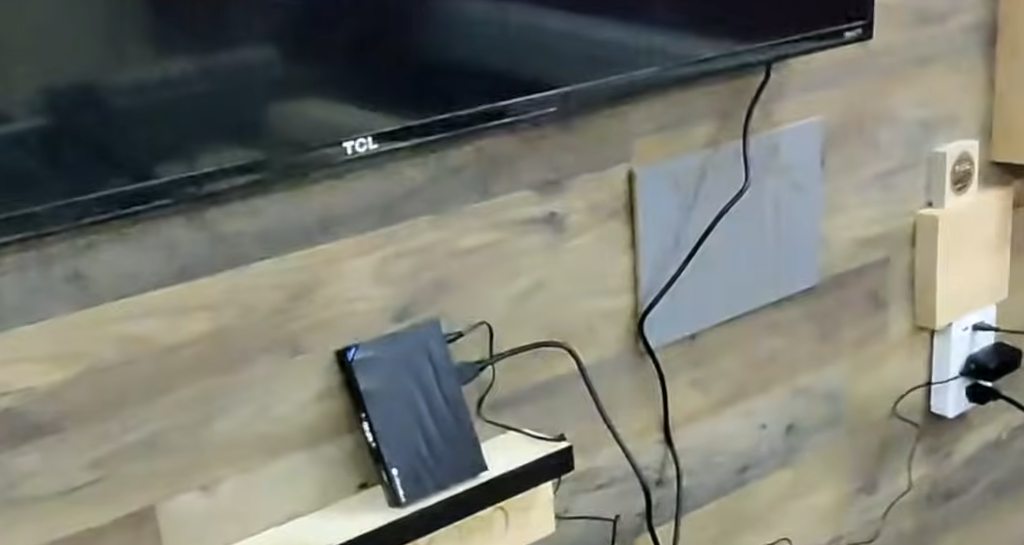
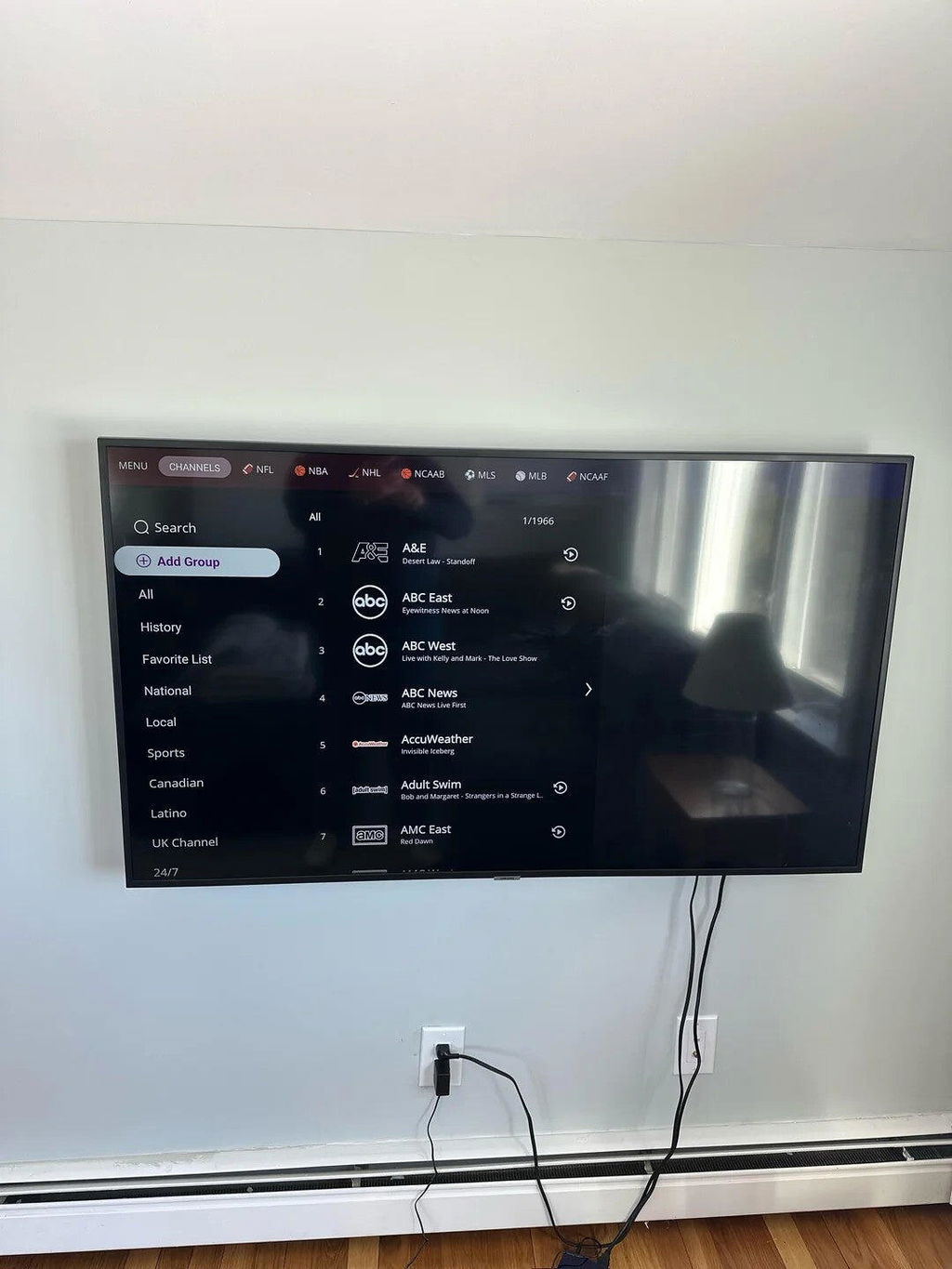
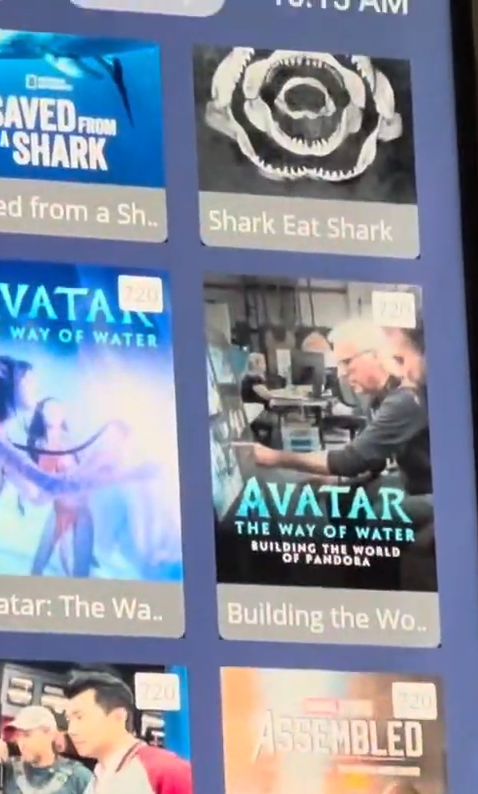
The channel library is huge. There are more than enough programs on here to keep everyone entertained.
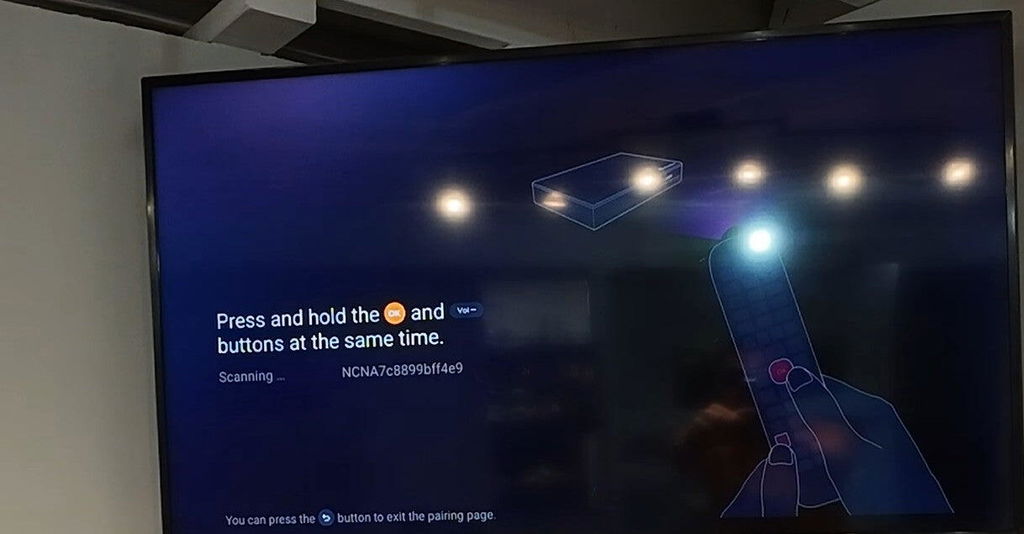
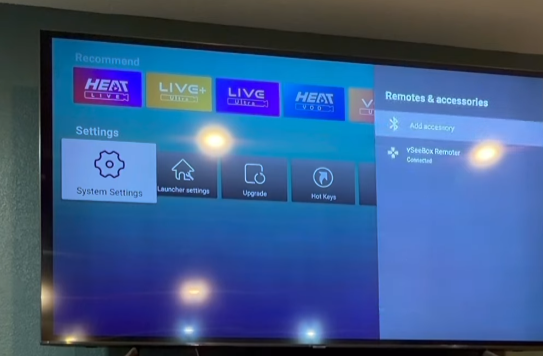
Pairing the remote via Bluetooth was incredibly fast and completely hassle-free during the setup. It synced up almost instantly with zero lag, and the wireless connection stays perfectly stable no matter where I am sitting in the living room.
It's so great
Love it !!
everything is working great. Small problem with remote and vSeeBox took care of it quickly.
It works great I live in sc and I am from wash DC and couldn't get any channels for the DC area football without a lot of money now I can watch everything I want
This device comes loaded with so many great app choices, giving me endless streaming options right out of the box. There are tons of platforms and pre-installed channels to explore, meaning I never run out of interesting movies or live shows to watch.
Love the playback feature on this. It lets me easily replay and catch up on all the NBA games I ended up missing during the week.
Definitely feel like I got my money's worth with this device. The built-in parental control tools are super useful because I can easily manage screen time limits and I don't have to constantly worry about my kids watching too much television.
It is great that you aren't just limited to the app store. I can easily load my personal movie files onto a drive, plug it into the port, and watch them with zero hassle.
I got rid of my old Stick (No offense it, but that stick was doing too much, lagging, etc... and had to go!) and switched to this vSeeBox TV Streamer instead!!!
(...As I'm sure a lot of people are doing now!)
This literally arrived overnight! I ordered it at like 6 pm, and then literally had this in my hands the next day at 11 am! Love the super fast shipping!
I love my new vSeeBox! It was super easy to set up, and customize! I love how I was able to customize it exactly to my liking! Quick and easy! It connects to the internet easy with no problems!
If anything changes after a while of using this, I will do my best to update about it here!
It's a little pricey so I took a chance like most people & I was very pleasantly surprised how much I liked it that I'm thinking of getting a 2nd one. Definitely take advantage of he mic "Google voice assistant" on the remote. Believe it or not, it's one of the best feature on a android tv box. You can be watching something else & ask about the weather or ask it to switch to another channel.
The catch-up function was a main reason I chose this box. It works just as I hoped, making it easy to go back and watch any programs or local broadcasts I missed during my shifts.
The built-in settings let me easily restrict certain adult content and channels. It gives me peace of mind whenever my younger kids are playing around with the remote alone.
The configuration steps were super straightforward. Took me maybe three or four minutes to get everything hooked up and running.
As someone who works with multiple monitors all day, this box is a lifesaver. I can easily keep a show running on one screen while answering emails and getting work done on the other. It makes multitasking during long workdays so much better.
Works pretty darn well. I like that it integrates a lot into one box. It's quicker to navigate around than other slow systems.
The device works as described, but setup wasn’t seamless. Took me about 20 minutes to figure out the menu. Once configured, channel switching is normal.
The motion handling is smooth during fast-paced football games. I don’t see any of that annoying ghosting or blurry trailing effects around the ball anymore.
I love watching movies with the lights turned off, so the backlit remote is an absolute lifesaver for me. The buttons light up perfectly without being too bright, making it incredibly easy to navigate and change channels in total darkness without pressing the wrong thing.
I am extremely satisfied with the v6 max streaming device (packaged with the included remote control). The unit operates great and is highly responsive, providing a seamless entertainment experience. I appreciate that it features *4 GB of RAM*, which enables smooth multitasking and fast app launches.
One of my favorite things about this player is how fast it switches between different video qualities. When I toggle a stream from standard to high definition, it registers immediately and changes the feed without making me sit through a long loading circle.
Compact and easy to set up. The Android 14 interface is smooth for basic streaming, and WiFi 6 provides stable connectivity on both 2.4GHz and 5.8GHz.
The compact size makes it incredibly easy to tuck away out of sight.
The channel library is huge. There are more than enough programs on here to keep everyone entertained.
Pairing the remote via Bluetooth was incredibly fast and completely hassle-free during the setup. It synced up almost instantly with zero lag, and the wireless connection stays perfectly stable no matter where I am sitting in the living room.
It's so great
Love it !!
everything is working great. Small problem with remote and vSeeBox took care of it quickly.
It works great I live in sc and I am from wash DC and couldn't get any channels for the DC area football without a lot of money now I can watch everything I want
This device comes loaded with so many great app choices, giving me endless streaming options right out of the box. There are tons of platforms and pre-installed channels to explore, meaning I never run out of interesting movies or live shows to watch.