

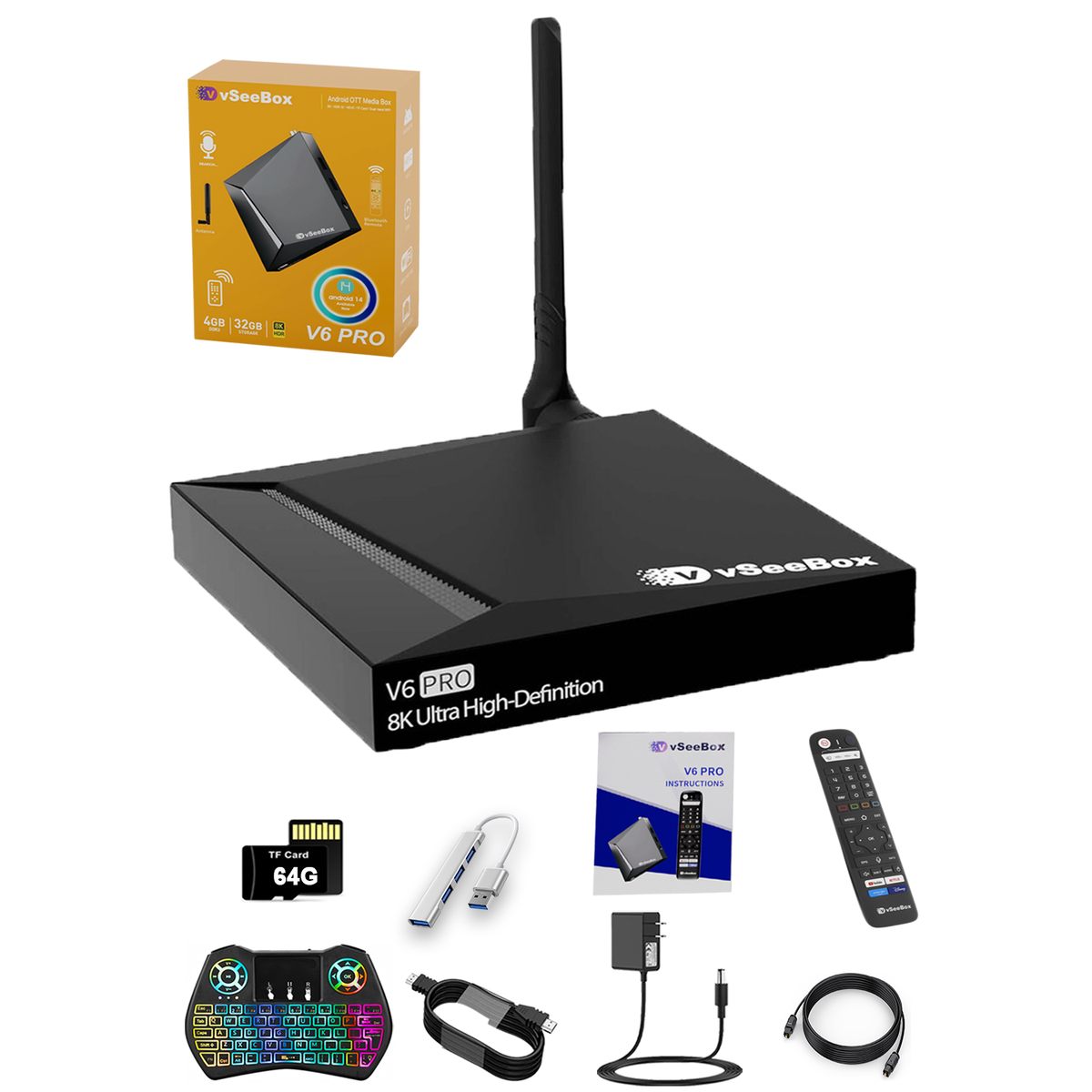
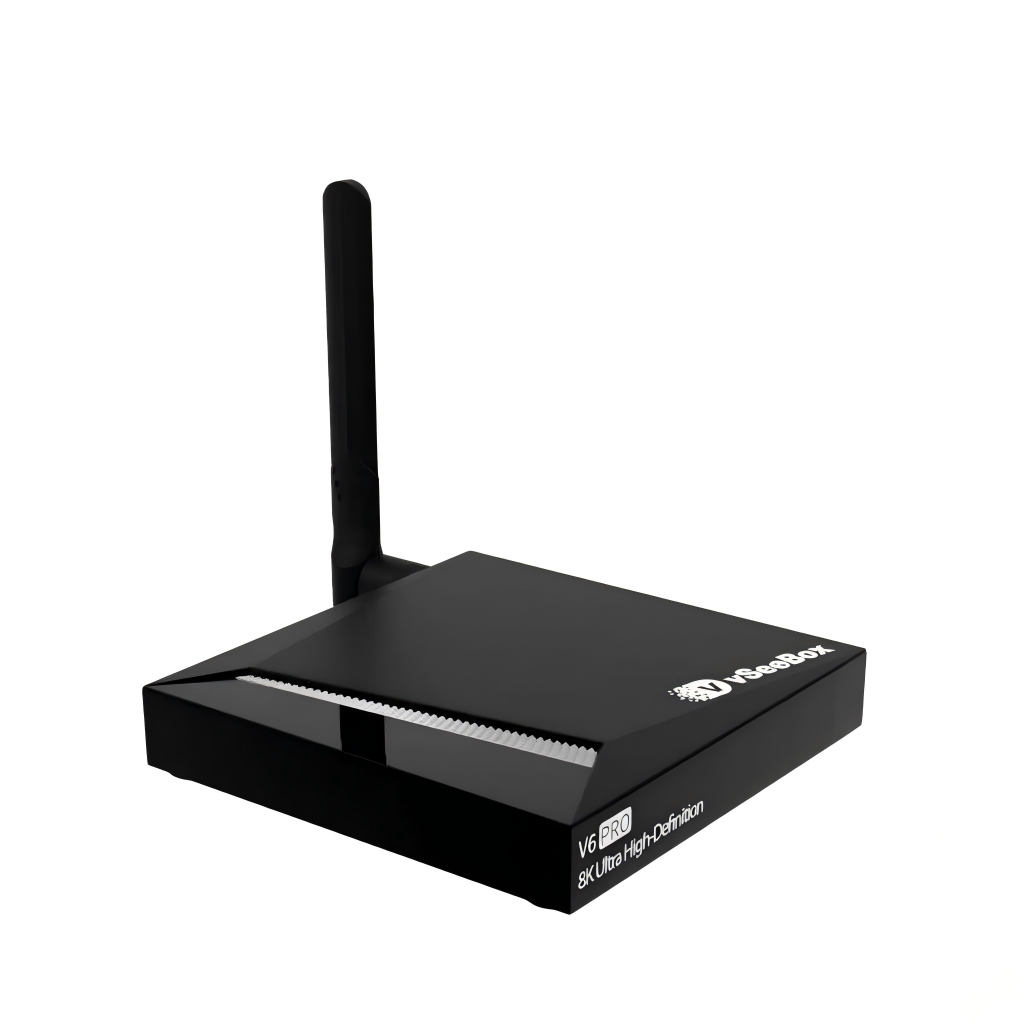
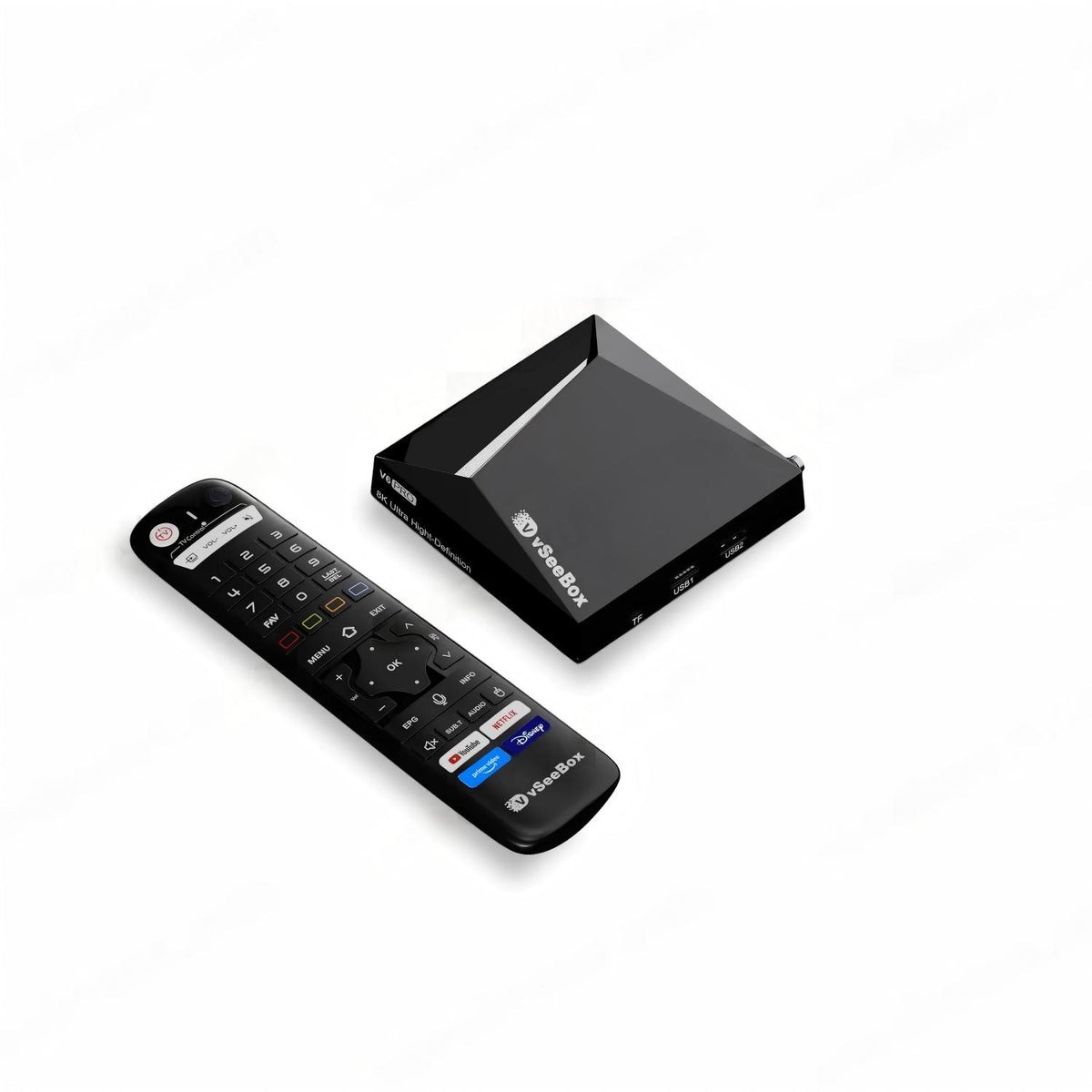
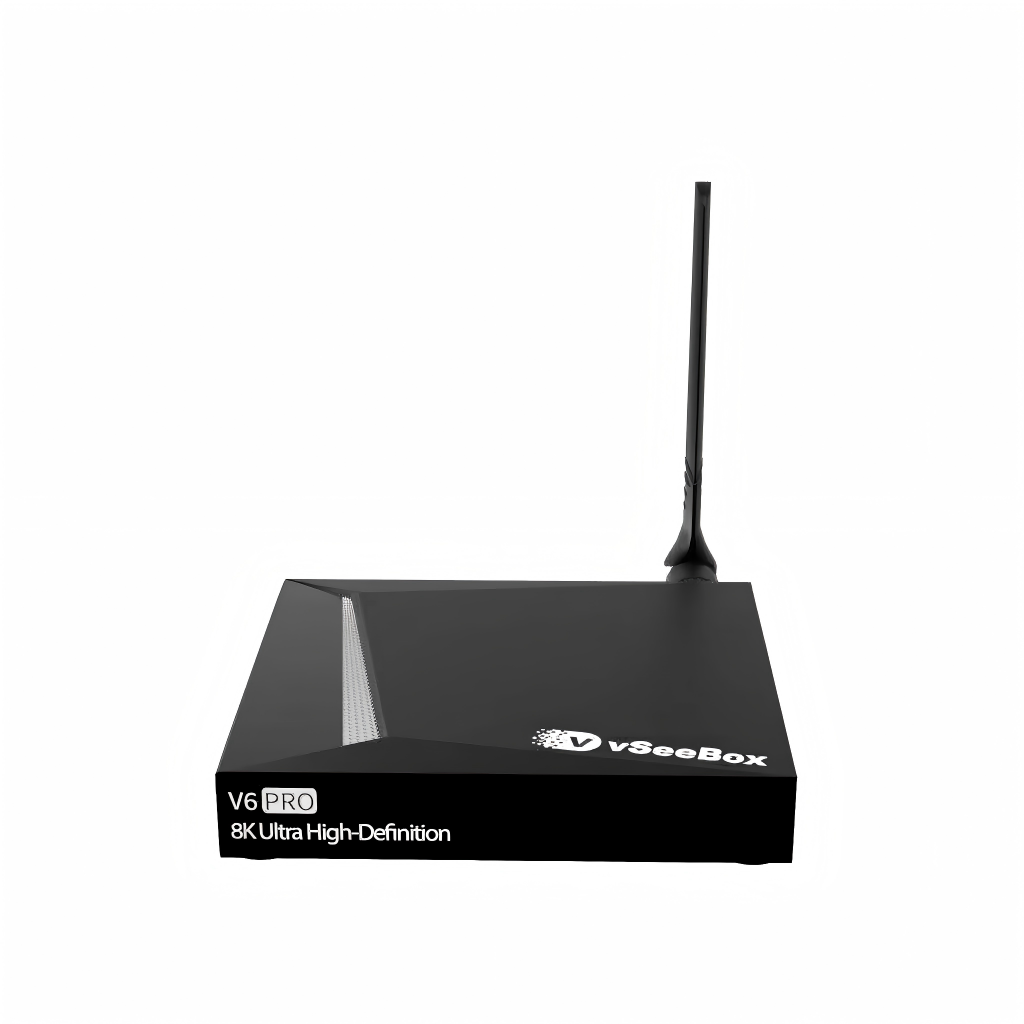
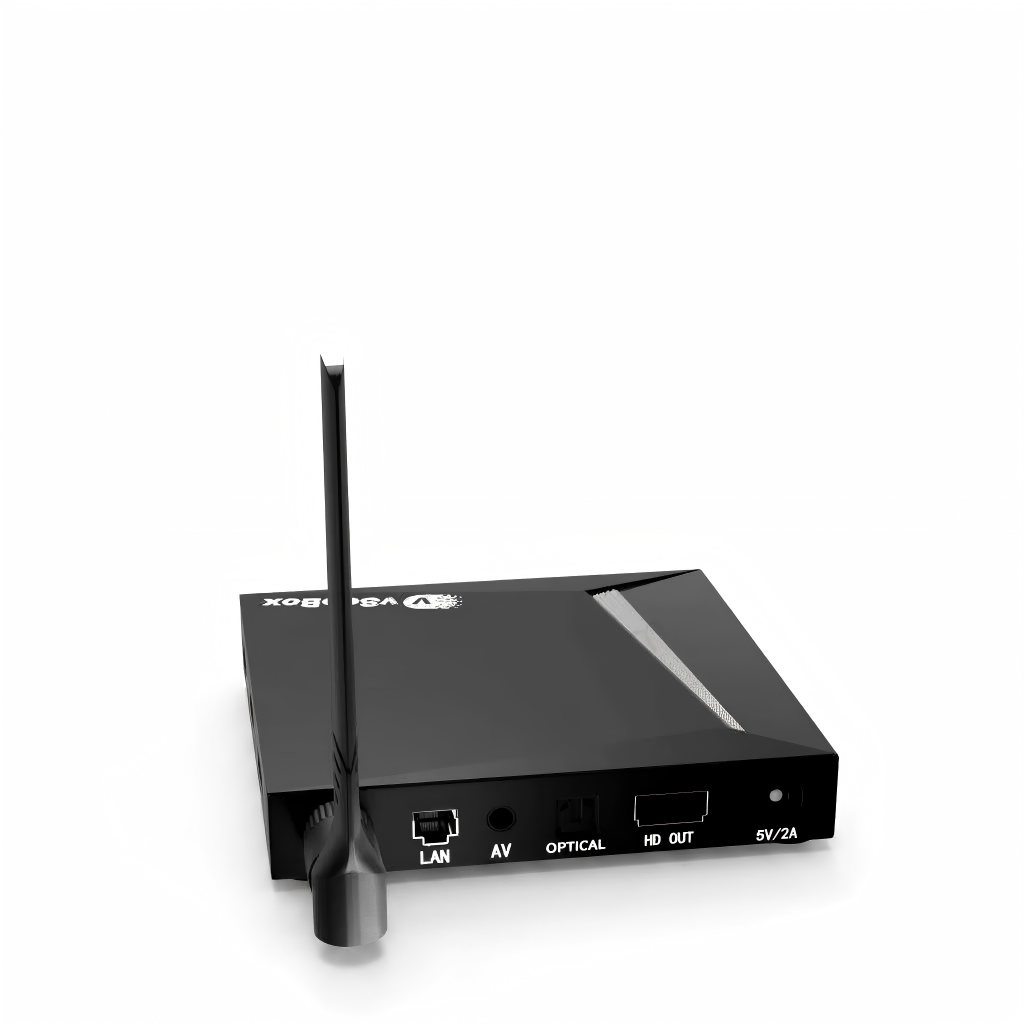
vSeeBox V6 Pro with Extra Accessories(Backlit Keyboard, USB Hub, 64G TF Cards..)
Currency Info: Charges are processed in [HKD]. Your bank may apply conversion fees or slight rate differences.
Pairs well with
In stock! Ships within 1-2 business days.
30-day risk-free trial
1-Year Warranty
Complimentary shipping & returns
- Android 14.0 OS
- Automatic OTA Firmware Updates
- vSeebox Smart Bluetooth Voice Remote
- Wi-Fi 6 Supported
- Google Assistant Compatible
- 7 Days Playback (Time-shifting) Feature
- RTL8822CS 2T2R (2 Transmitters, 2 Receivers) Antenna and 2.4G/5G Dual-Band WiFi
- 4GB DDR3 RAM, 32GB eMMC Internal Storage
- Supports 8K HDR Output and 6K@60fps Video Decoding Output
- Quad-core ARM Cortex-A53 Processor (Allwinner H618 Chipset)
- LAN Port:RJ45 Interface 10M/100M/1000M adaptive
- Product List:
- 2026 Latest vSeebox V6 Pro x 1
- vSeebox Bluetooth Voice Remote Control x 1
- User Manual x 1
- HDMI Cable x 1
- Power Supply x 1
- External Antenna x 1
- Accessory List:
- Keyboard x 1
- 3.0 USB Hub x 1
- 64G TF Card x 1
- Audio Cable x 1
vSeeBox V6 Pro with Extra Accessories(Backlit Keyboard, USB Hub, 64G TF Cards..)
If you have any questions, you are always welcome to contact us. We'll get back to you as soon as possible, within 24 hours on weekdays.
-
Shipping Information
Use this text to answer questions in as much detail as possible for your customers.
-
Customer Support
Use this text to answer questions in as much detail as possible for your customers.
-
FAQ’s
Use this text to answer questions in as much detail as possible for your customers.
-
Contact Us
Use this text to answer questions in as much detail as possible for your customers.
vSeeBox Shipping
Shipping Carriers
We ship via UPS/FedEx/USPS, depending on your location and package size.
Order Processing
- Mon-Thu orders: Tracking number will be generate within 24 hours.
- Fri-Sun orders: Tracking number will be generate on Monday.
- Orders placed after 6:00 PM, on weekends, or holidays will be shipped on the next business day.
Processing time: 1–2 business day
Attention: Orders are not processed on Weekend and Holiday.
Delivery Updates
Please allow 48 hours after receiving your tracking number for the carrier to display the estimated delivery date.For any questions, please email us. We will respond within 24 business hours.
Holiday Shipping Notice
Please note that during U.S. federal holidays, our warehouse may be closed or operate on reduced hours. Orders placed during these times may experience slight delays. We appreciate your patience and understanding.
Estimated Delivery Time
- United States: 2–7 business days
- USA Remote Regions: 5-15 business days
Total estimated delivery time:
- United States: 1–2 day processing + 1–5 days transit = 2–7 business days
Delivery times may vary slightly depending on your exact location and carrier operations.
vSeeBox FAQs
Is there any product warranty?
1 year warranty and lifetime customer support. 30-day return and exchange.
What it's shipping policy?
Please check Shipping Policy
What it's refund policy?
Please check Refund Policy.
Where can I track my order?
Please check Order Tracking
Where can I apply for a return or exchange?
Please check 30-day return and exchange.
Do you have a vSeeBox Certificate of Authorized Distributor Verification?
vSeeBox Vision is official retail store, which is factory-to-consumer.
vSeeBox won't turn on
1. Check the Front LED Power Light
- No light at all: Power is not reaching the unit (dead adapter, loose connection, or faulty outlet).
- Red light: The box is receiving power but stuck in standby or failing to boot.
- Blue/Green light: The box is actually ON. The issue is display-related rather than power-related.
2. Verify Power Connections
- Plug the power adapter directly into a known-working wall outlet rather than a power strip or surge protector.
- Ensure the DC power jack is fully and firmly pushed into the back of the box.
- If you have a spare compatible power adapter (5V / 2A or 5V / 3A with matching barrel plug size), test it. A failed power adapter is the most common cause of a box that won't turn on.
3. Test Remote & Manual Powering
- Replace the AAA batteries in the remote.
- If the remote unpaired from Bluetooth, point it directly at the front receiver (infrared mode) from 2–3 feet away.
- Unplug the power cable, wait 30 seconds, and plug it back in. Most vSeeBox models automatically initiate boot-up when power is restored without needing the remote.
4. Fix Display Output Issues (If LED Light is Blue)
- Verify your TV source input matches the physical port used (e.g., HDMI 1, HDMI 2).
- Disconnect and reconnect both ends of the HDMI cable, or test a different HDMI cable.
- Plug the box into a different TV or monitor to rule out HDMI handshake/resolution incompatibilities.
4. Damage Box
- Apply for exchange
Network troubleshooting for vSeeBox
You can find a solution based on this article:Network Troubleshooting for vSeeBox
How to fix vSeeBox live TV not working – no signal, frozen or crash fix
Please check this instruction
What’s the difference between model V6 plus and V6 max?
Both the VSeeBox V6 Plus and V6 Max run on Android 14 and support 8K UHD streaming, Wi-Fi 6, Bluetooth, and smooth playback for live TV and on-demand content. At first glance, their core specs look similar, but the real difference is in performance optimization and software features.
The V6 Plus is equipped with a newer chipset that delivers faster response times, smoother app switching, and better multitasking. It also supports split-screen mode, making it more suitable for power users or families who frequently switch between apps. In addition, the V6 Plus offers broader media and audio format compatibility and access to newer features.
The V6 Max, on the other hand, focuses on stability and everyday streaming needs. It delivers reliable 8K playback without extra multitasking features and is often priced more affordably.
How to use split-screen mode on the vSeeBox V6 Plus
Please following this video on YouTube
How to setup my vSeeBox V6 Plus/V6 Max/V6 Pro/V5 Pro?
Please following this video on YouTube
How to program the VSeeBox V6 Max,V6 Pro and V6 Plus remotes to control your TV
Please following this video on YouTube
Loads feeds quickly and the wireless signal strength stays consistently high.
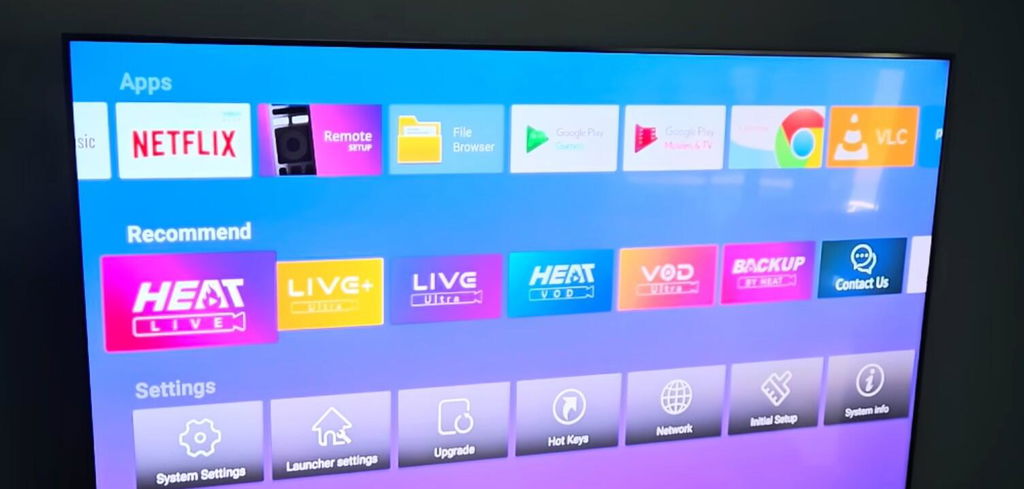
Me and my kids were honestly shocked by the picture quality on this thing. The 8K resolution looks incredibly sharp and crisp on our brand new living room television screen.
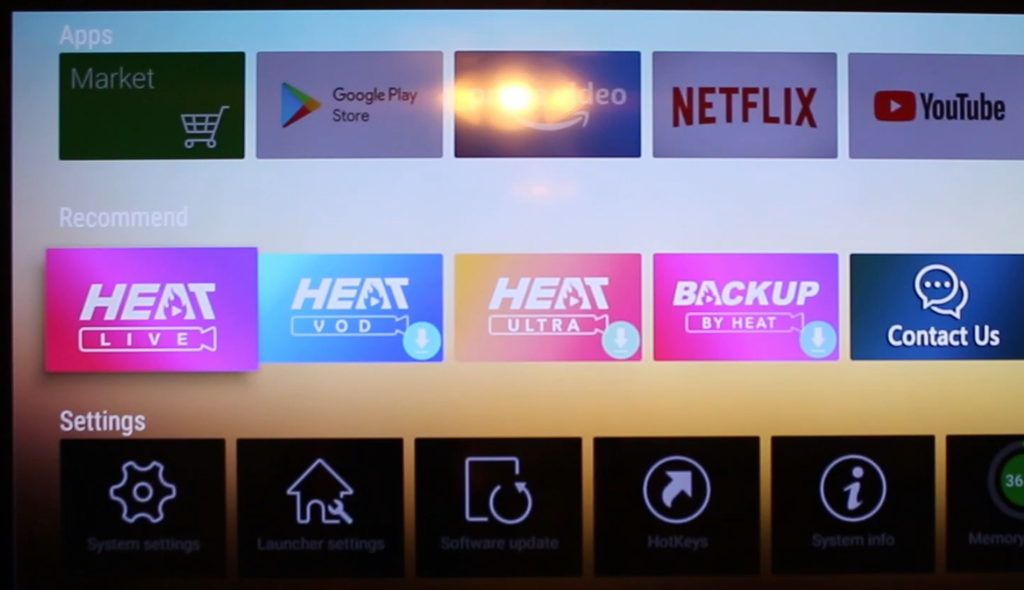
The vSeeBox is a solid streaming device overall. It’s fast, easy to set up, and the interface is simple to use. Apps load quickly, and 4K content looks great with Dolby Vision and HDR support.
One of the best parts is the voice remote. It works well enough for basic searches.
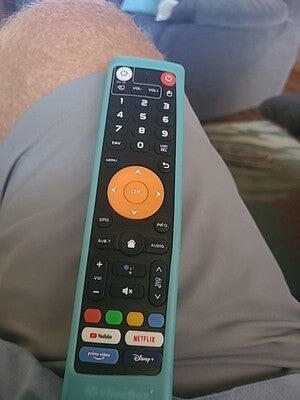
I look forward to heading home every evening just so I can relax and pull up a movie on this box. The selection of programs I actually enjoy watching is massive. There are so many specific channels and shows tailored to my exact interests that I never run out of things to play.
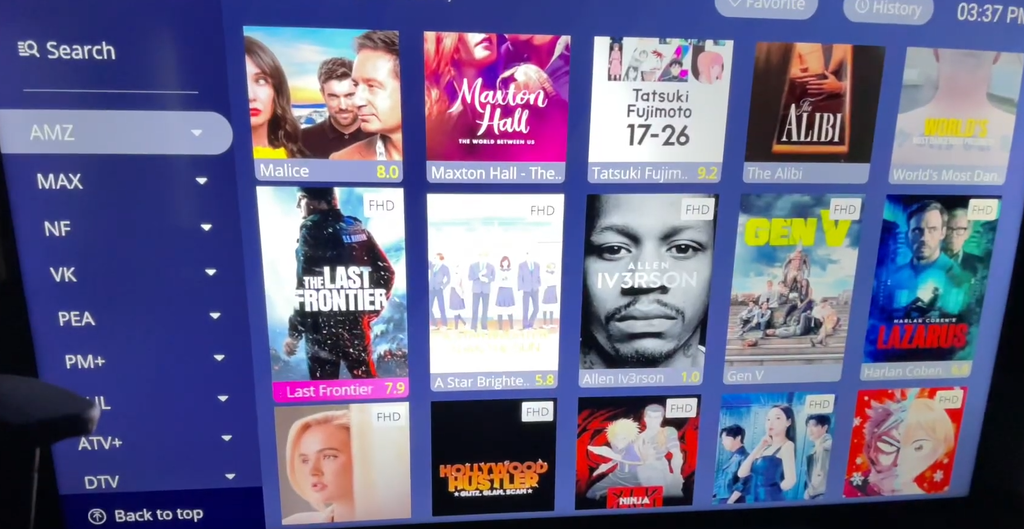
The resolution on this device is incredibly clear. Everything looks super crisp and bright, which makes watching high-definition live streams a lot better compared to using my old laggy media streaming box.
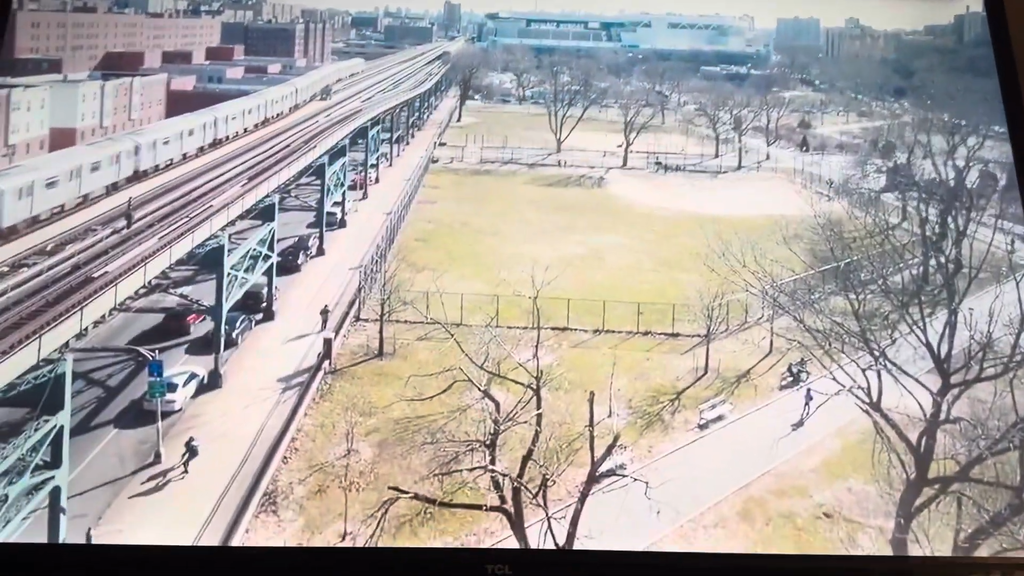
Really good purchase! Got all the mainstream apps I use: Netflix, YouTube, Prime, Disney+.
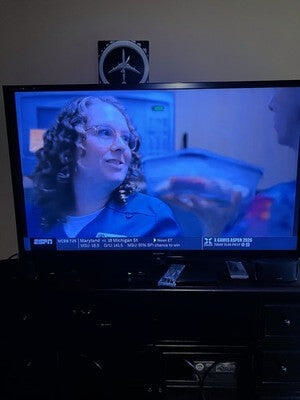
The picture quality is absolutely amazing on this device.
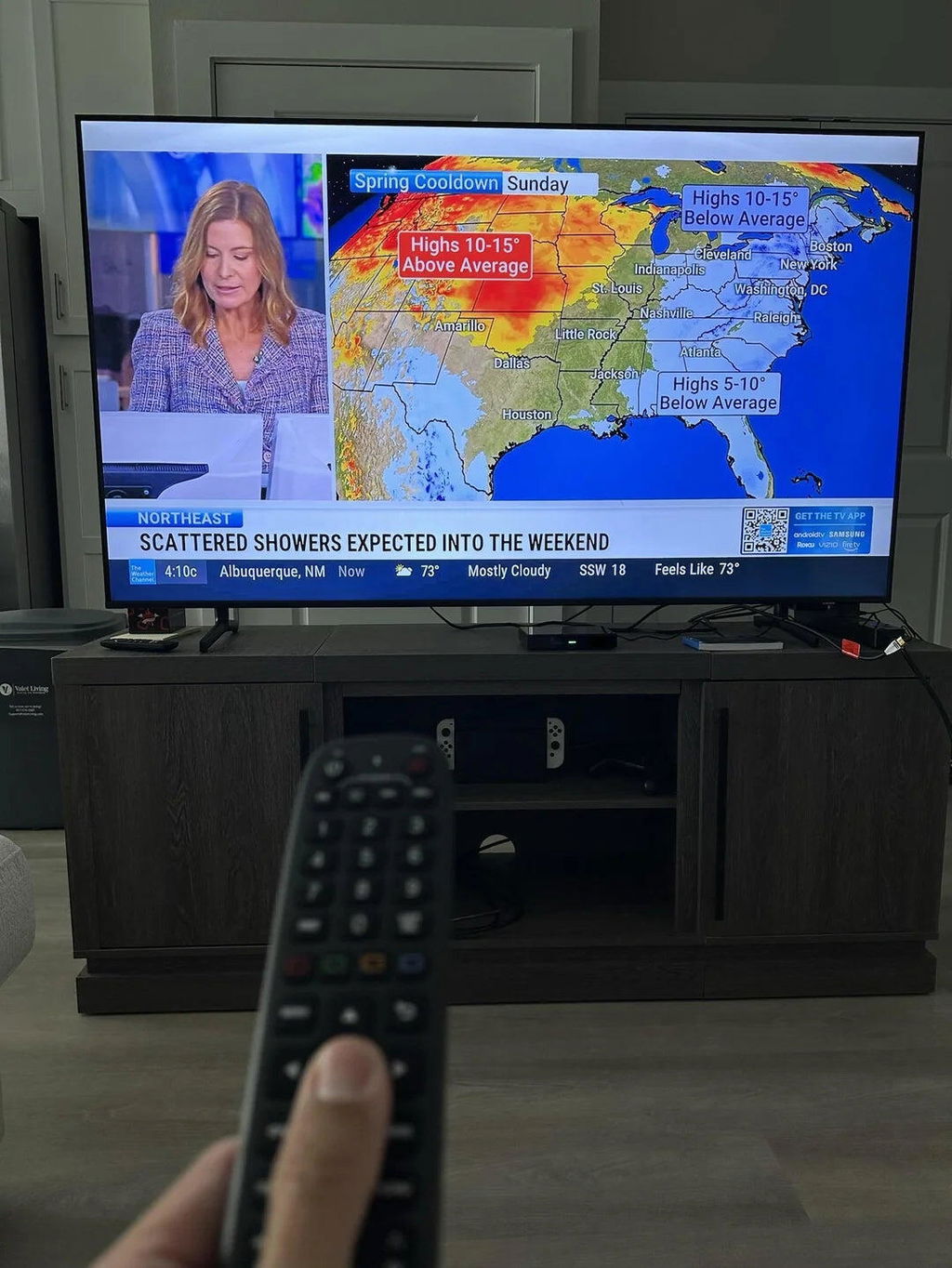
It turns on fine from standby mode, but it isn't exactly instant. Sometimes it sits on the loading screen for a few seconds before the home menu finally shows up, which gets a little annoying when you just want to watch TV.
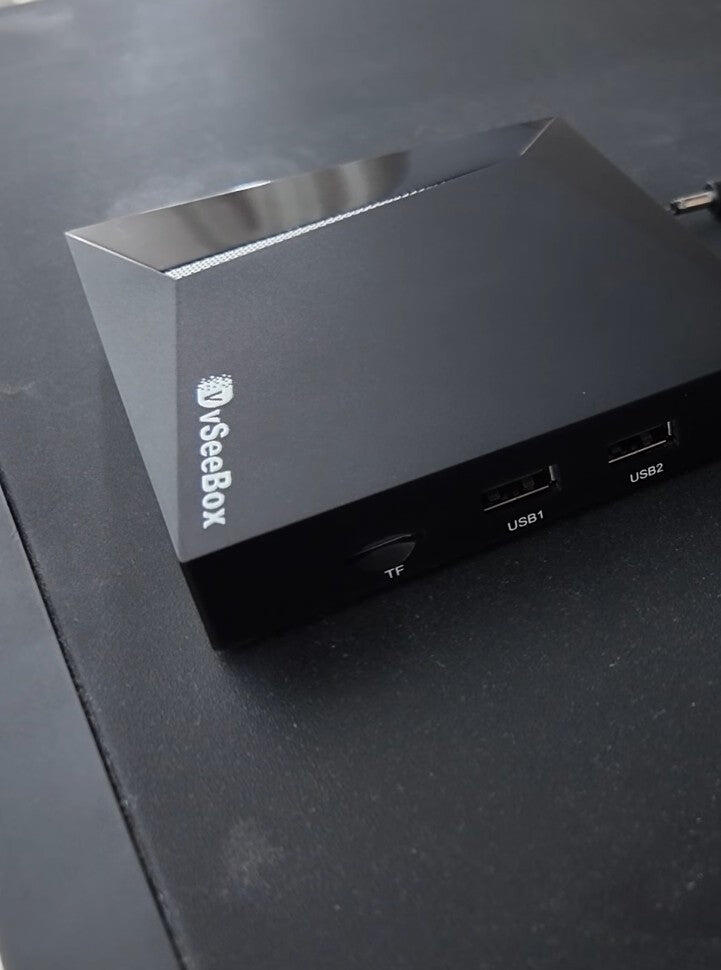
It’s quite compact. I just pushed it into the corner of my TV stand behind the soundbar and it disappears out of sight.
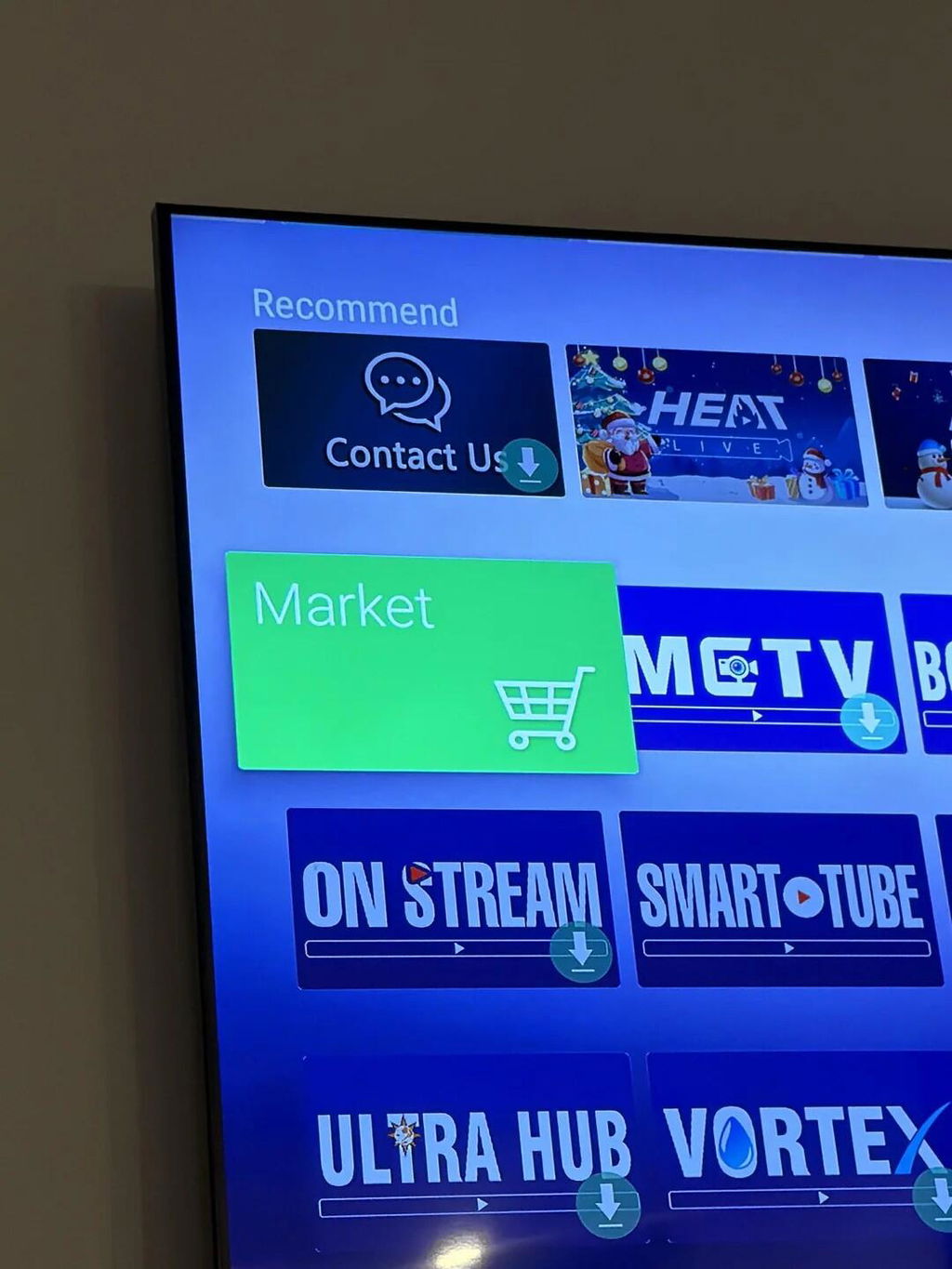
It has a standard channel mix.
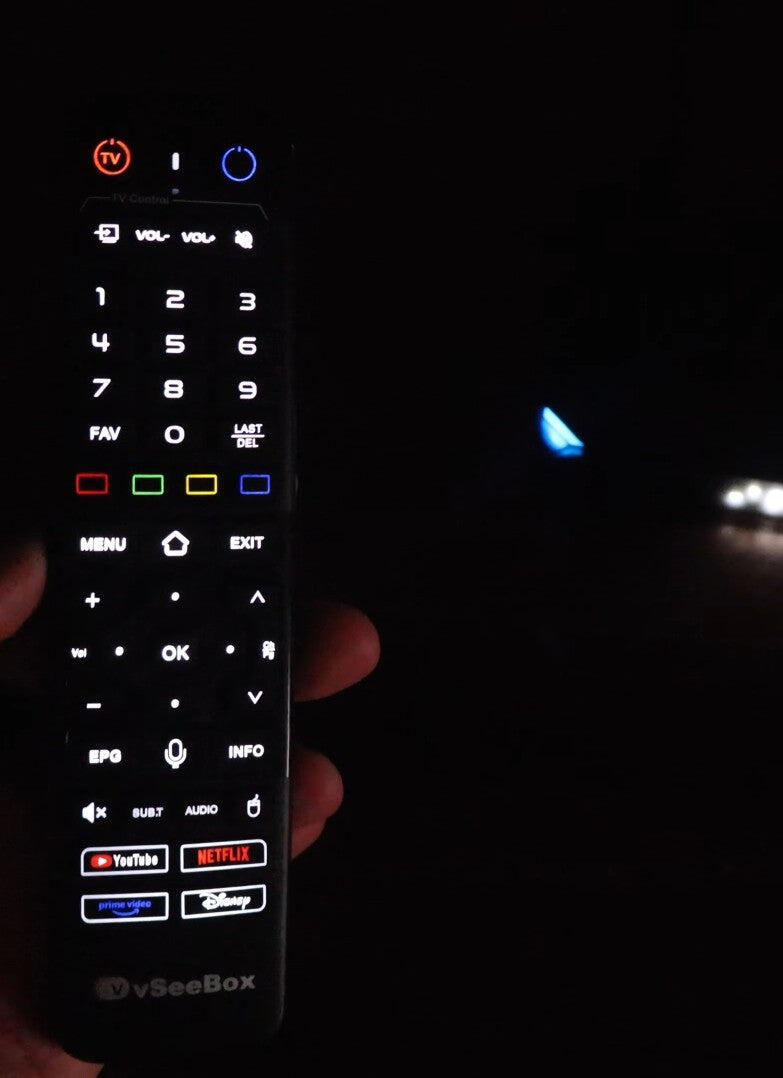
Thanks. Better than advertised
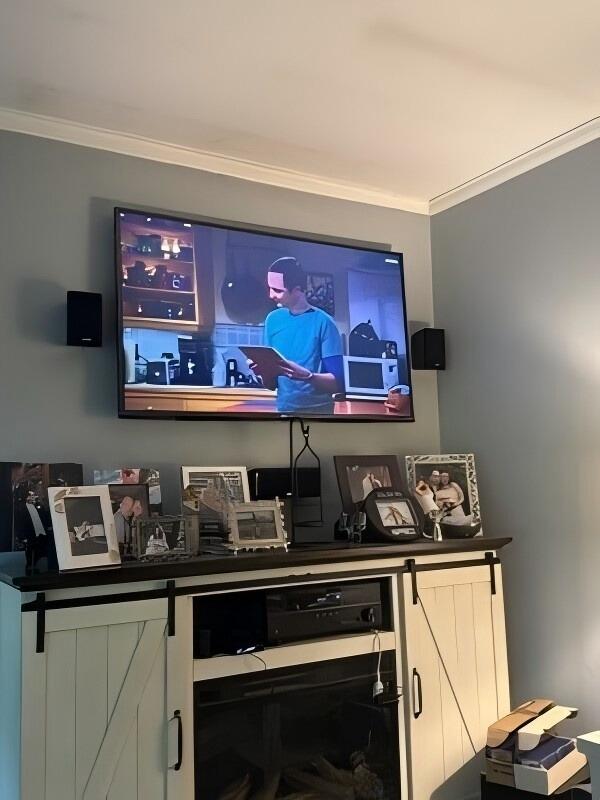
A coworker told me to grab one of these because I’m always working late shifts and missing my favorite soccer matches. It turns out to be a solid purchase. The playback feature works fine—I can easily go back and rewatch the games I missed earlier in the week whenever I finally have some downtime on the weekend.
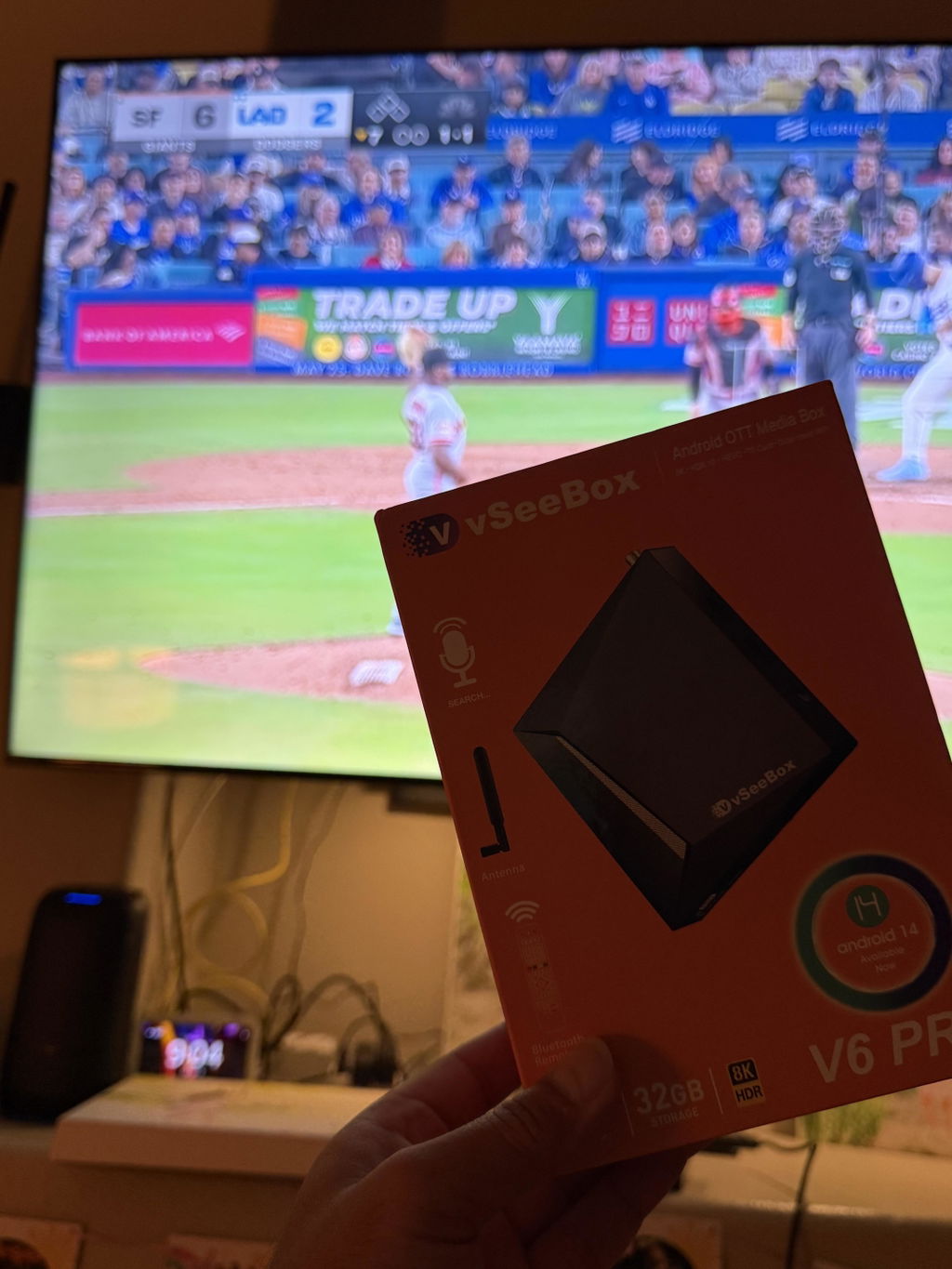
The VSEEBOX V6 Pro performs fast, streams cleanly, and the picture quality looks great on my Fire TV. I particularly appreciate the 7-day playback feature, which is very useful for catching up on missed shows. Although the seller initially sent the wrong model, they responded promptly when contacted and quickly arranged for the correct unit to be shipped to me. Communication was solid, and everything was handled professionally.
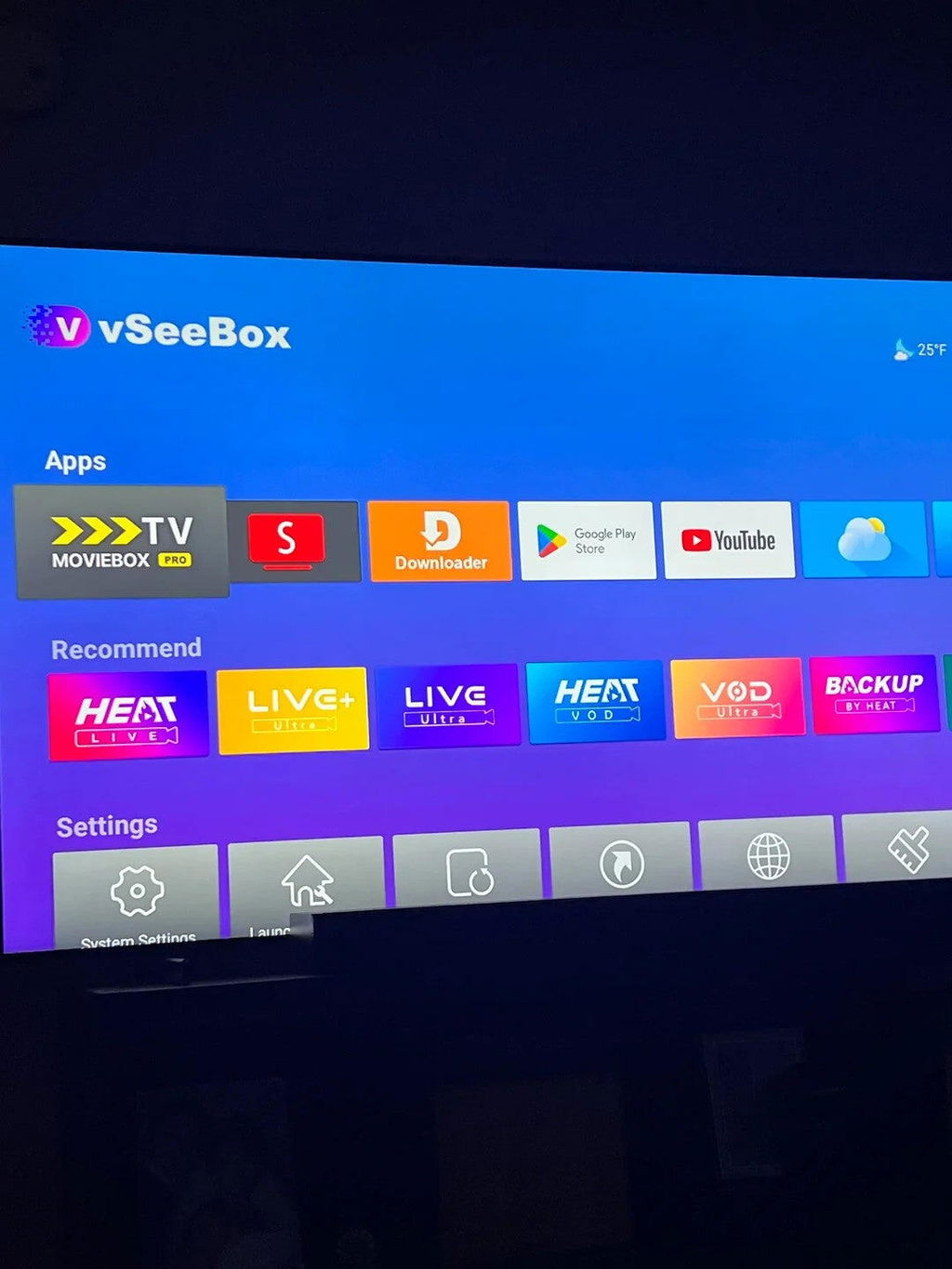
The playback function is easily the best part of this device. My parents are absolutely obsessed with it because they can go back and rewatch programs they missed earlier. It works incredibly smoothly and saves us from having to hunt for replay streams online.
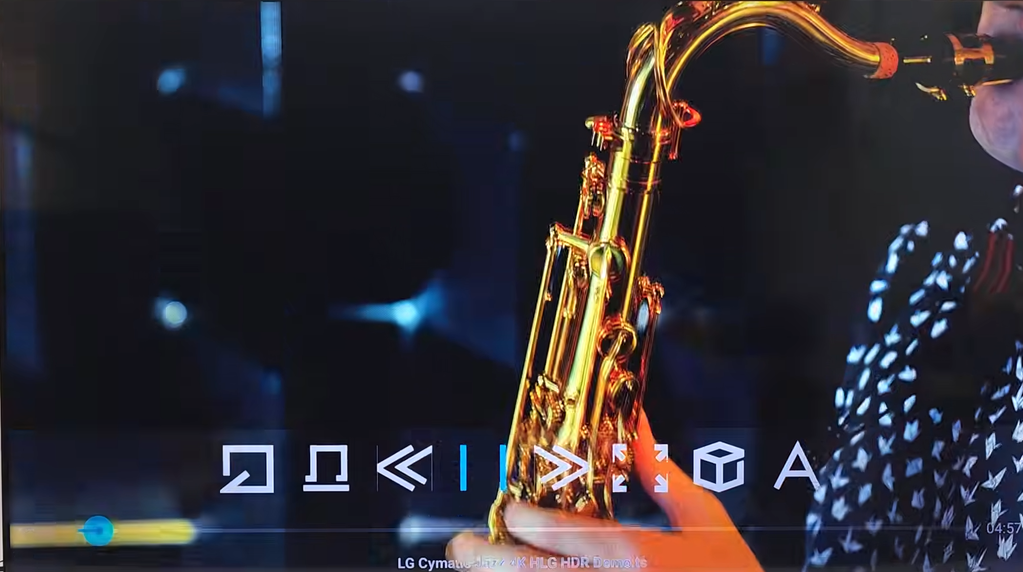
The content library is very impressive. It has a ton of great channels to choose from, including some hard-to-find international networks.
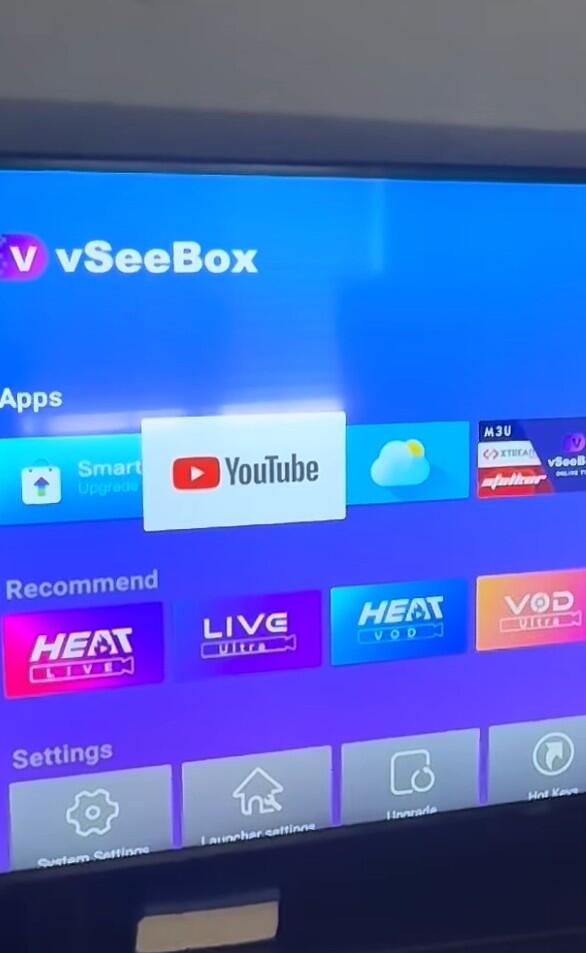
The product's app selection already gives you a massive choice of content right out of the package. But what I really love is that if you want to watch something else, you can just easily log into your own personal accounts on apps like YouTube to access your saved playlists and watch history. Extremely convenient.
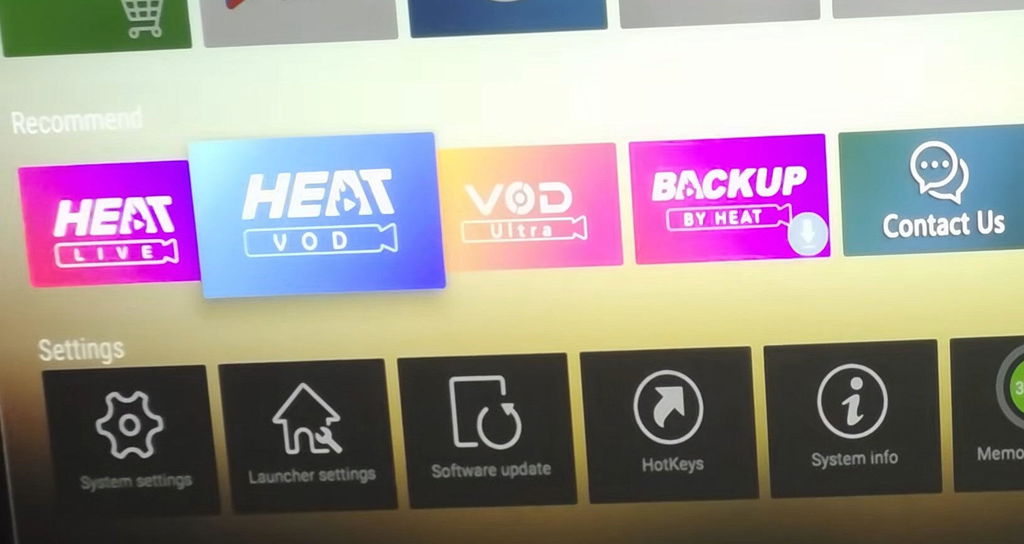
It has the usual mix of major networks and live TV options that you would expect from a box like this.
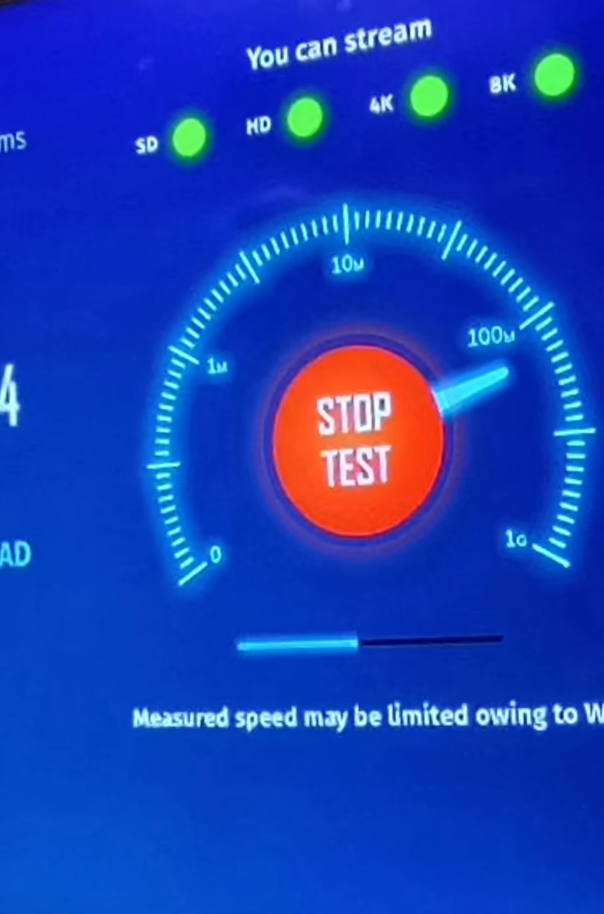
I am enjoying my vSee box. I would like more information on how I can download more 3rd party apps to access more channnels. I really the portability of the box. Thank you.
Why did I wait so long?! I should have bought the box several years ago. It has everything I want and more.
Freezing sometimes. But a great item for TV. I like it
It is incredibly easy to set up and start watching right away.
Loads feeds quickly and the wireless signal strength stays consistently high.
Me and my kids were honestly shocked by the picture quality on this thing. The 8K resolution looks incredibly sharp and crisp on our brand new living room television screen.
The vSeeBox is a solid streaming device overall. It’s fast, easy to set up, and the interface is simple to use. Apps load quickly, and 4K content looks great with Dolby Vision and HDR support.
One of the best parts is the voice remote. It works well enough for basic searches.
I look forward to heading home every evening just so I can relax and pull up a movie on this box. The selection of programs I actually enjoy watching is massive. There are so many specific channels and shows tailored to my exact interests that I never run out of things to play.
The resolution on this device is incredibly clear. Everything looks super crisp and bright, which makes watching high-definition live streams a lot better compared to using my old laggy media streaming box.
Really good purchase! Got all the mainstream apps I use: Netflix, YouTube, Prime, Disney+.
The picture quality is absolutely amazing on this device.
It turns on fine from standby mode, but it isn't exactly instant. Sometimes it sits on the loading screen for a few seconds before the home menu finally shows up, which gets a little annoying when you just want to watch TV.
It’s quite compact. I just pushed it into the corner of my TV stand behind the soundbar and it disappears out of sight.
It has a standard channel mix.
Thanks. Better than advertised
A coworker told me to grab one of these because I’m always working late shifts and missing my favorite soccer matches. It turns out to be a solid purchase. The playback feature works fine—I can easily go back and rewatch the games I missed earlier in the week whenever I finally have some downtime on the weekend.
The VSEEBOX V6 Pro performs fast, streams cleanly, and the picture quality looks great on my Fire TV. I particularly appreciate the 7-day playback feature, which is very useful for catching up on missed shows. Although the seller initially sent the wrong model, they responded promptly when contacted and quickly arranged for the correct unit to be shipped to me. Communication was solid, and everything was handled professionally.
The playback function is easily the best part of this device. My parents are absolutely obsessed with it because they can go back and rewatch programs they missed earlier. It works incredibly smoothly and saves us from having to hunt for replay streams online.
The content library is very impressive. It has a ton of great channels to choose from, including some hard-to-find international networks.
The product's app selection already gives you a massive choice of content right out of the package. But what I really love is that if you want to watch something else, you can just easily log into your own personal accounts on apps like YouTube to access your saved playlists and watch history. Extremely convenient.
It has the usual mix of major networks and live TV options that you would expect from a box like this.
I am enjoying my vSee box. I would like more information on how I can download more 3rd party apps to access more channnels. I really the portability of the box. Thank you.
Why did I wait so long?! I should have bought the box several years ago. It has everything I want and more.
Freezing sometimes. But a great item for TV. I like it
It is incredibly easy to set up and start watching right away.